4.8 rating based on total orders
In stock and ready to ship
LIMITED SALE
1 x Wifi Range Extender
1 x Reset Needle
1 x User Manual
Frequently Asked Questions
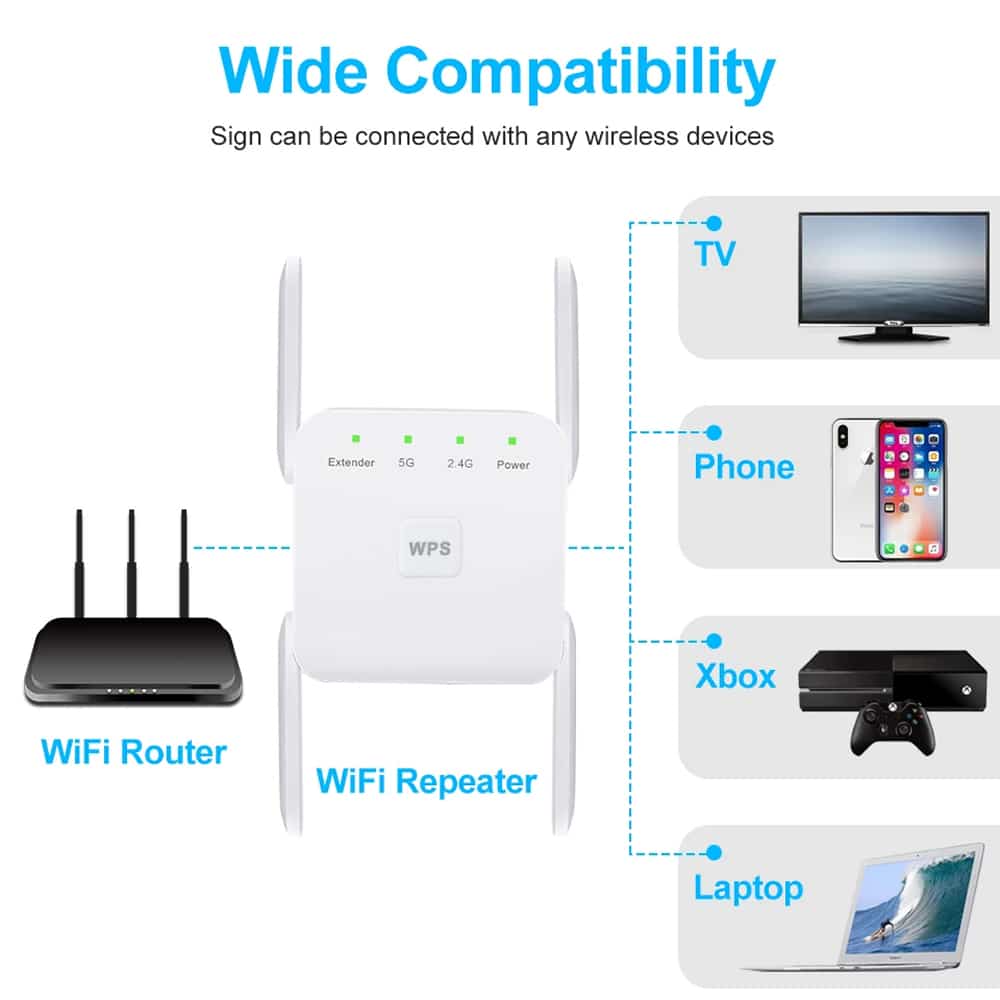
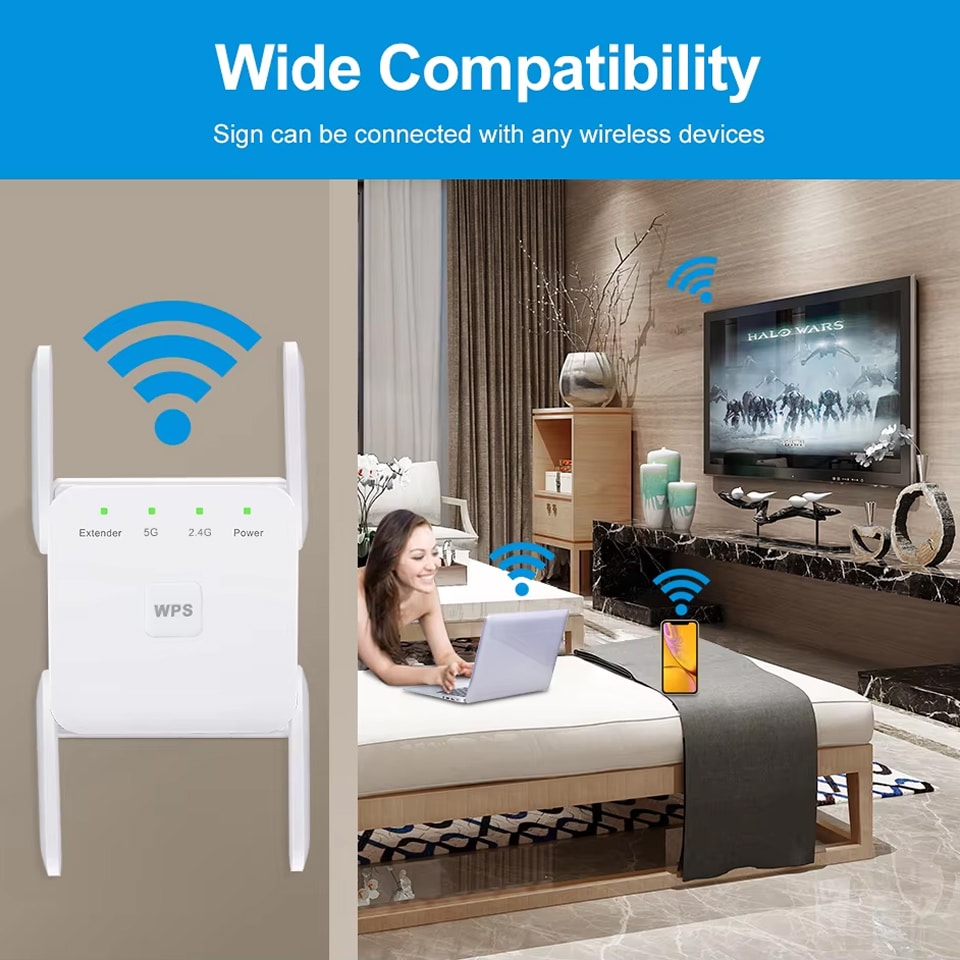
Yes, the WiBoofy WiFi Range Extender is universally compatible with any standard 802.11a/b/g/n/ac router from any manufacturer. It works seamlessly with routers from major brands and internet service providers without requiring special configurations.
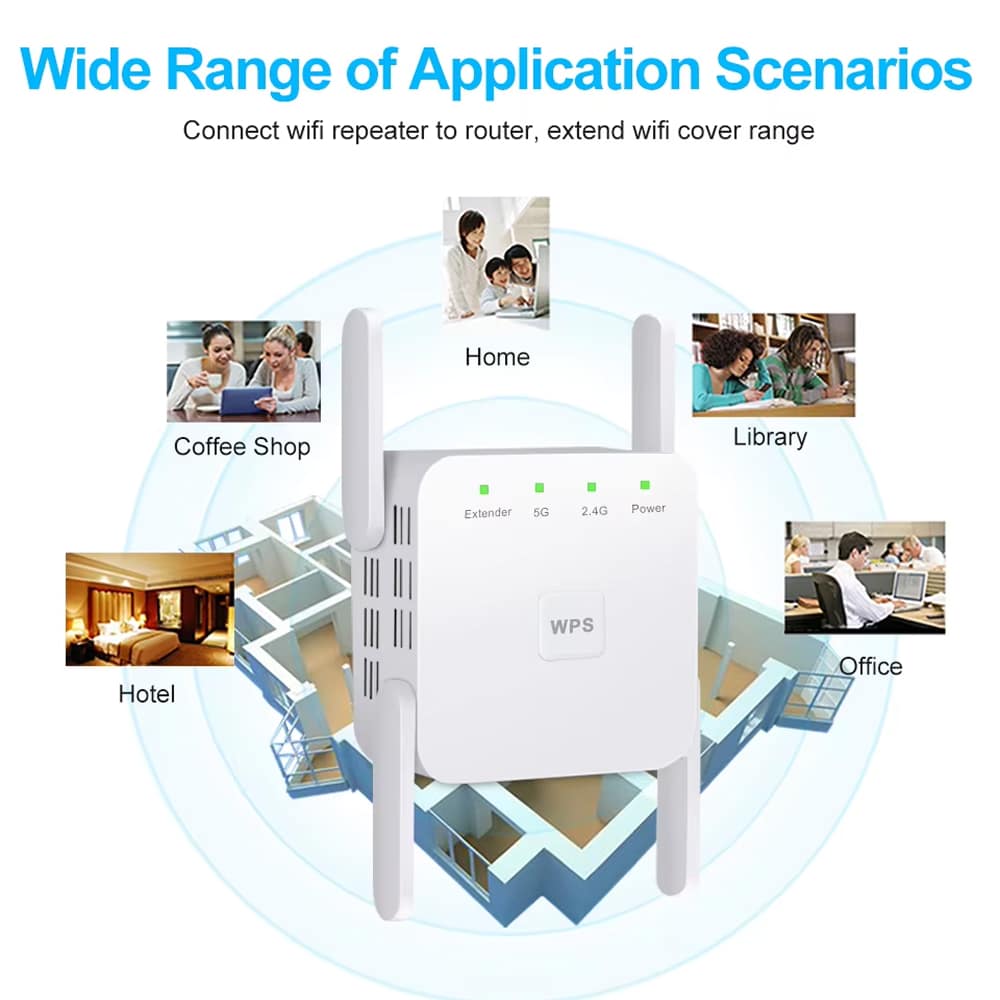
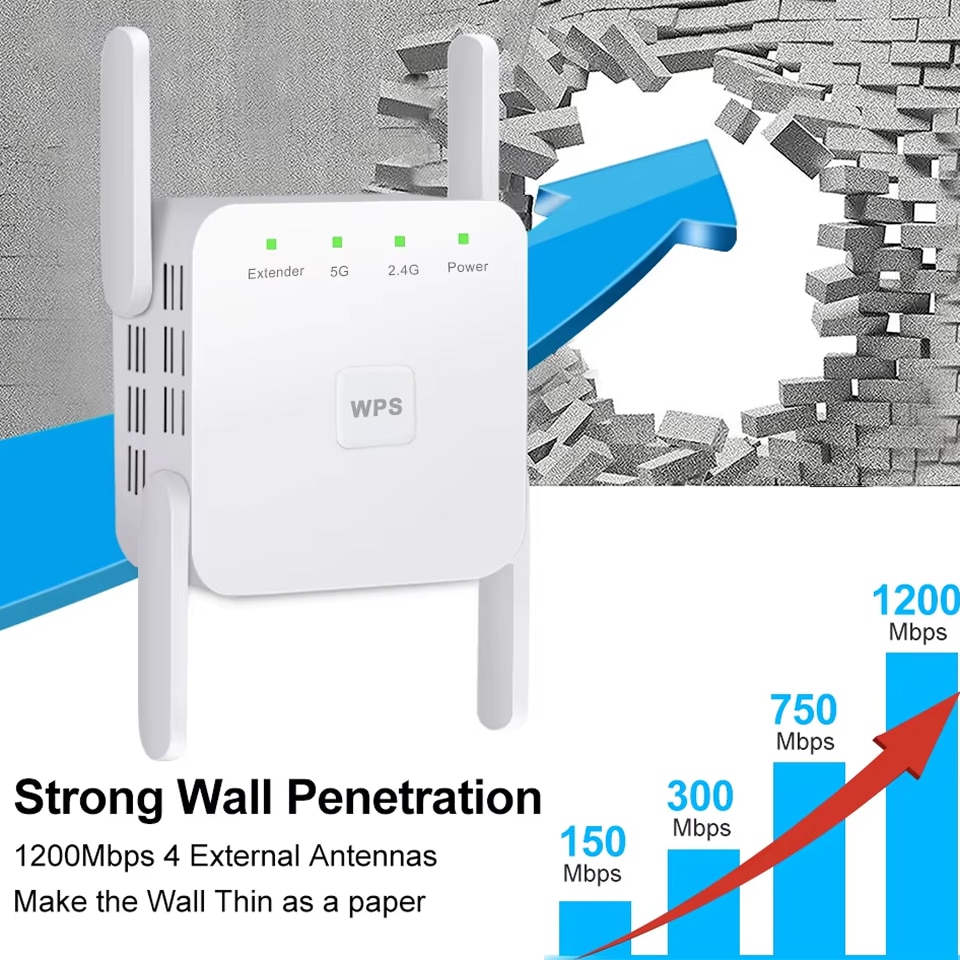
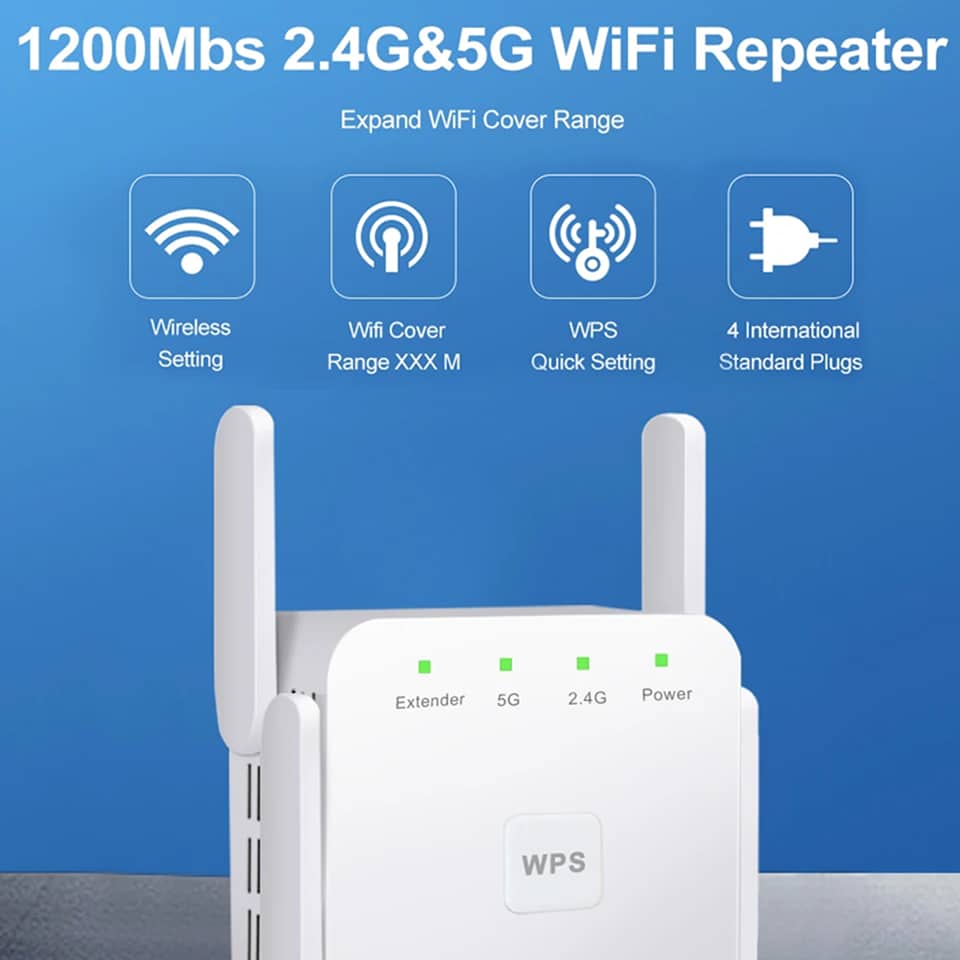
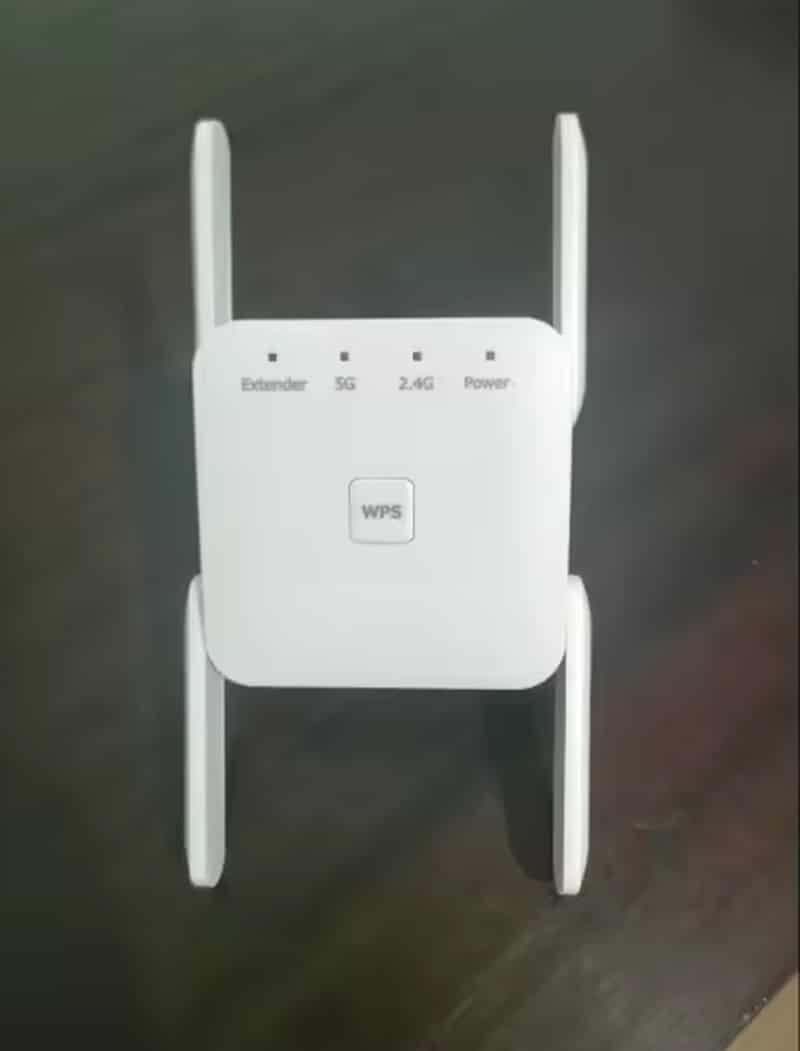
The WiBoofy extends WiFi coverage up to 100 feet from your router, depending on wall thickness and interference. Four high-gain antennas ensure strong signal penetration through multiple walls, floors, and obstacles for comprehensive whole-home coverage.
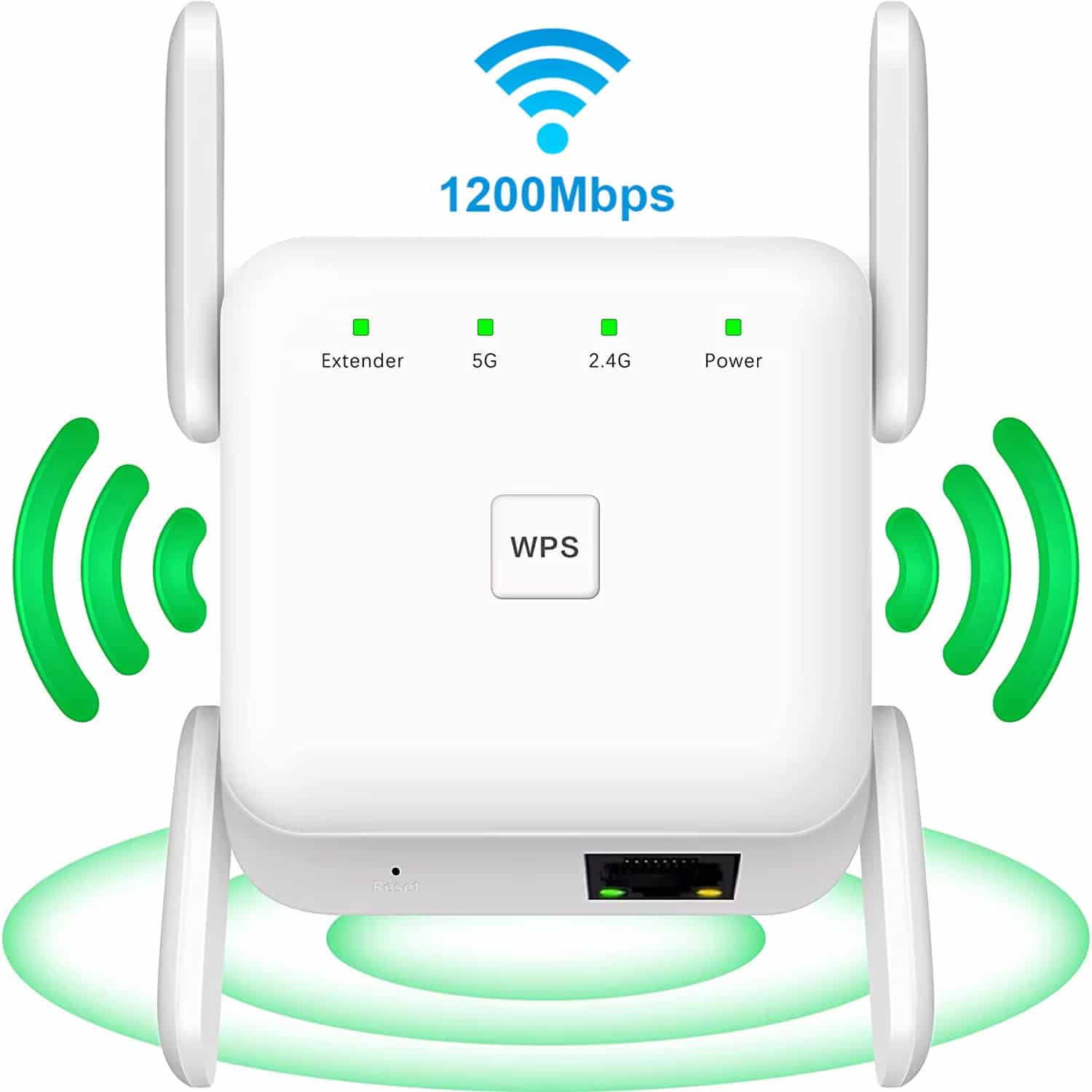
The 2.4 GHz band offers longer range (300 Mbps) ideal for browsing and IoT devices, while 5 GHz provides faster speeds (867 Mbps) perfect for streaming and gaming. The WiBoofy uses both simultaneously for optimal performance.
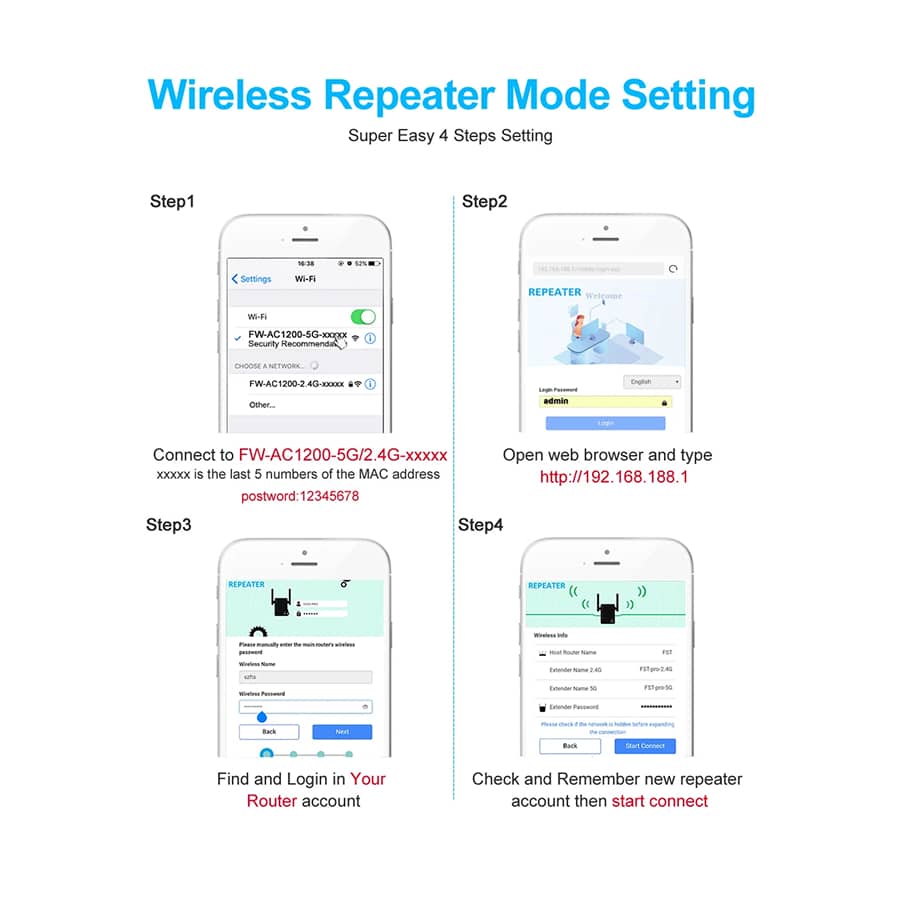
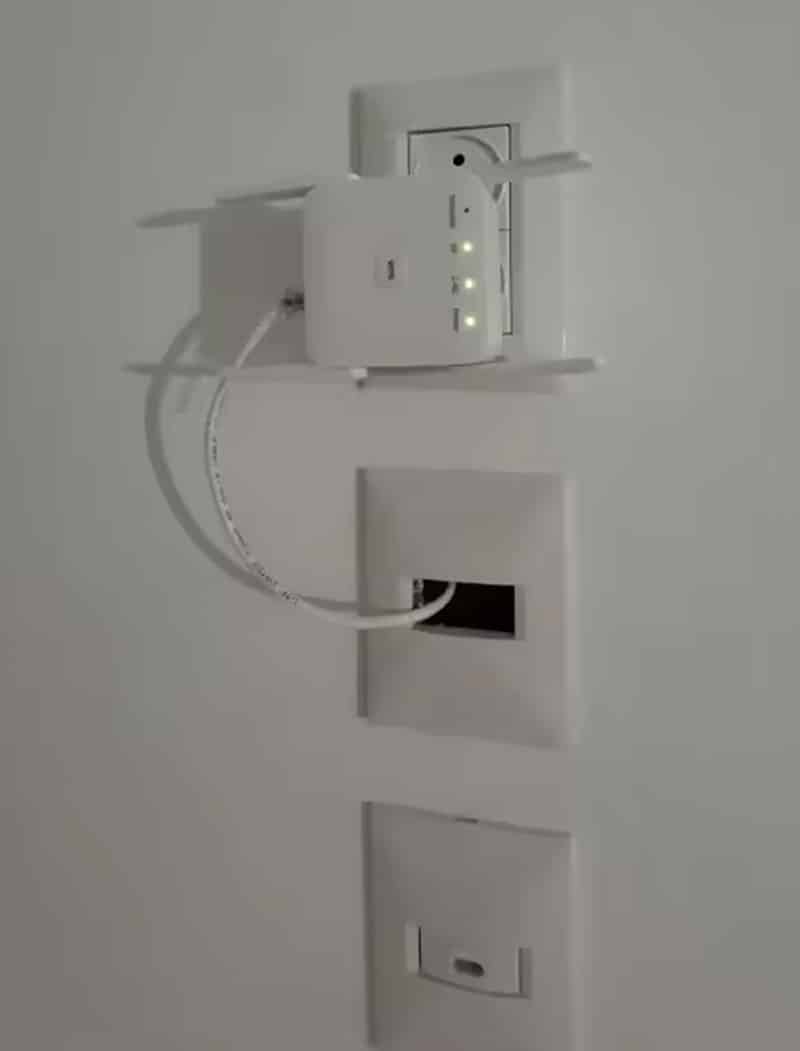
Absolutely. Switch to AP (Access Point) mode by connecting an Ethernet cable from your router to the WiBoofy. This creates a new WiFi hotspot with different credentials, perfect for guest networks or isolating smart home devices.
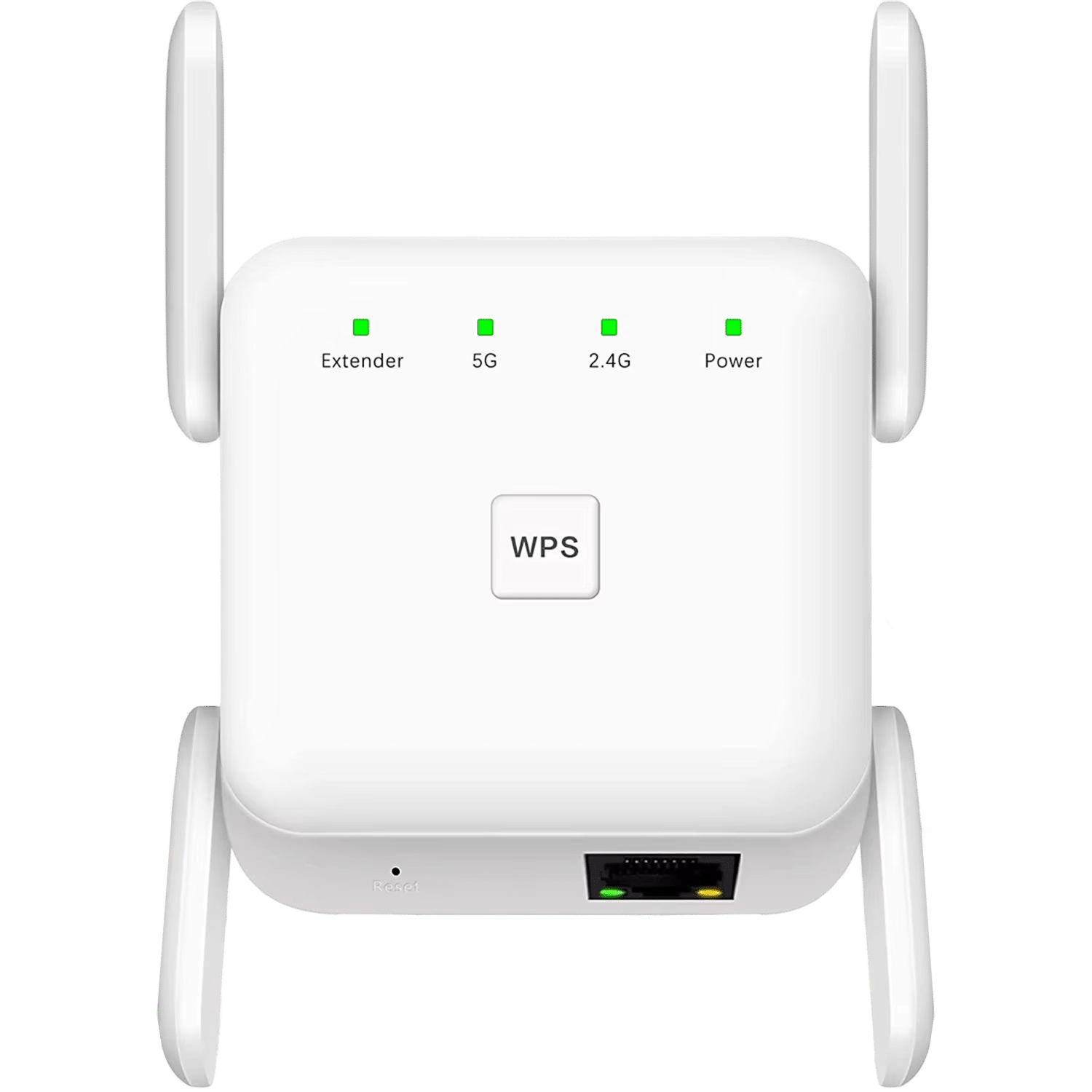
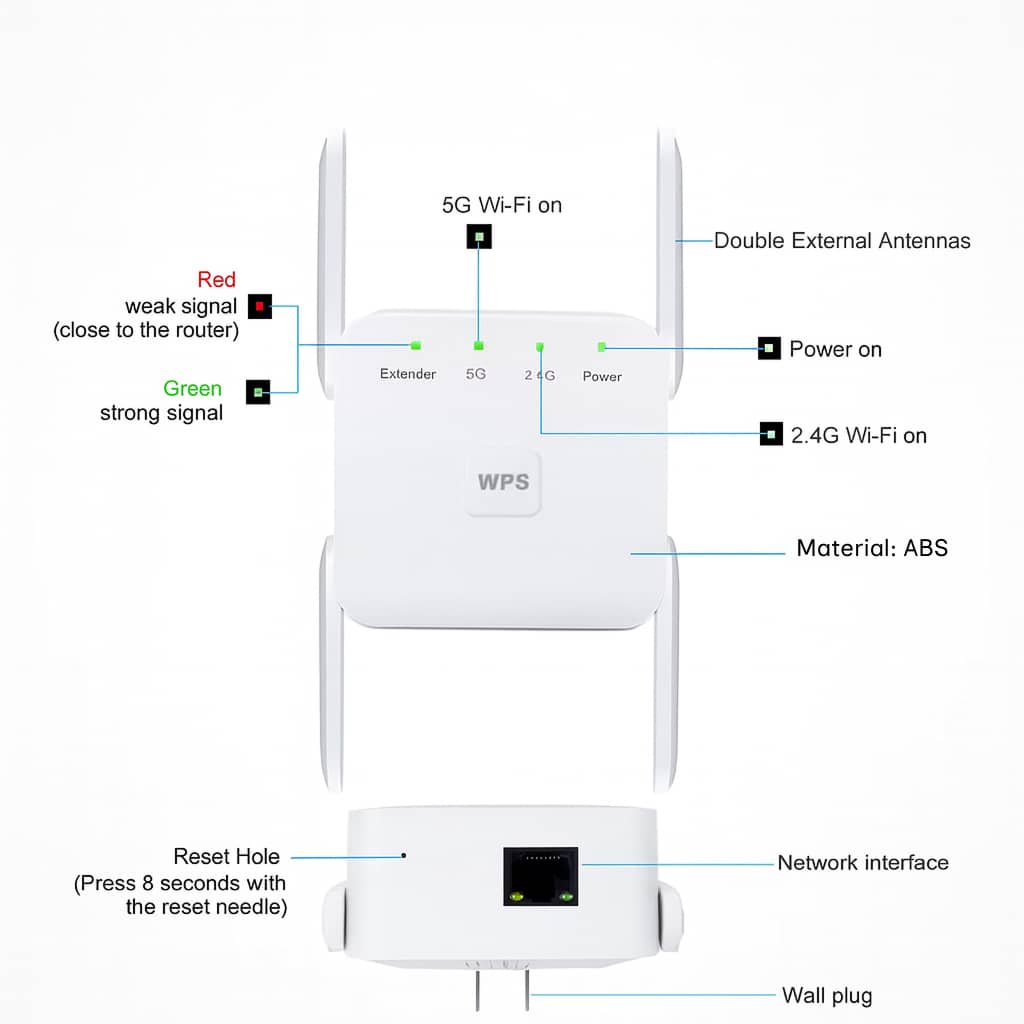
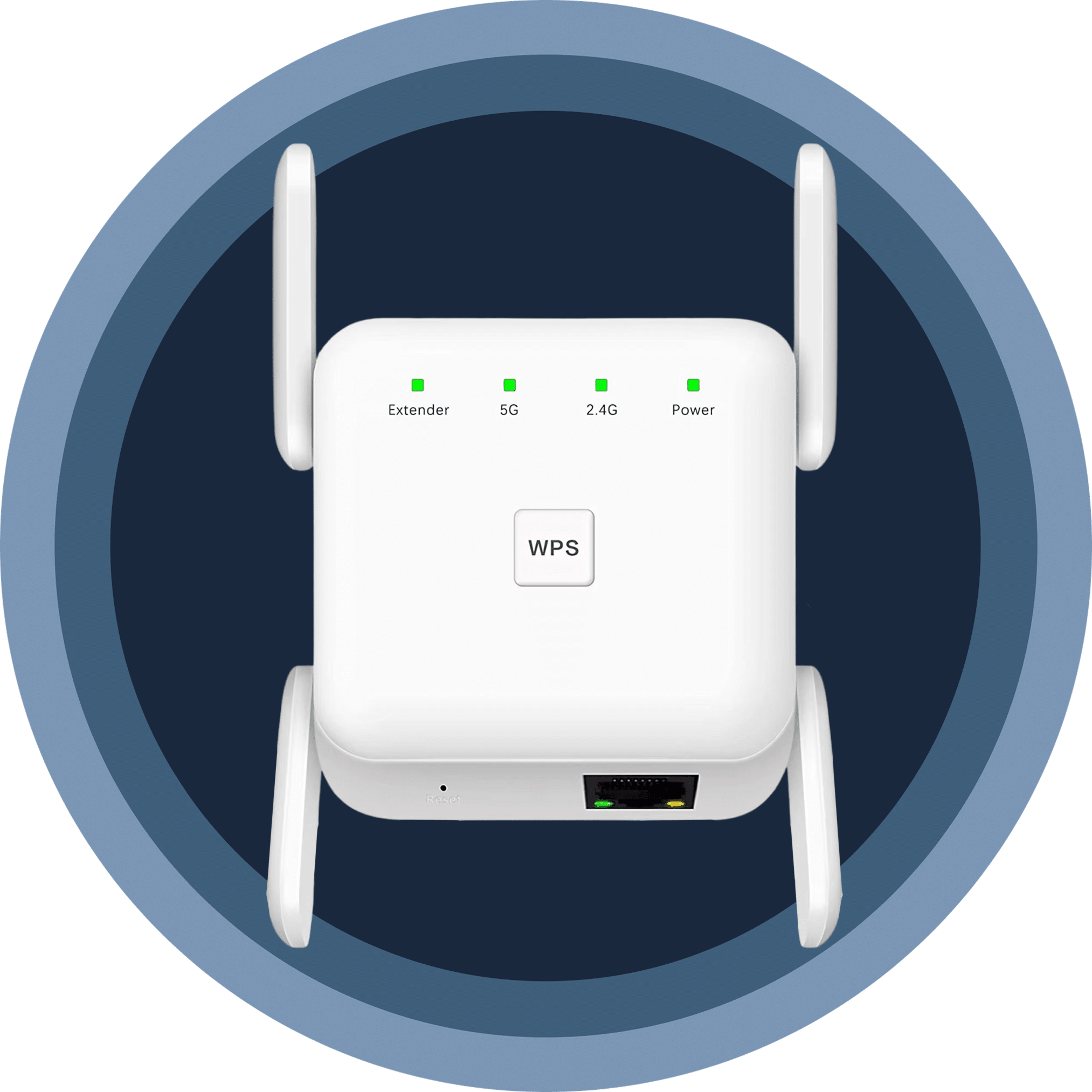
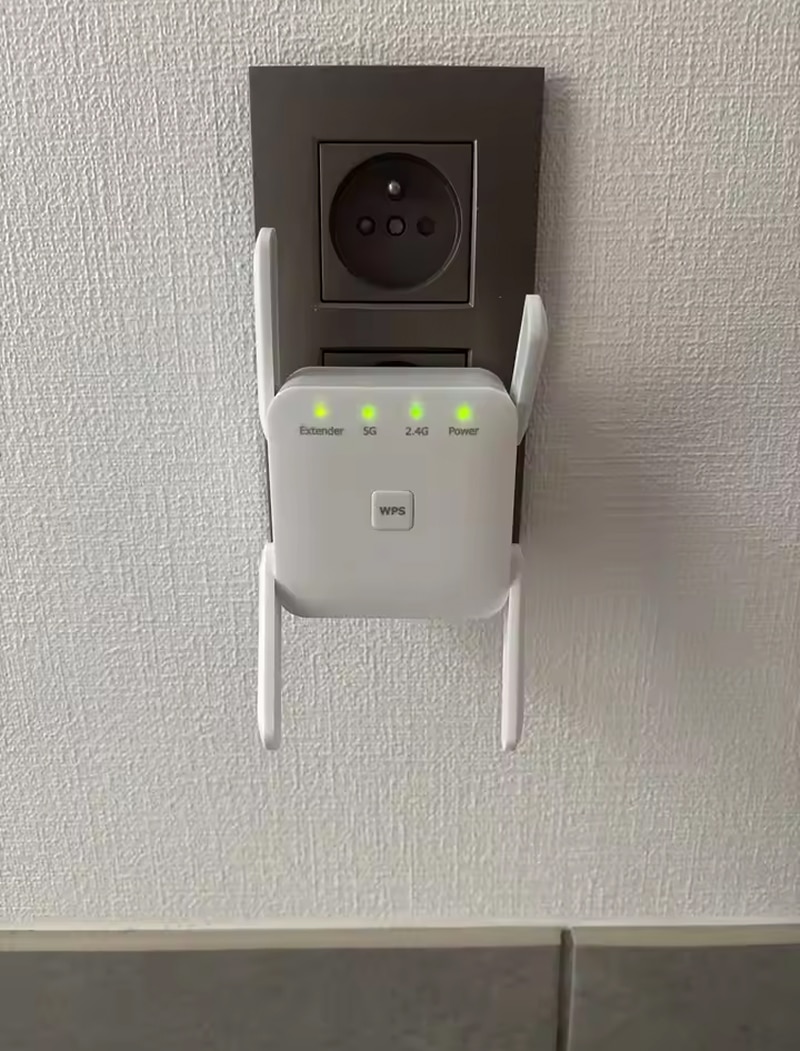
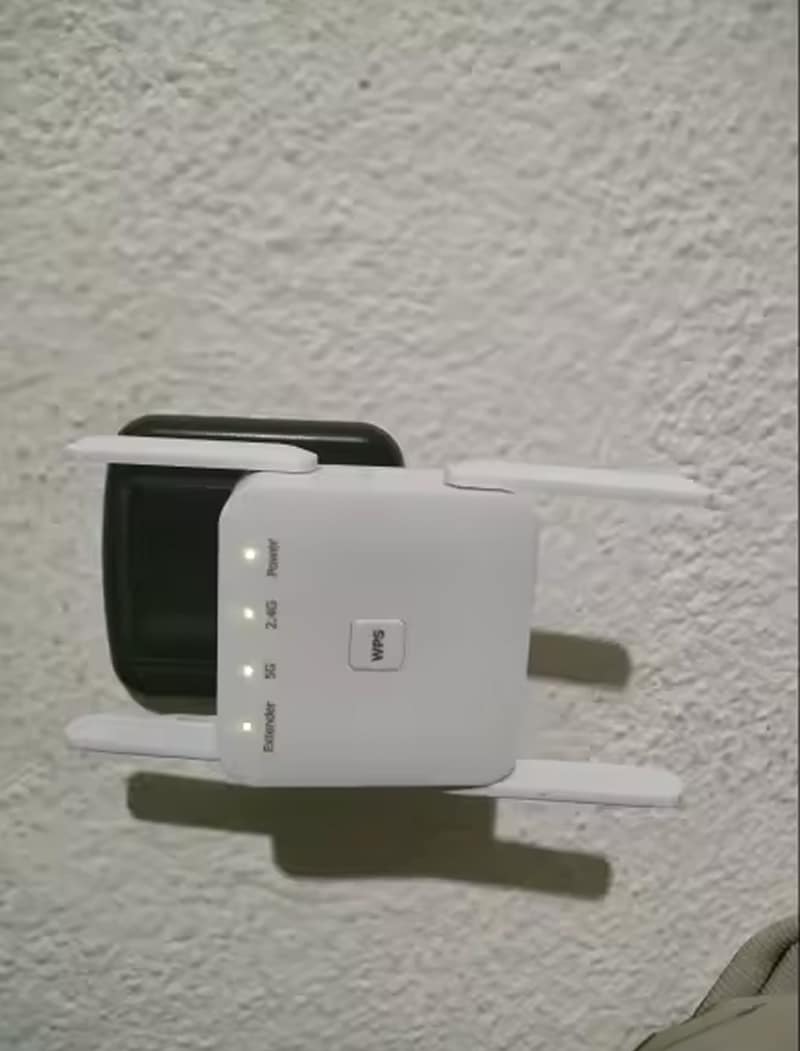
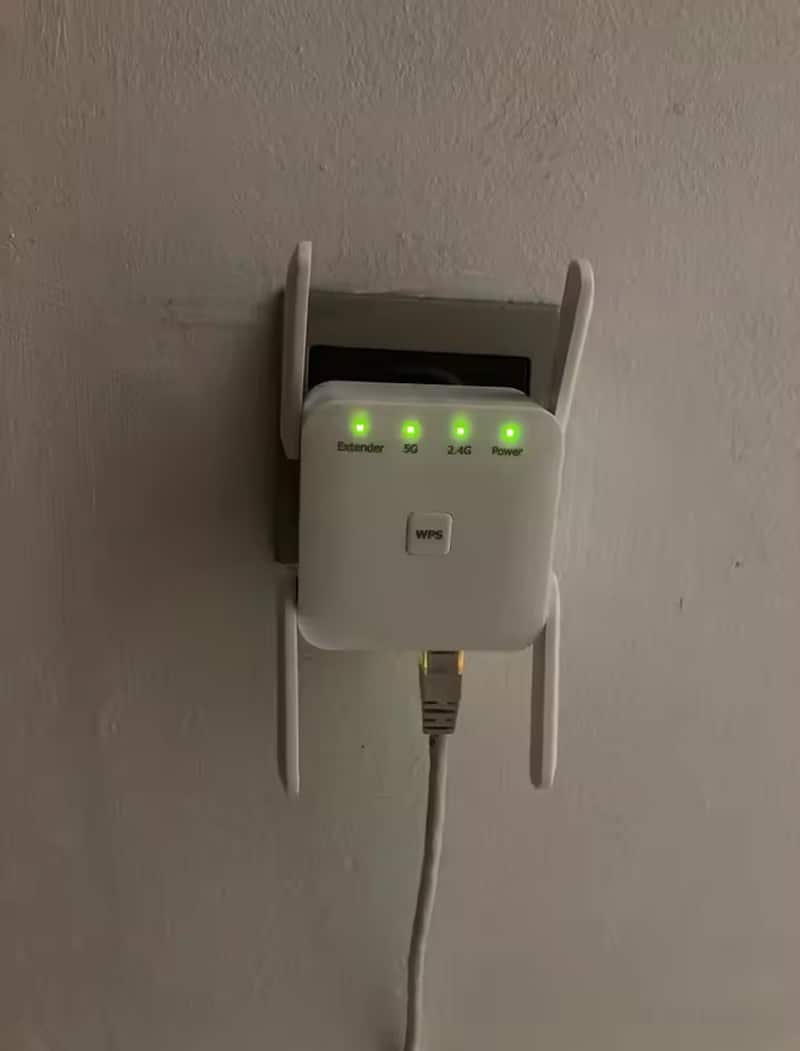
Smart LED indicators show real-time status: Power, 2.4G, 5G, and Extender lights illuminate when connections are active. Solid lights indicate strong connections, while blinking or off lights signal setup needs or weak source signals requiring repositioning.

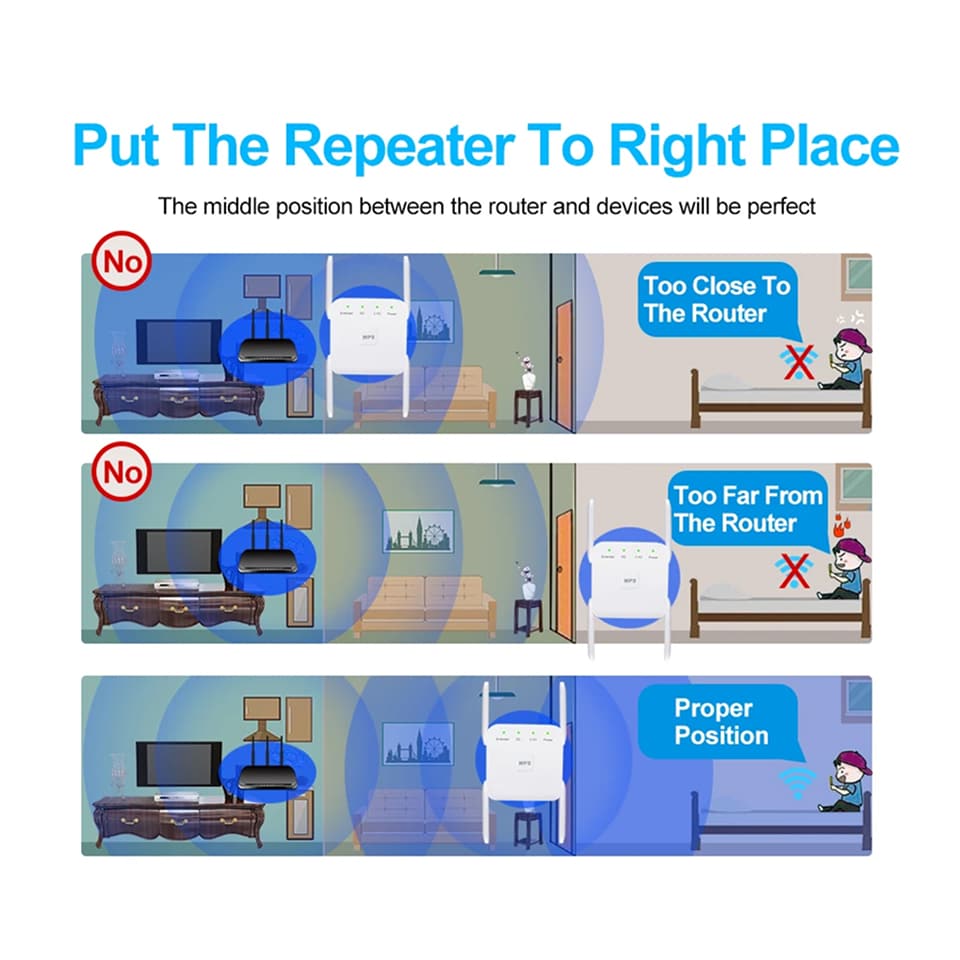
When properly positioned, the WiBoofy maintains your original speeds in extended areas. Place it midway between your router and dead zones for optimal performance. Poor placement may reduce speeds, so use LED indicators to find the sweet spot.
Yes, the built-in Ethernet port lets you connect wired devices like smart TVs, gaming consoles, or desktop computers. This is especially useful for devices requiring stable connections or those without WiFi adapters, providing flexible connectivity options.
Try moving the WiBoofy closer to your router to strengthen the source connection, then gradually relocate it toward dead zones. Avoid placing it near metal objects, microwaves, or thick walls that block signals. Check LED indicators for optimal positioning.