How Does the SafiSignal Emergency Button For Elderly Keep Your Loved Ones Safe?
Looking for Instant Emergency Response Alerts?
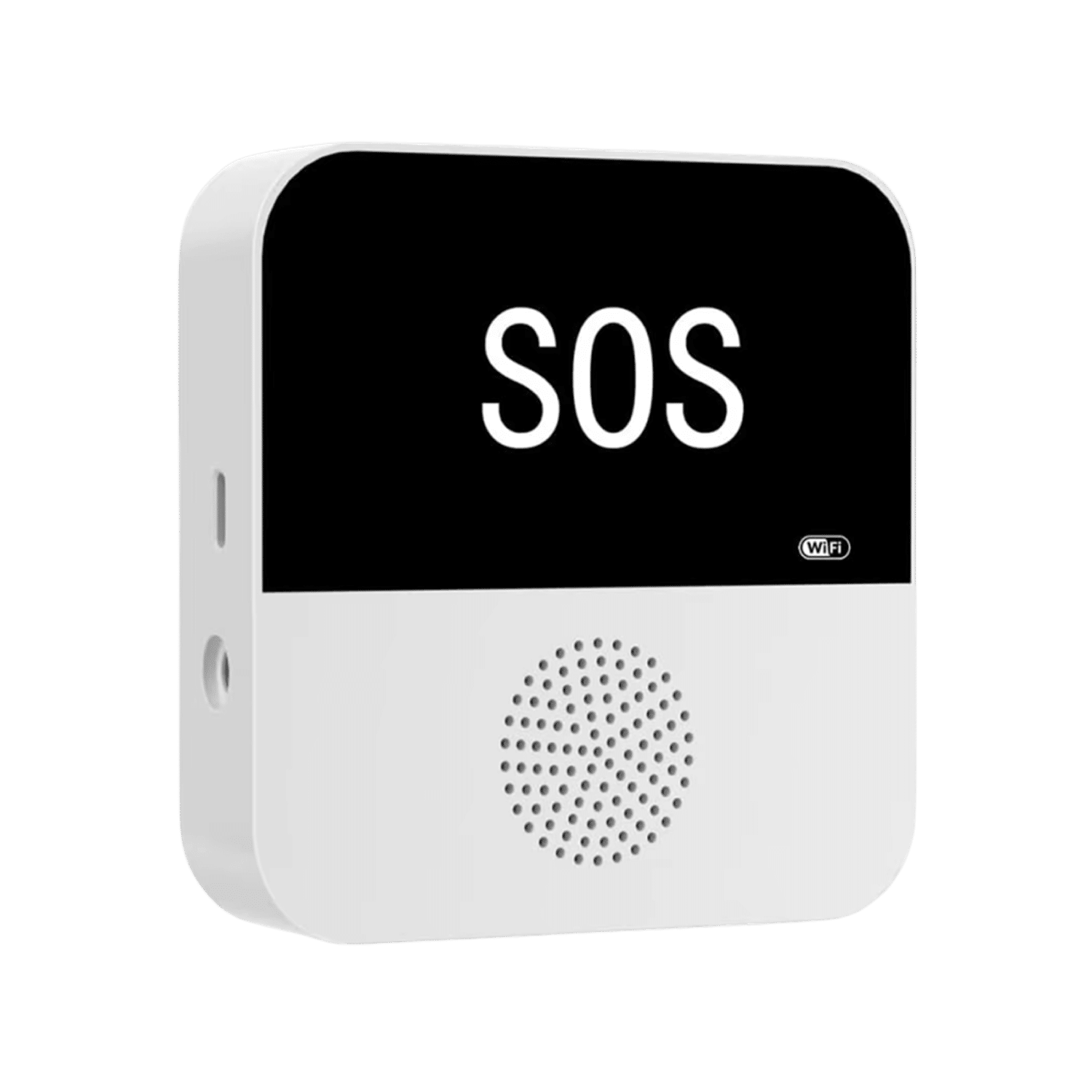
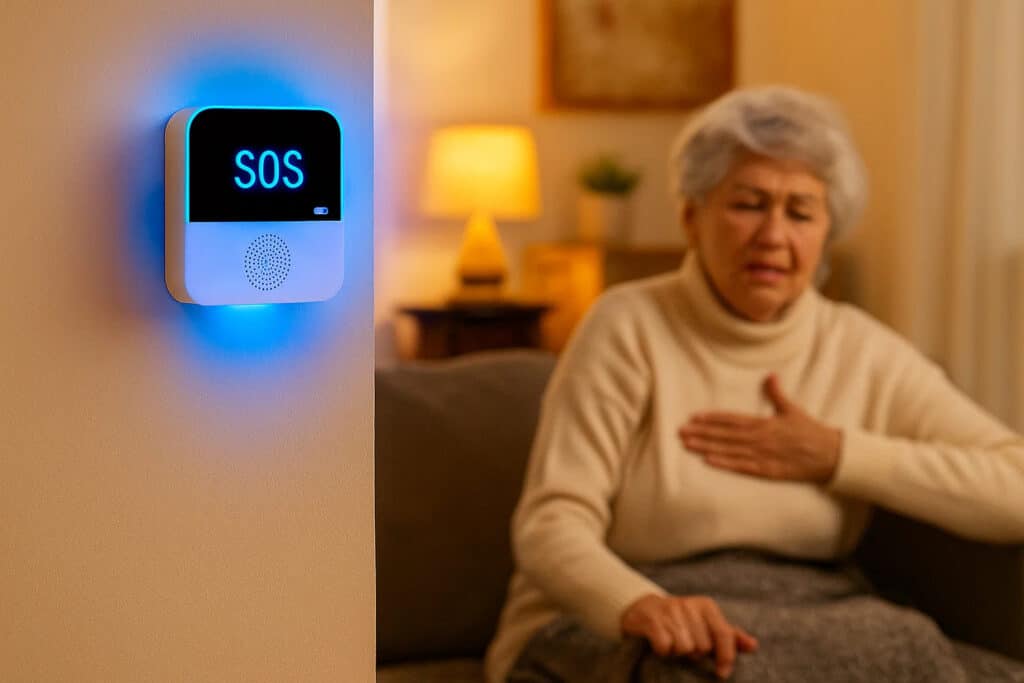
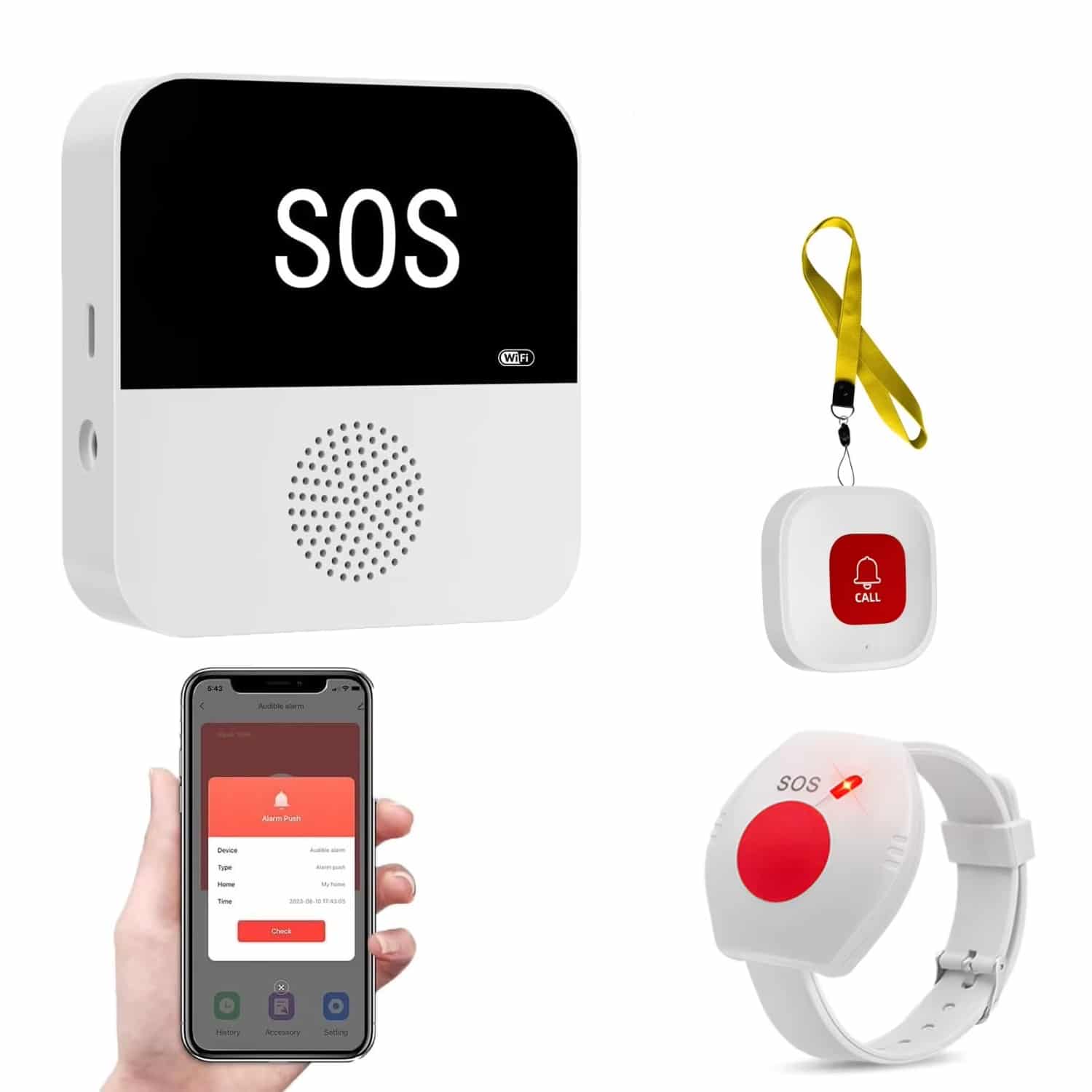
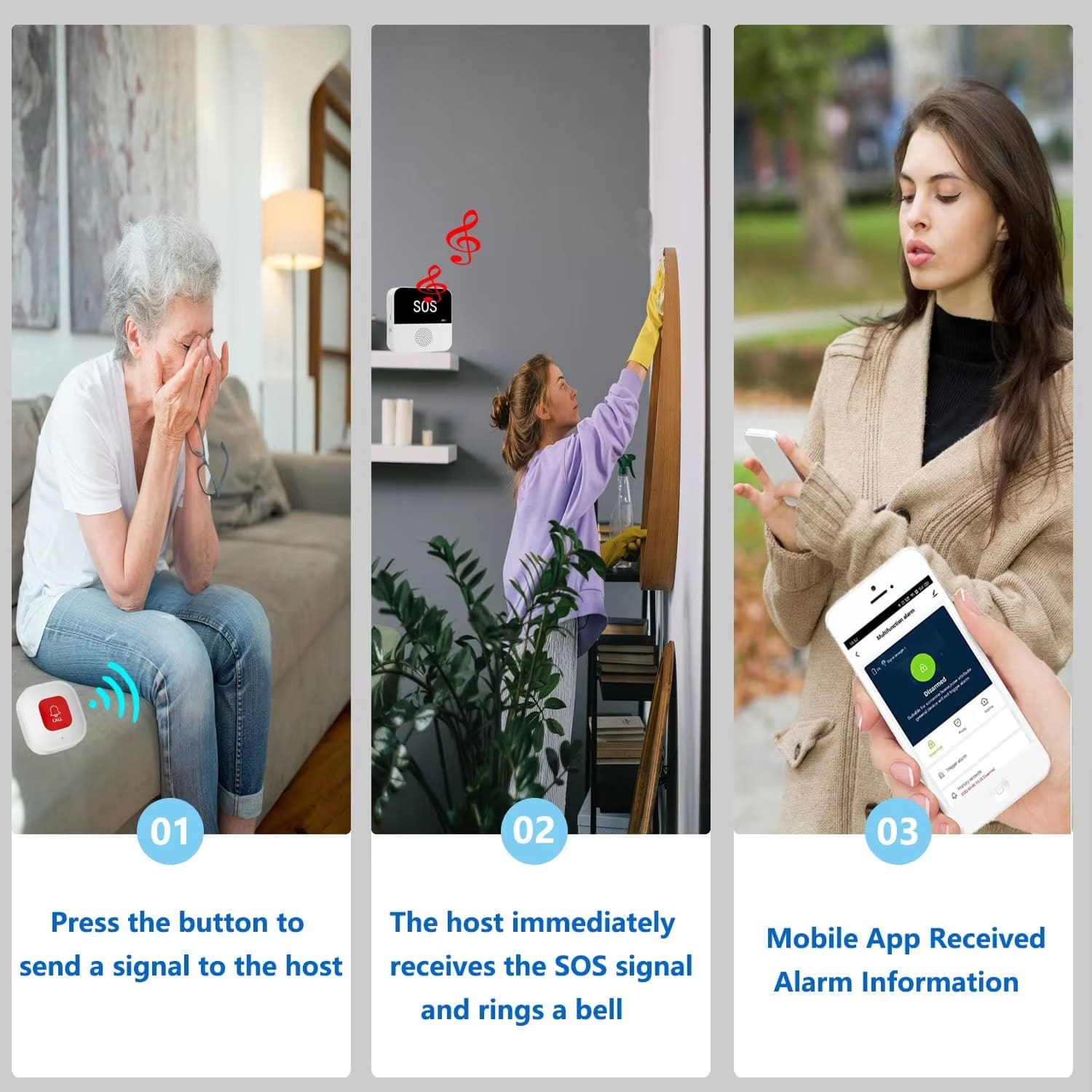
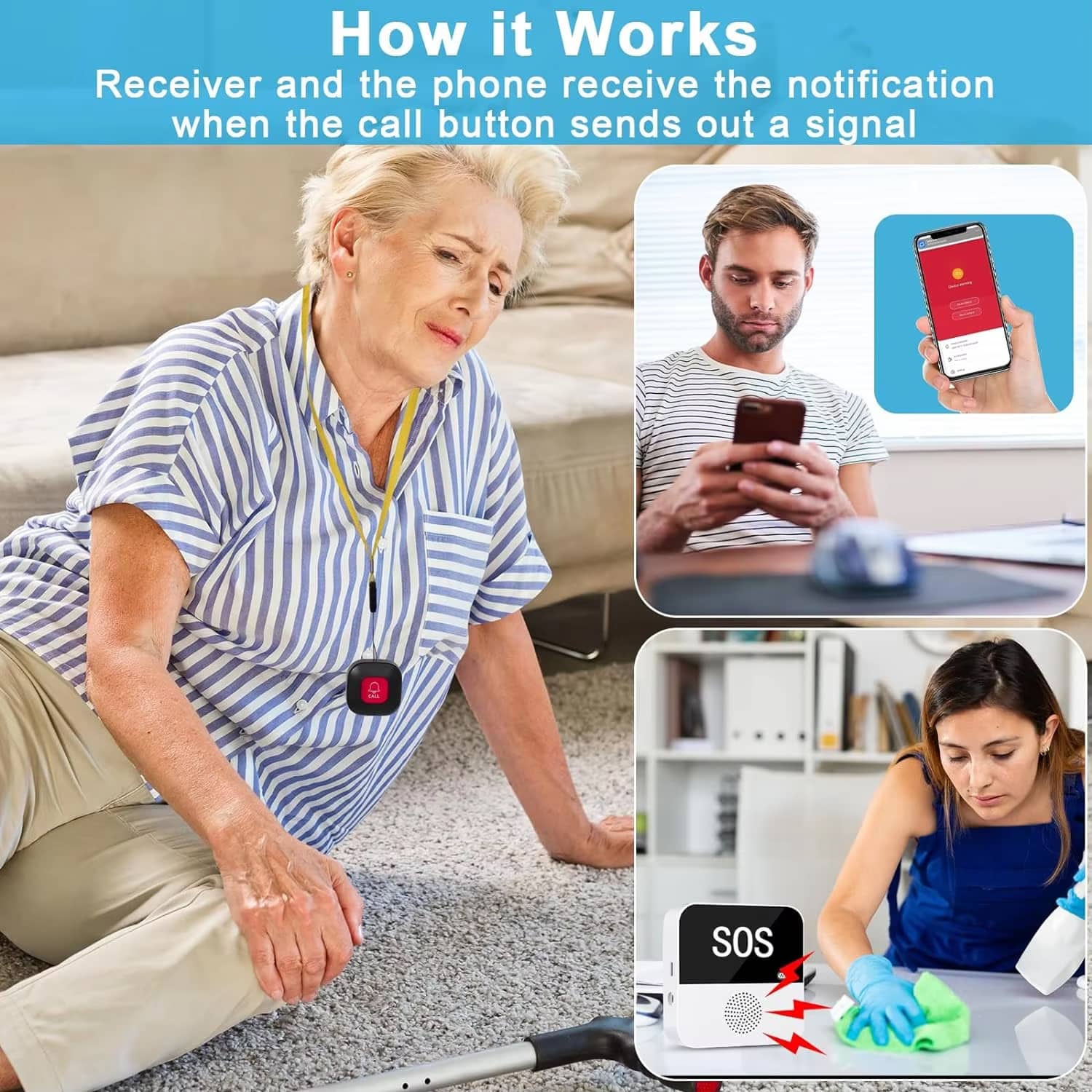
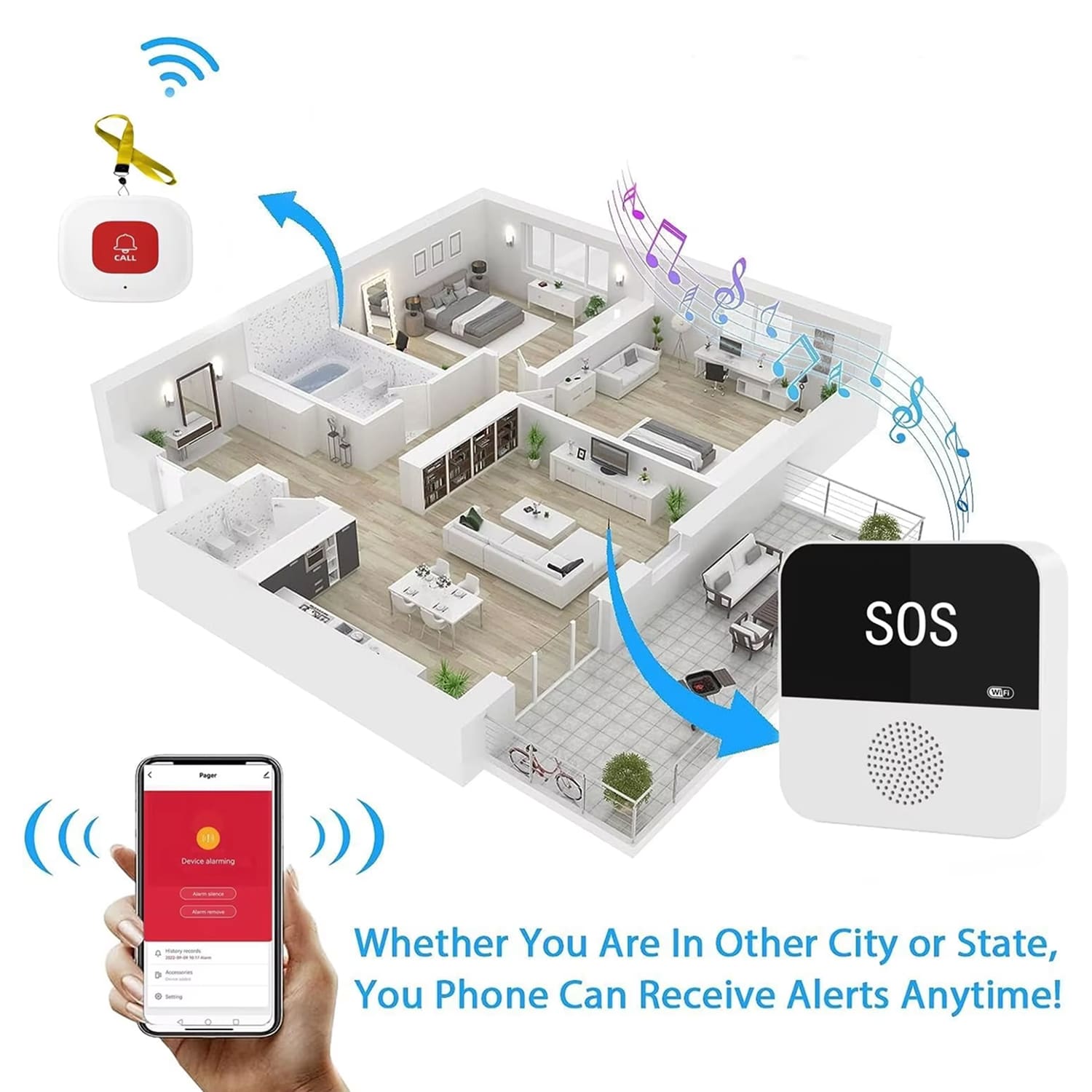
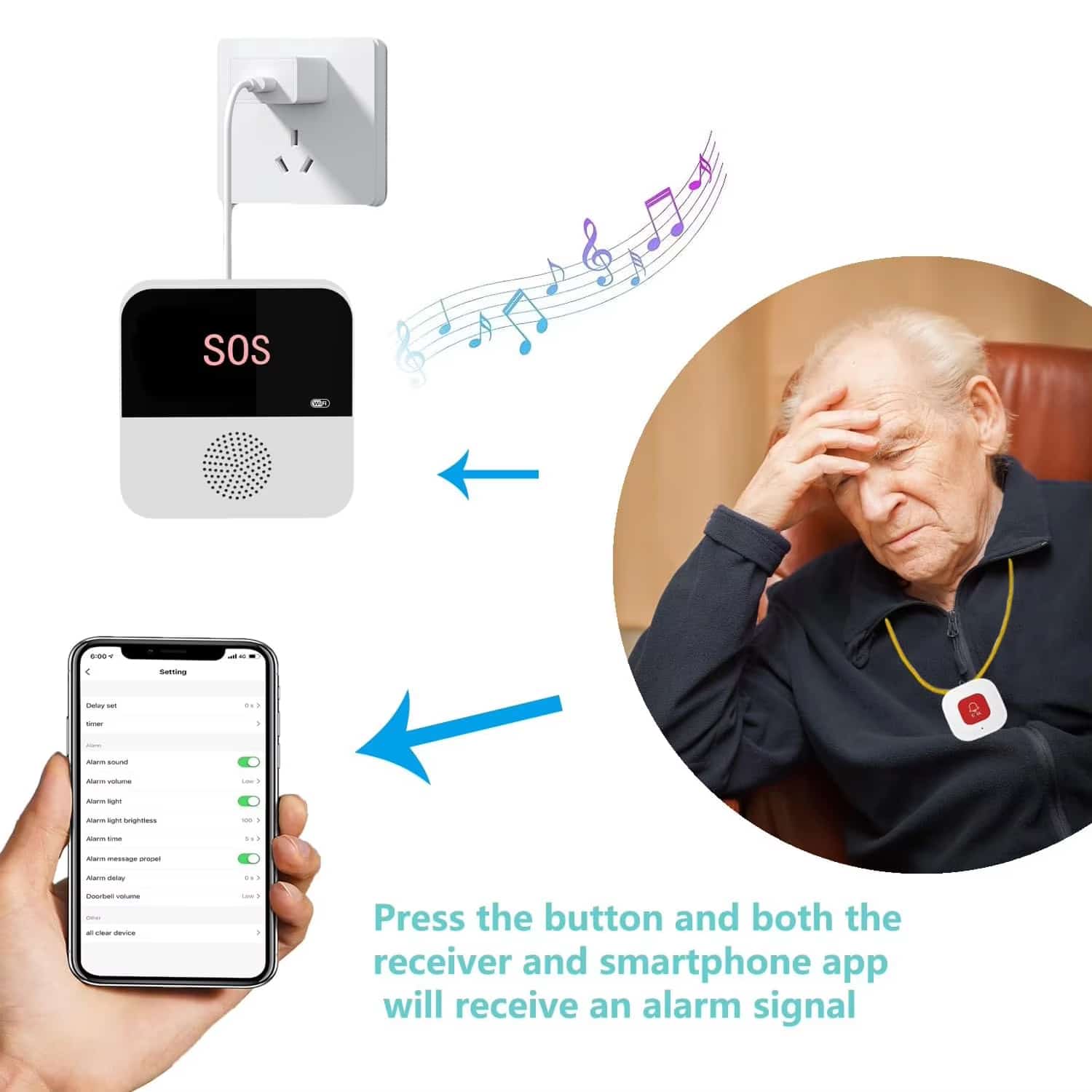
The SafiSignal Emergency Button For Elderly connects directly to your smartphone via WiFi, sending instant notifications no matter where you are. When the SOS button is pressed, caregivers receive immediate alerts, ensuring rapid response during critical moments.
Tired of Missing Critical Emergency Calls?
With dual alarm functionality, the SafiSignal Emergency Button For Elderly features both 90dB audible alerts and flashing LED indicators. Choose from 12 ringtones and 4 volume levels, or activate silent mode with visual-only alerts for nighttime monitoring.
Worried About Elderly Safety When Alone?
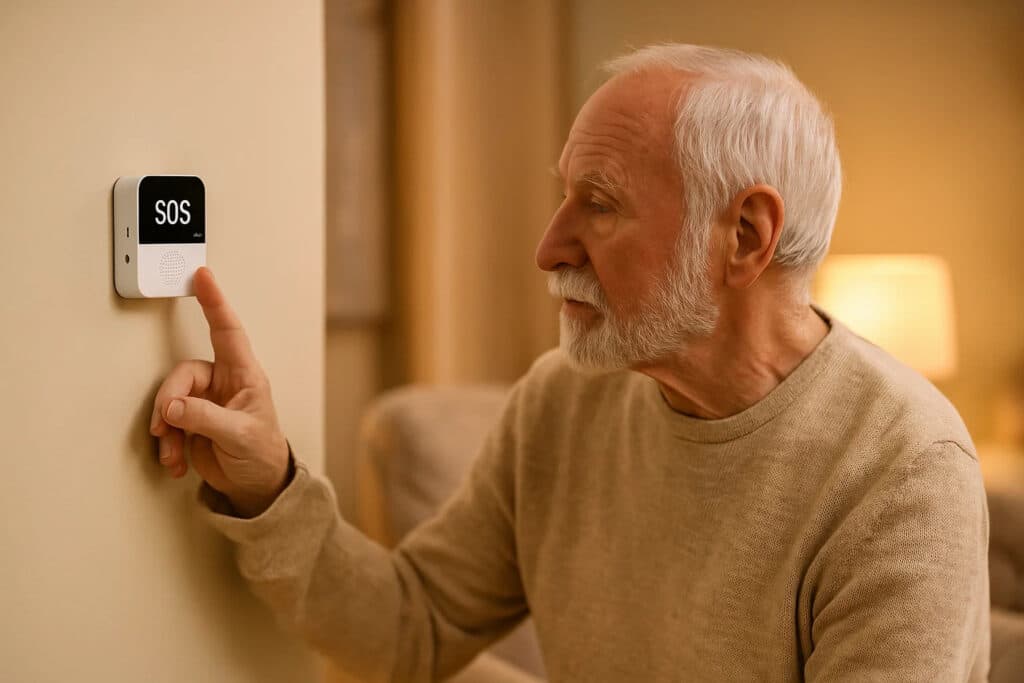
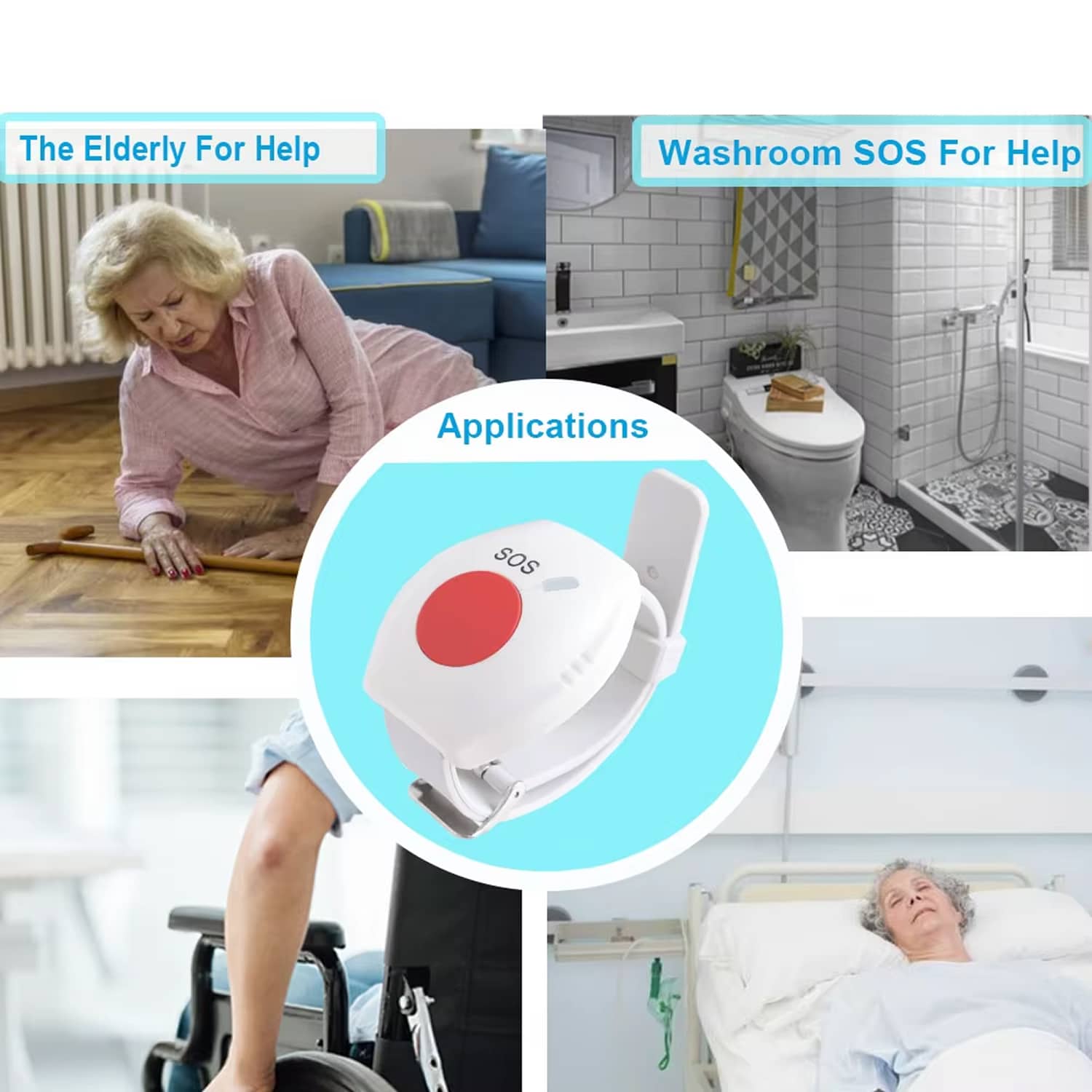
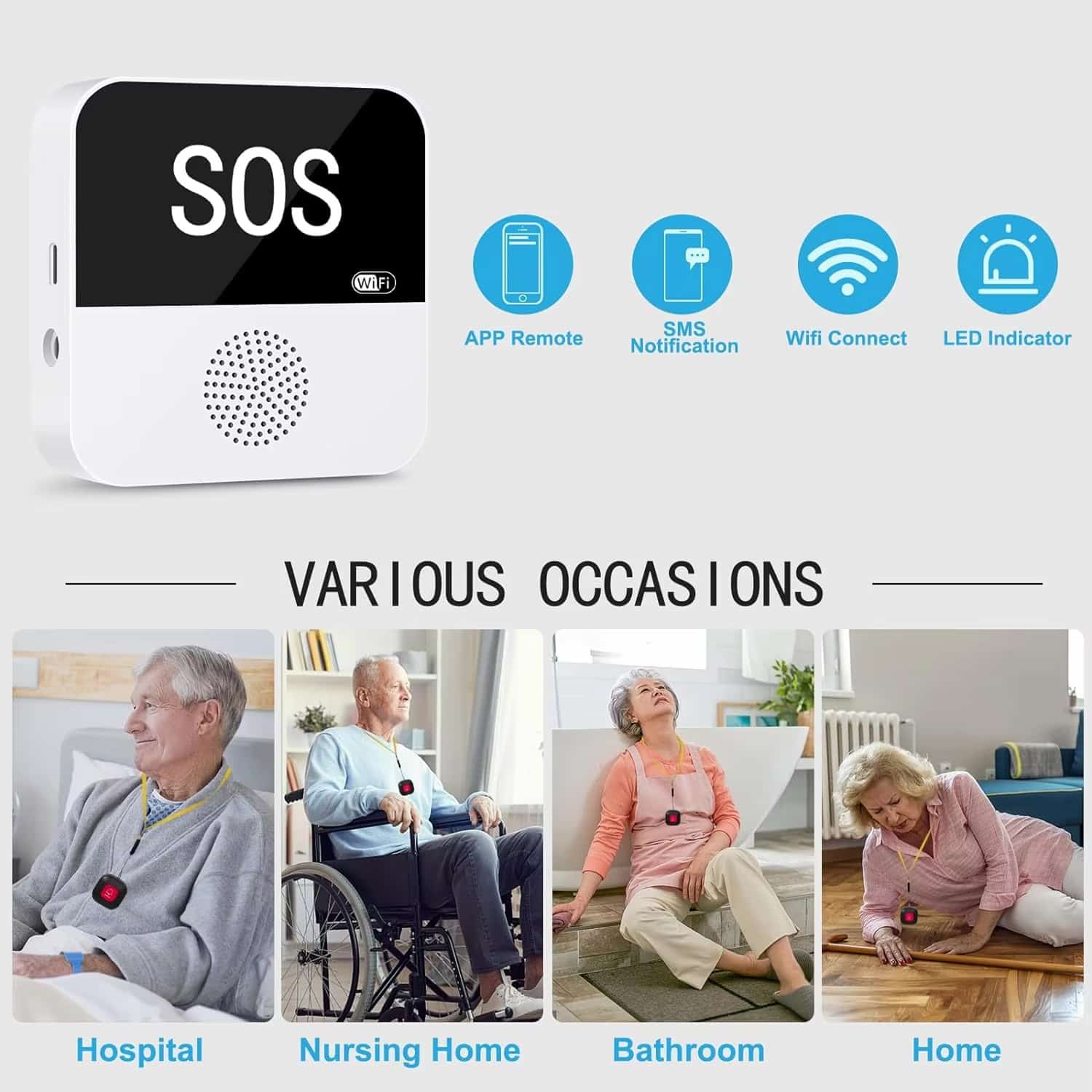
The SafiSignal Emergency Button For Elderly offers 330-foot range coverage and supports up to 200 accessories. The waterproof, wearable design with lanyard ensures seniors have help within reach everywhere, from bedrooms to bathrooms, providing constant protection.
Join 50,000+ Users Loving SafiSignal Emergency Button For Elderly
4.8 rating based on total orders
Complete Emergency Protection System Designed for Modern Senior Care
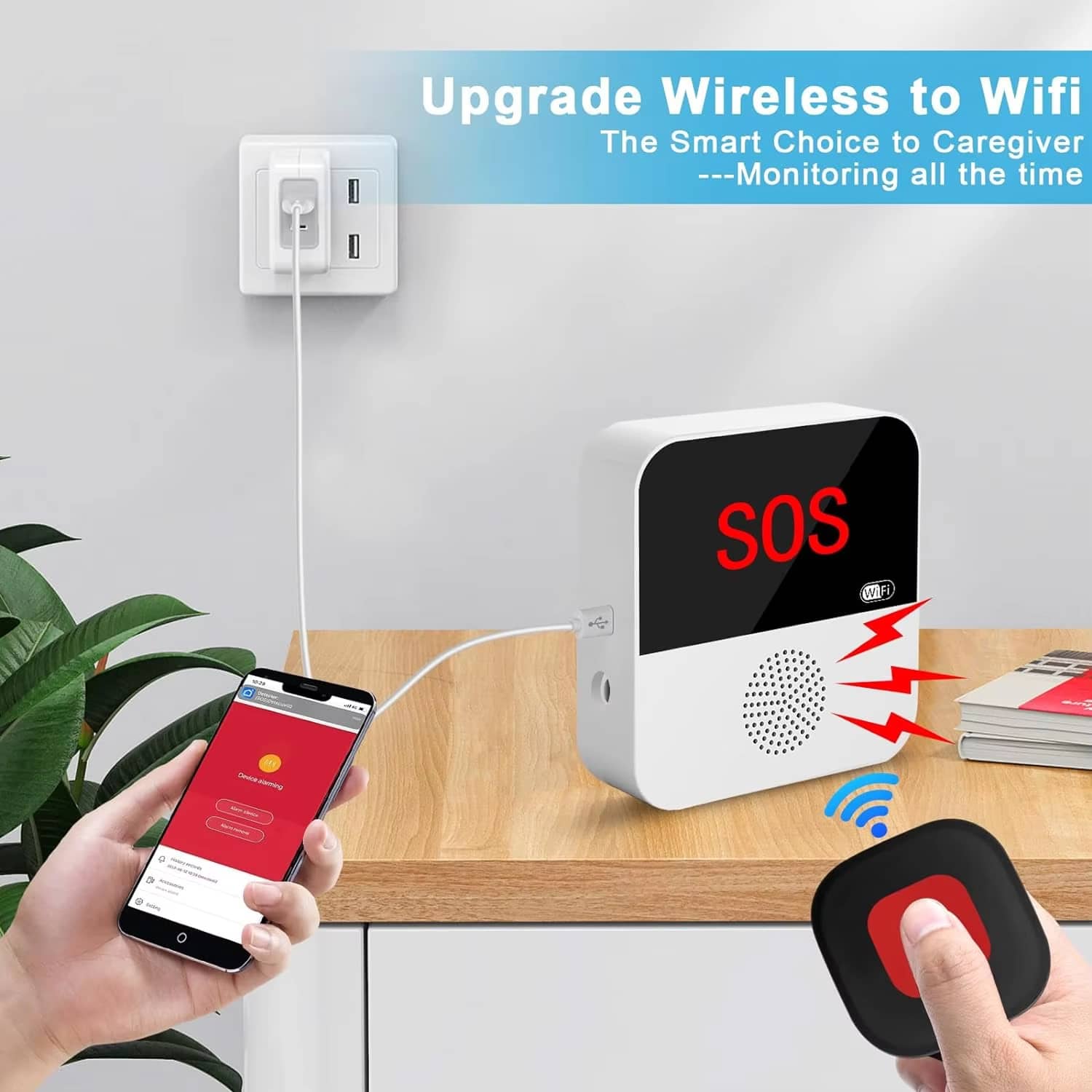
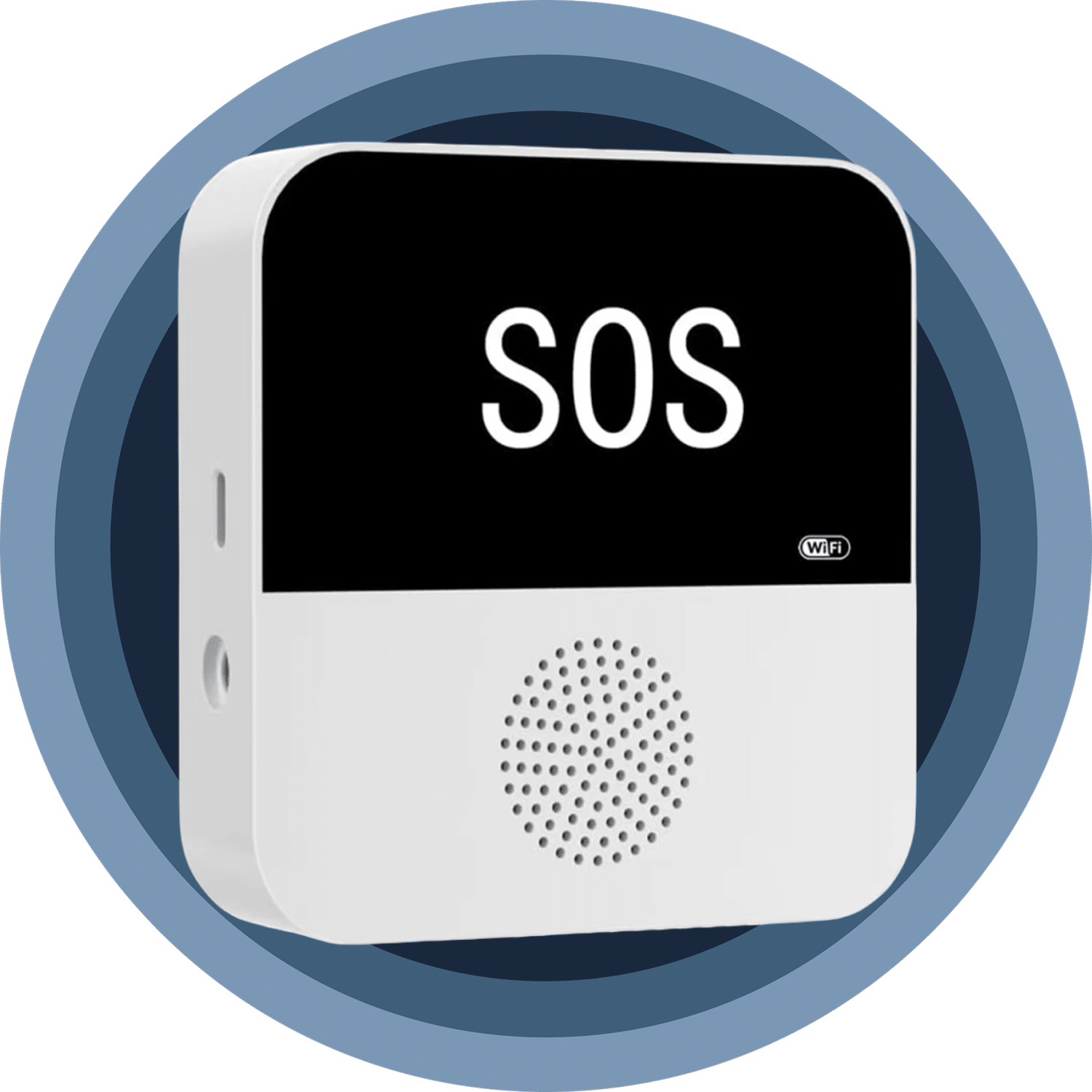
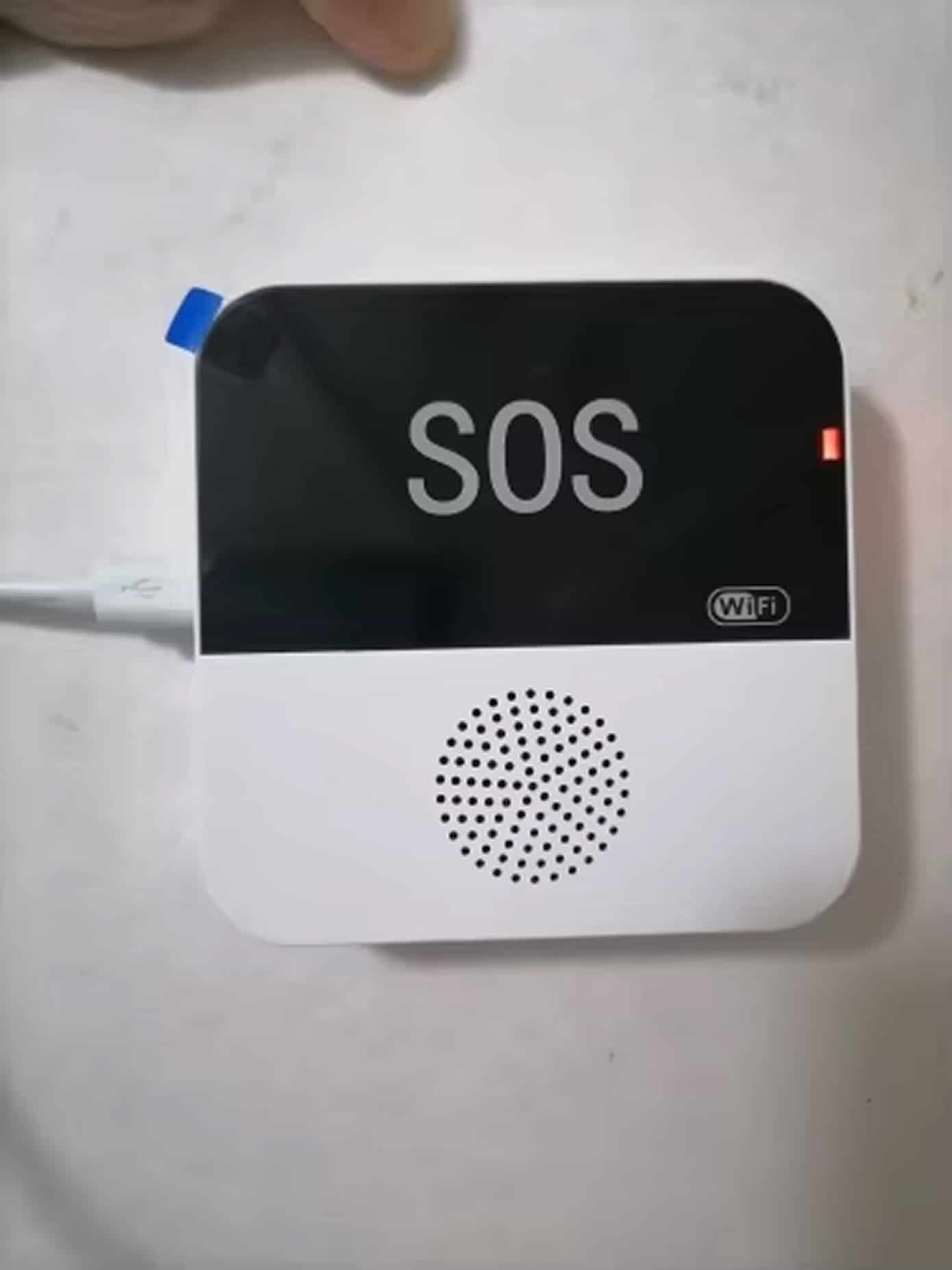
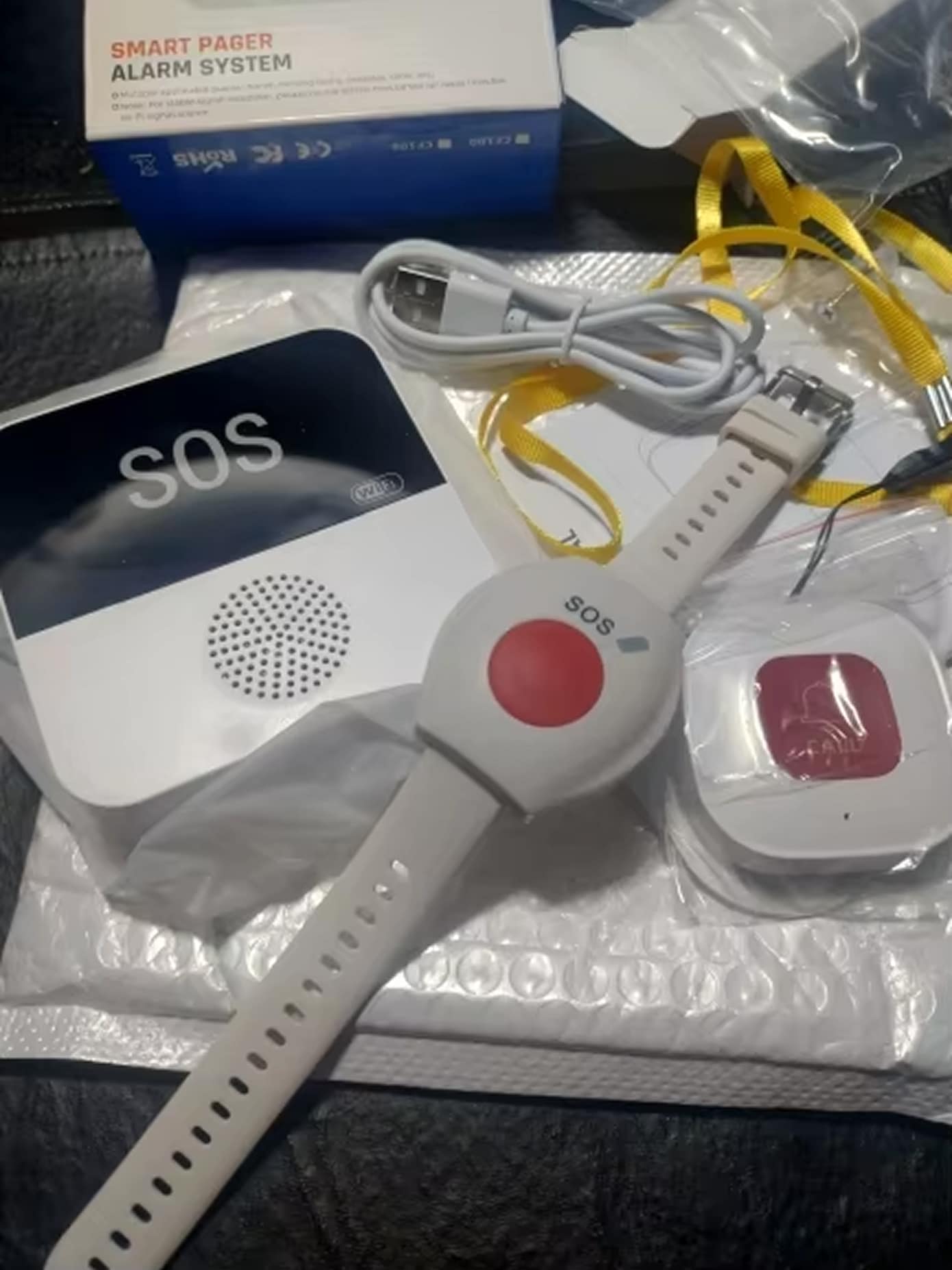
The SafiSignal system combines advanced WiFi technology with user-friendly design. USB-powered receiver eliminates battery concerns, while the lightweight SOS button provides comfortable all-day wear for comprehensive elderly safety.
The SafiSignal Emergency Button For Elderly offers exceptional reliability with WiFi connectivity and dual-alarm features. Its intuitive design and long-range capability make it ideal for comprehensive senior monitoring and care.
Why Choose the SafiSignal Emergency Button For Elderly for Your Family?
SafiSignal FEATURES ALL YOU EXPECT:
INSTANT SMARTPHONE ALERTS
Connect the SafiSignal Emergency Button For Elderly to your smartphone through WiFi for instant emergency notifications anywhere. Receive real-time alerts immediately when help is needed, ensuring you never miss critical moments.
DUAL ALARM SYSTEM
Experience comprehensive alert protection with 90dB audible alarms and flashing LED indicators. Choose from 12 ringtones and adjustable volumes, or select silent mode for discreet nighttime monitoring without disturbing sleep.
WATERPROOF WEARABLE DESIGN
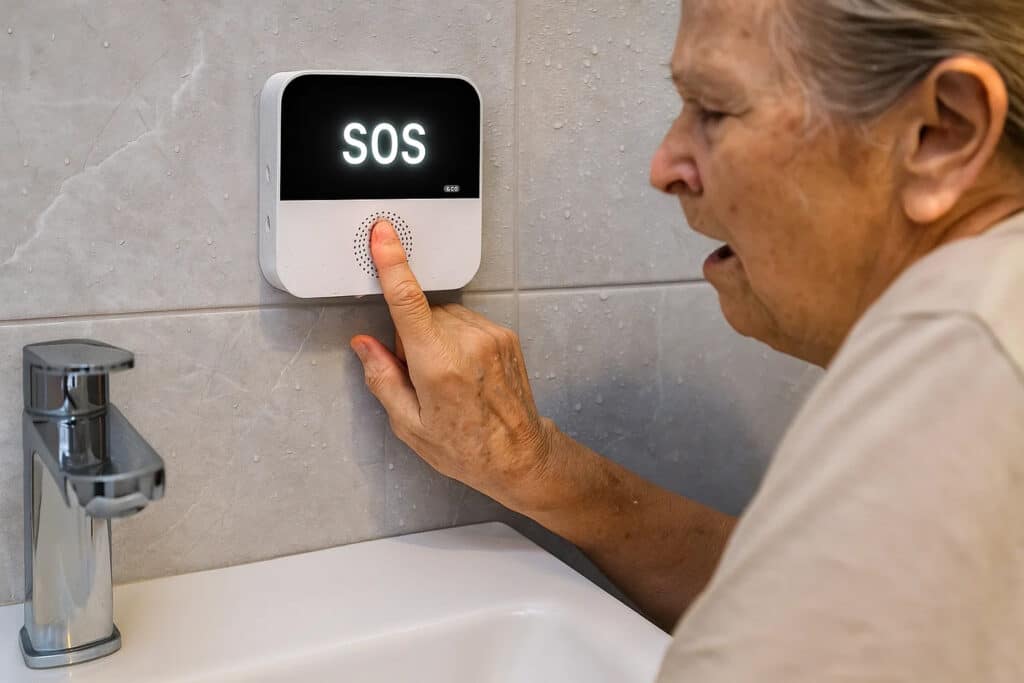
The lightweight, waterproof SOS button features a convenient lanyard design for wearing around the neck or keeping in pockets. Safe for bathroom use, it provides reliable protection throughout daily activities and routines.
EXPANDABLE SYSTEM CAPACITY
Expand your safety network by connecting up to 200 SOS buttons through the smartphone app. Customize button names for different family members or rooms, creating a comprehensive monitoring system tailored to your needs.
LONG-RANGE CONNECTIVITY
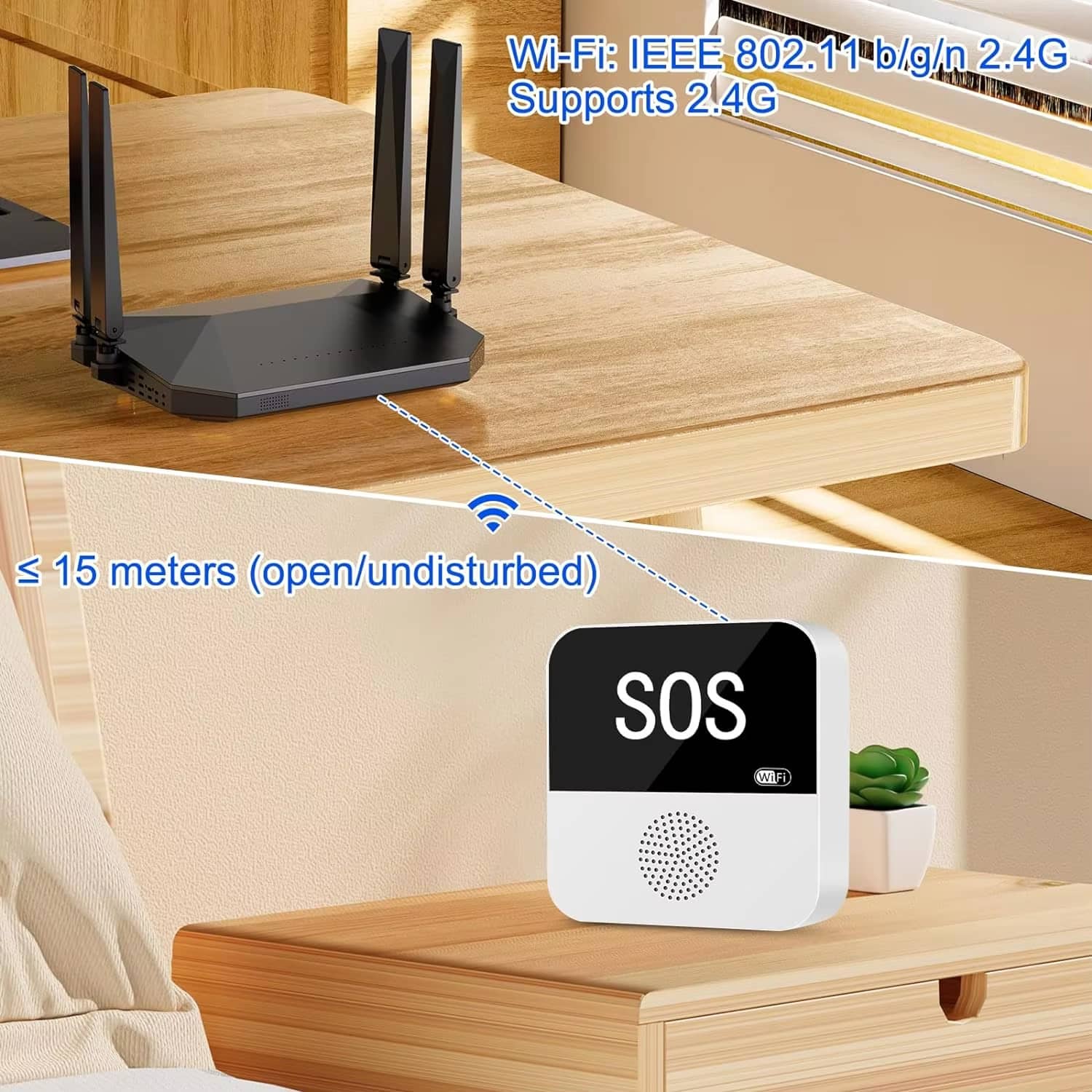
Enjoy reliable 330-foot range coverage between the receiver and emergency buttons in open areas. The powerful signal penetrates walls effectively, ensuring consistent connectivity throughout your entire home for complete protection.
ZERO BATTERY MAINTENANCE
The USB-powered receiver eliminates battery replacement hassles while the SOS button’s CR2032 battery lasts over one year. Enjoy continuous protection without constant maintenance, providing dependable service when it matters most.
Image Gallery
What's Included in Your Package
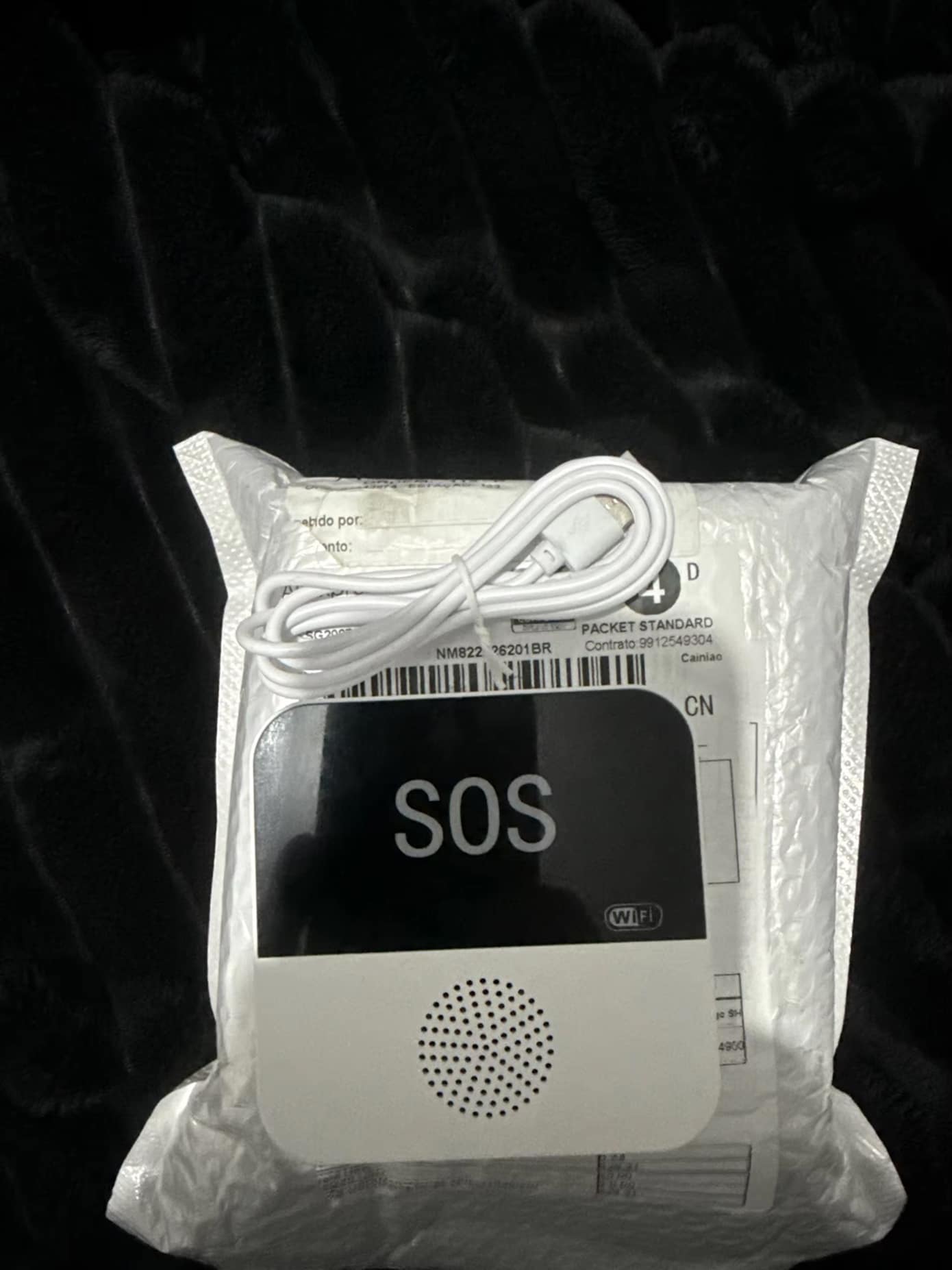
SafiSignal Emergency Button For Elderly
SOS Watch
Packaging Box
24/7 Customer Support
We understand the value of your time. That’s why our team is trained to respond promptly and efficiently, ensuring your queries and issues are addressed without unnecessary delays.
Learn More About SafiSignal
Frequently Asked Questions
How do I connect the SafiSignal Emergency Button For Elderly to my smartphone?−
Download the Tuya or Smart Life app, connect the receiver to 2.4GHz WiFi, then pair your phone. Once connected, add SOS buttons through the app. Initial setup requires all devices on the same WiFi network.
Can multiple family members receive emergency alerts on their phones?+
Yes, multiple family members can download the app and connect to the same system. All connected smartphones will receive simultaneous emergency alerts when the SOS button is pressed, ensuring comprehensive family notification coverage.
What is the actual range between the SOS button and receiver indoors?+
Indoor range varies between 150-200 feet depending on wall thickness and materials. For optimal performance, position the receiver centrally and near your WiFi router to minimize signal interference and maintain reliable connectivity throughout your home.
Is the SOS button truly waterproof for bathroom and shower use?+
The SOS button is splash-resistant and suitable for bathroom use, but should not be submerged or worn during showers. It withstands humidity and accidental water exposure while maintaining full functionality for everyday safety needs.
How many emergency buttons can I add to one receiver system?+
The system supports up to 200 wireless SOS buttons. Add buttons through the smartphone app and customize names for different users or locations, creating a comprehensive safety network for multiple family members or rooms.
Does the system work during WiFi or power outages?+
The receiver requires continuous power via USB. During WiFi outages, the receiver still sounds local alarms when buttons are pressed, but smartphone notifications won't work. Consider backup power solutions for uninterrupted protection during outages.
How long does the SOS button battery last before replacement?+
The SOS button uses a CR2032 coin battery lasting at least one year with normal use. The app notifies you when battery replacement is needed. Replacement batteries are inexpensive and readily available at most stores.
Can I adjust the alarm volume or use silent mode at night?+
Yes, choose from 4 volume levels (0-90dB) and 12 different ringtones. Silent mode activates LED flashing only, perfect for nighttime monitoring. Adjust settings easily through the smartphone app to suit your preferences and environment.
TOP #1 FAVORITE Emergency Button For Elderly
Trusted by Thousands of Satisfied Customers
Robert Martinez, Phoenix
The SafiSignal Emergency Button For Elderly gives me peace of mind while at work. The smartphone alerts work perfectly, and setup was surprisingly simple. My father feels more independent knowing help is just one button press away.
Linda Thompson, Seattle
Excellent product for elderly care. The 90dB alarm is loud enough to hear throughout our house, and the waterproof design means Mom wears it everywhere. The long battery life is a huge convenience that eliminates constant maintenance worries.
James Peterson, Boston
Best investment for senior safety. The WiFi connectivity lets our entire family monitor Dad’s wellbeing remotely. The system is reliable, the range covers our whole house, and the dual alarm ensures we never miss an emergency alert.