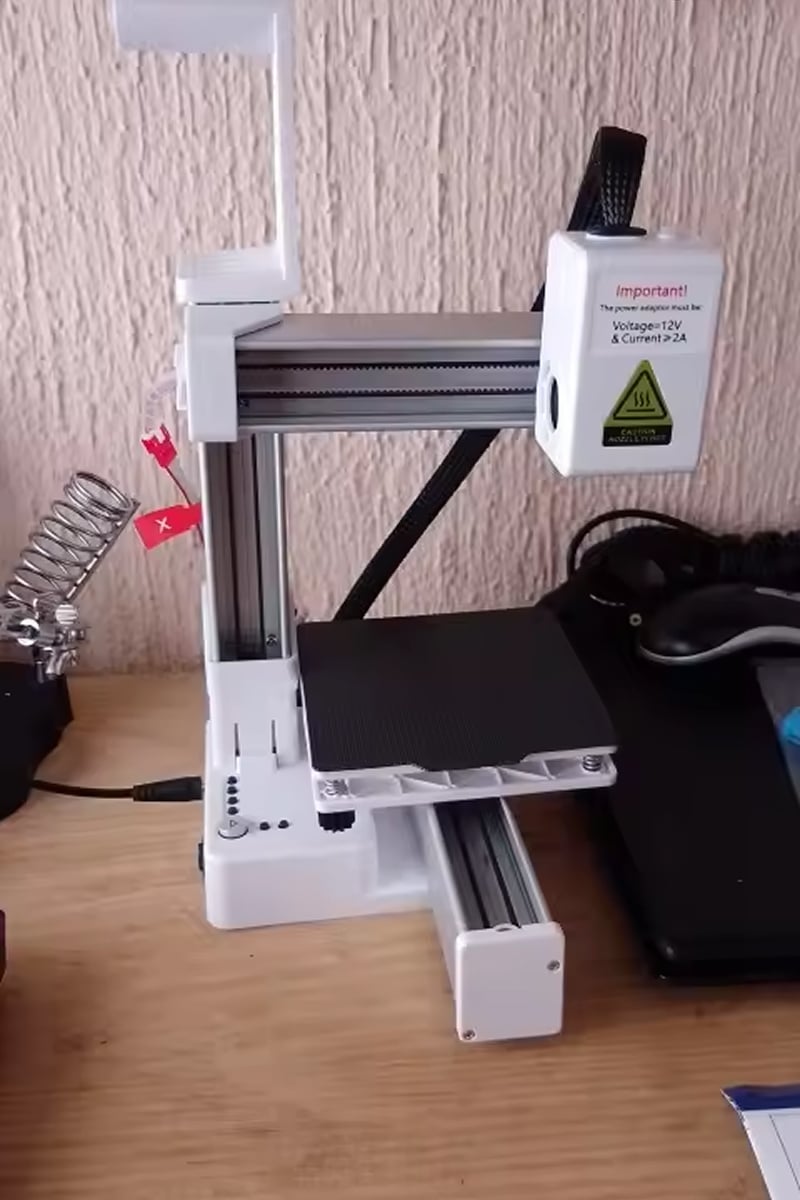
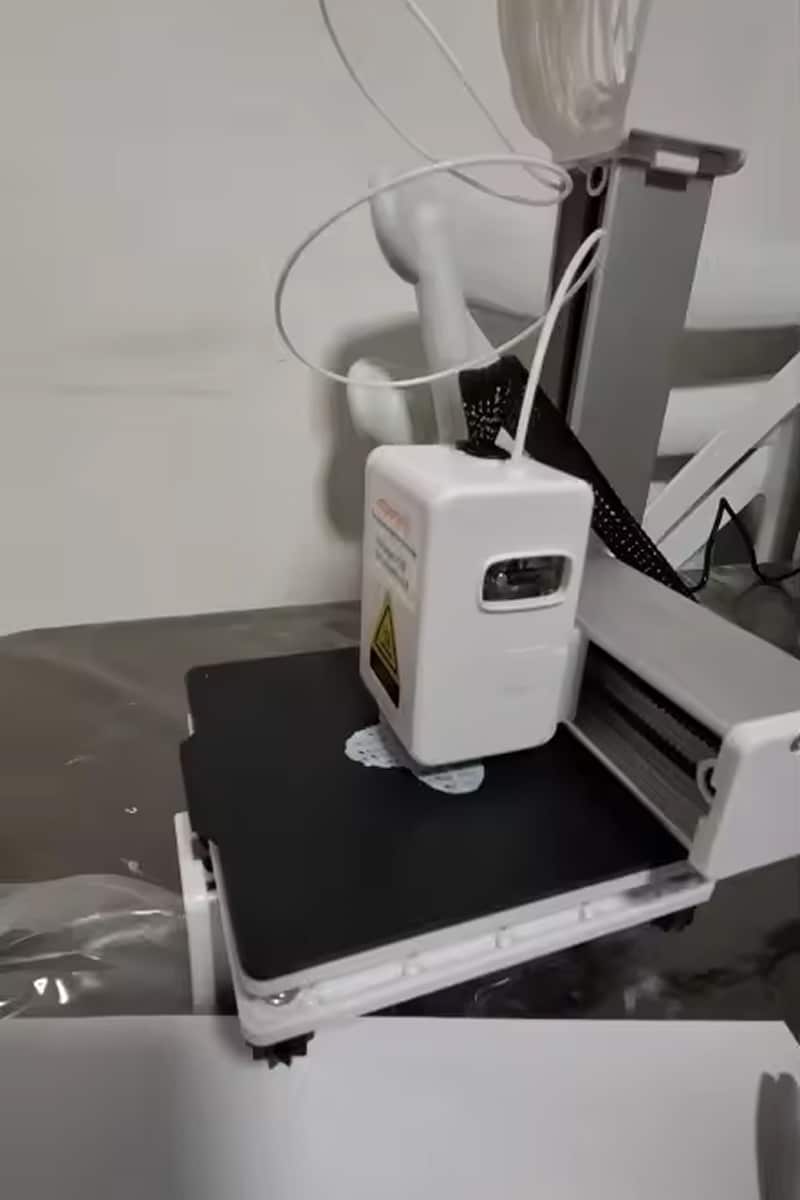
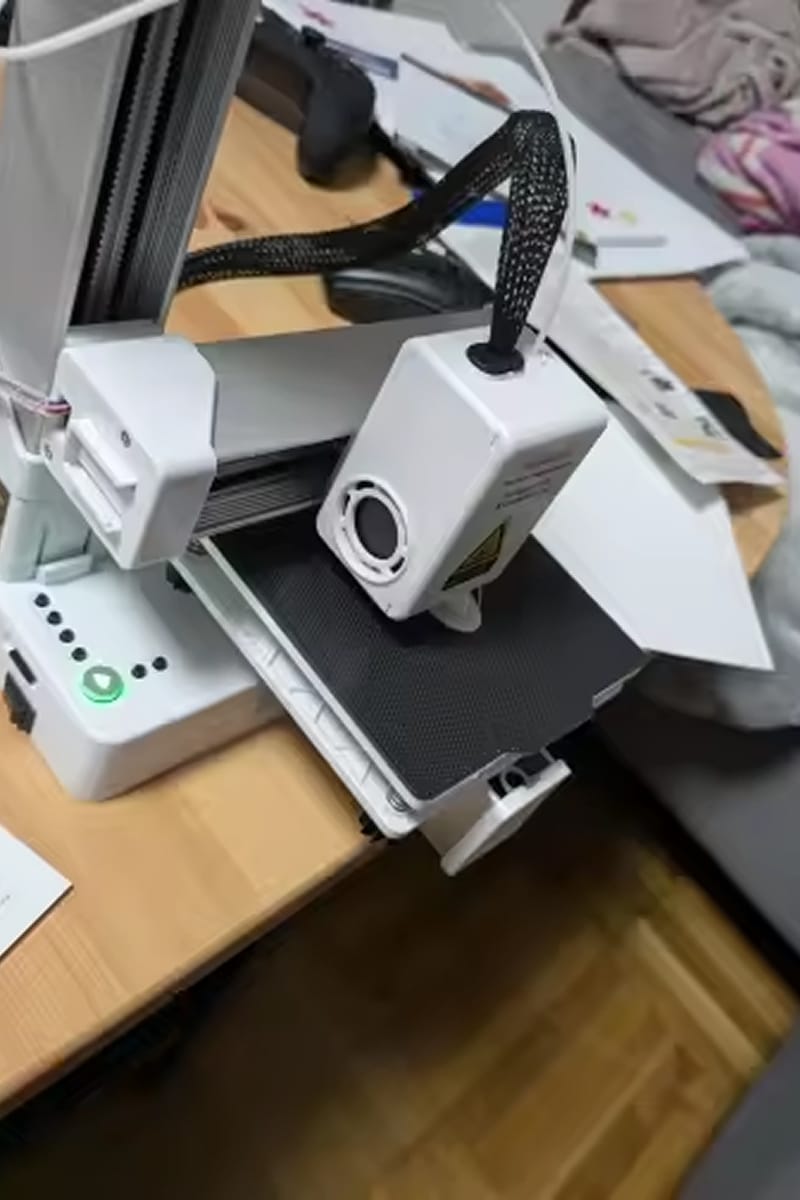
Experience Effortless 3D Printing Excellence With PrintiePal 3D Printer
Looking for Simple Setup Without Technical Expertise?
PrintiePal 3D Printer features intuitive one-key operation that eliminates complexity. Simply insert your TF card, press start, and watch your designs come to life. No technical knowledge required, making it perfect for beginners and educational settings.
Tired of Complicated 3D Printing Processes?
PrintiePal 3D Printer includes Easyware slicing software with automatic slicing functions. The comprehensive package contains everything you need: tutorial videos, manual, filament, and tools. Start printing within minutes of unboxing your new printer.
Worried About Limited Desktop Space?
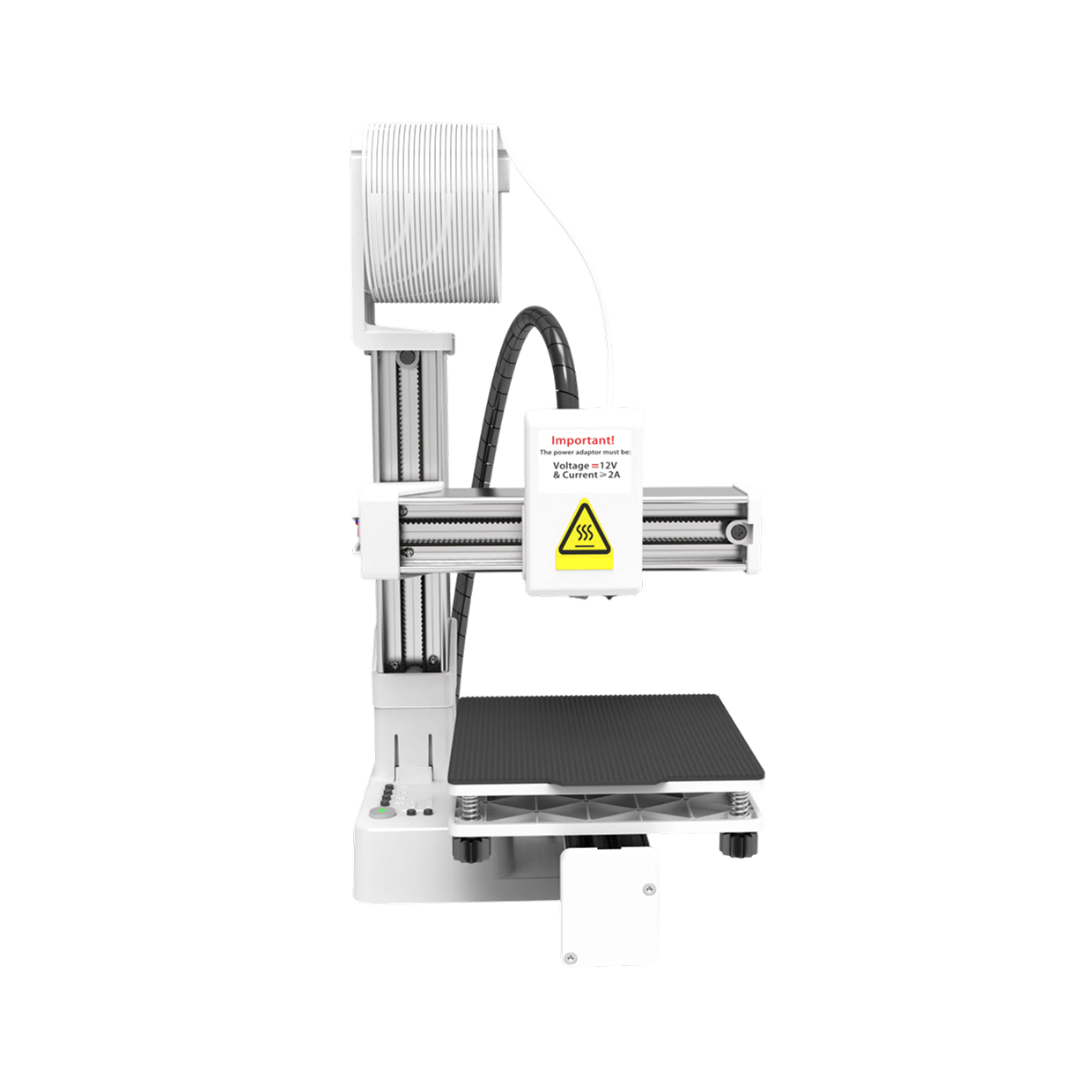
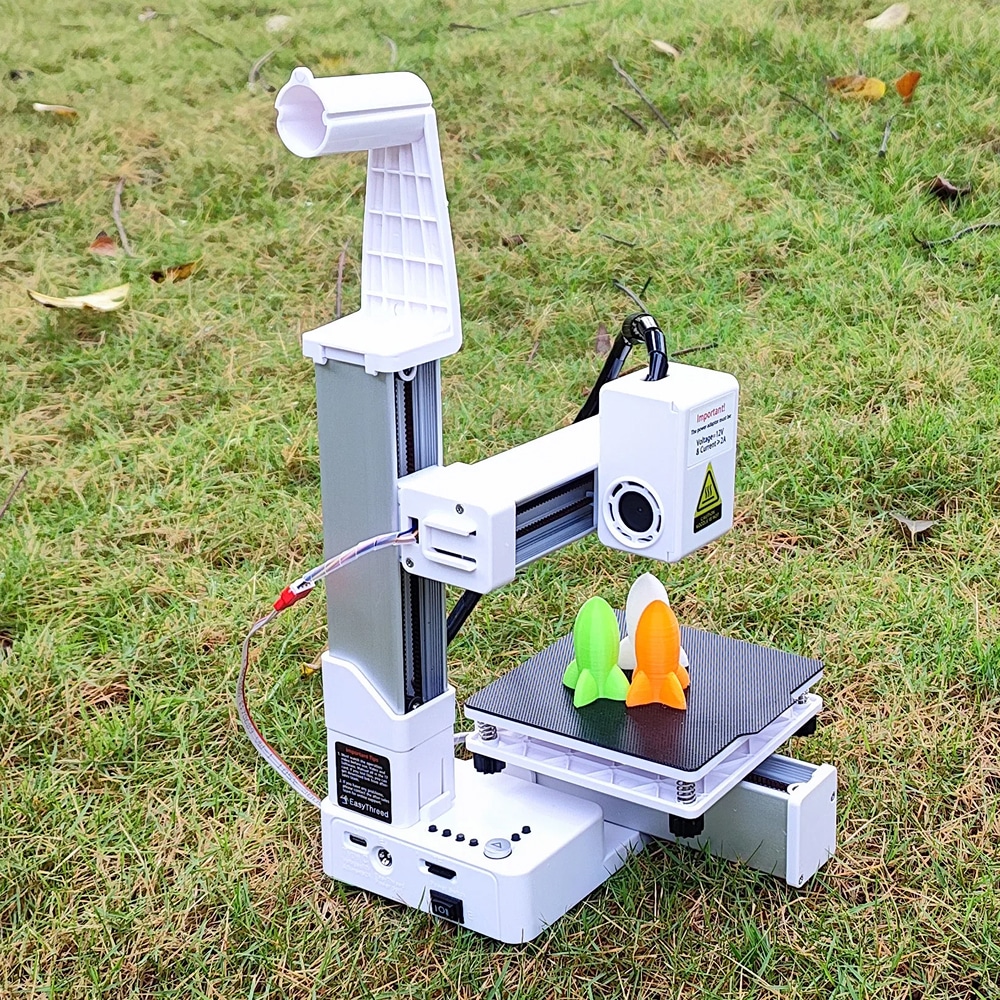
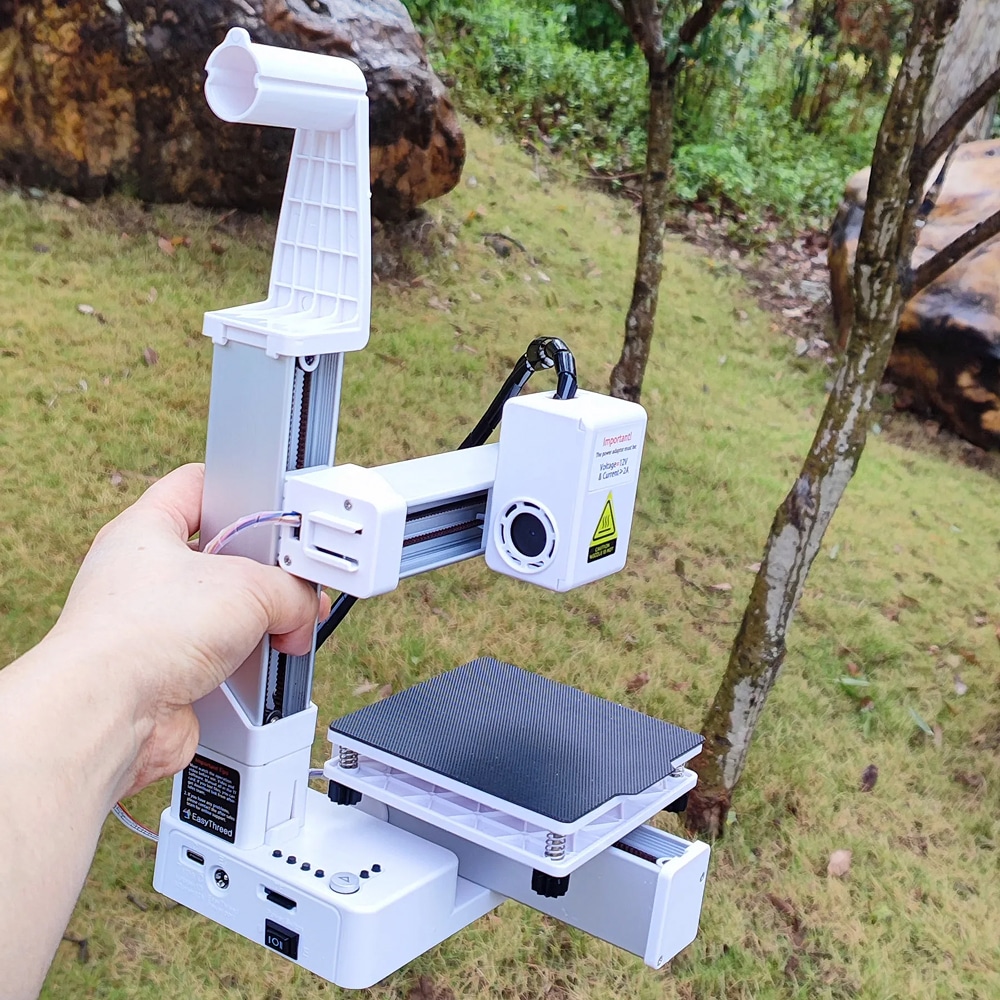
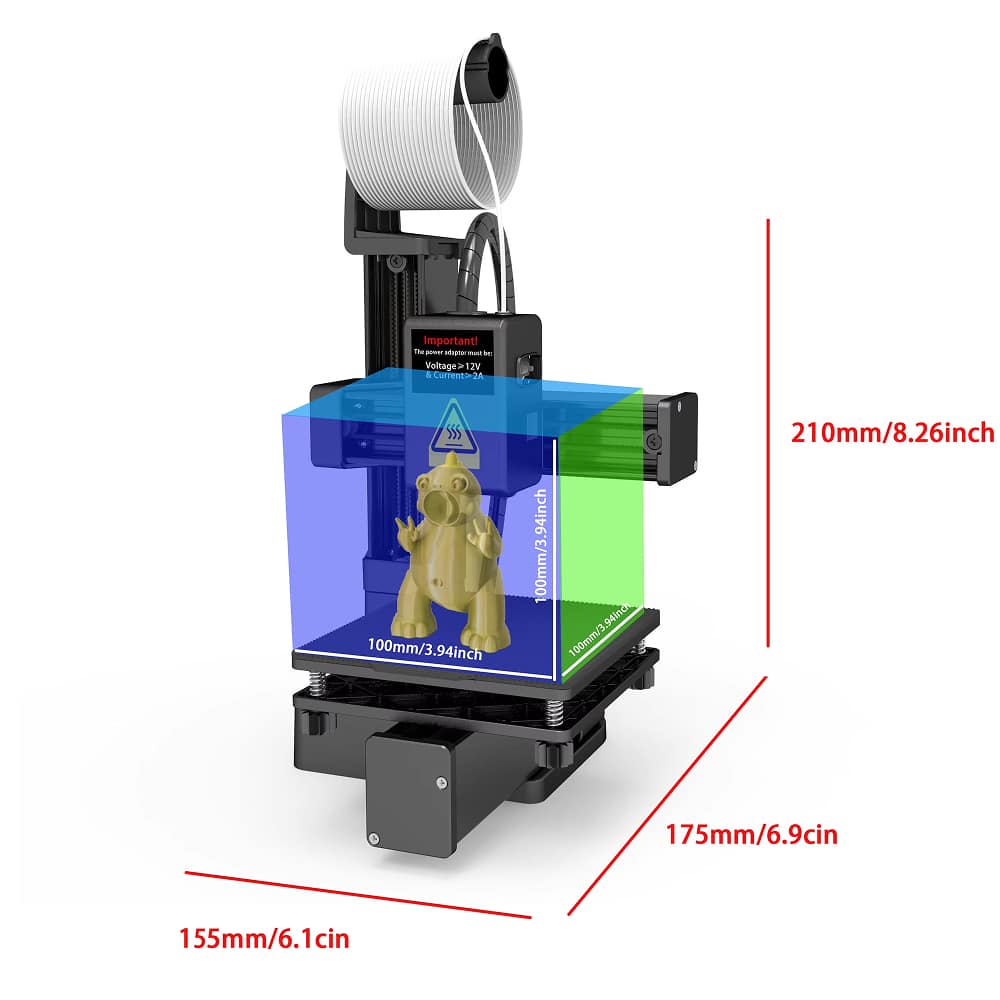
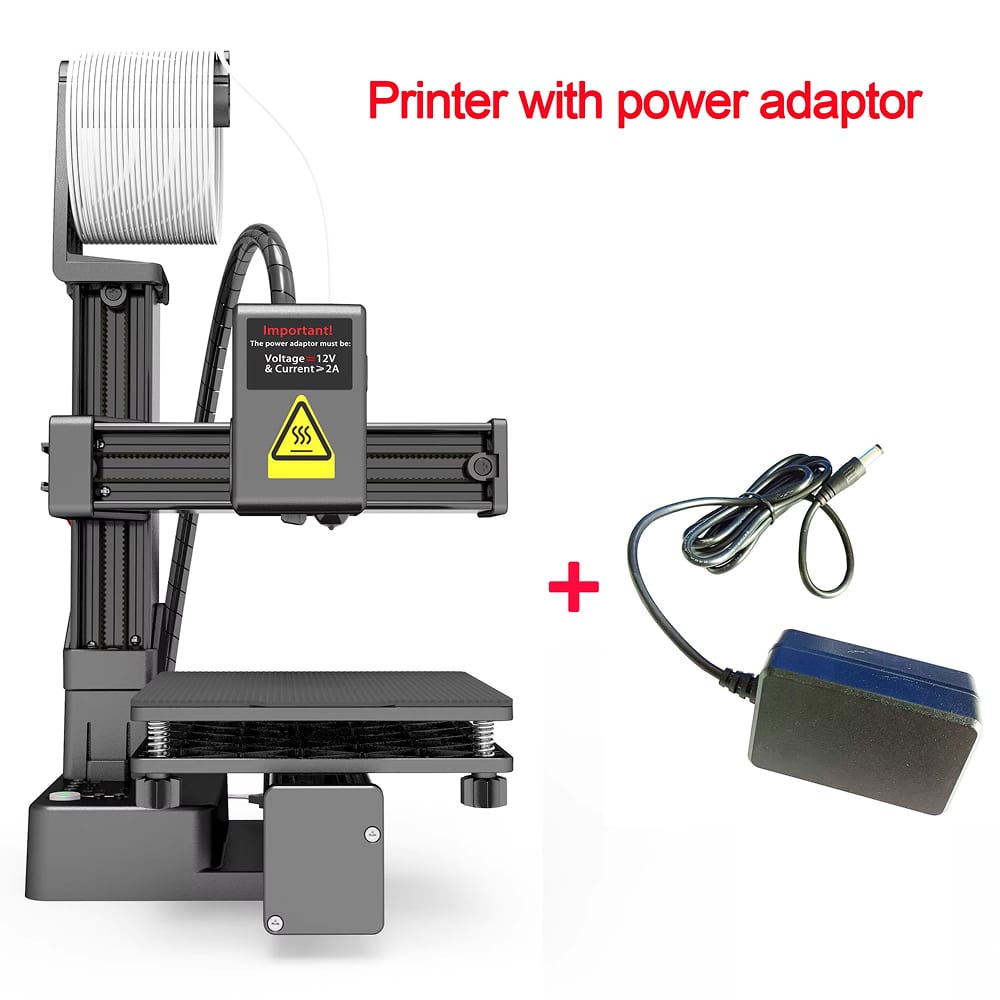
PrintiePal 3D Printer weighs under 1kg with a compact 155x175x210mm footprint. This lightweight design fits any desk, shelf, or workspace while delivering full printing capability. Perfect for apartments, dorms, small offices, or portable demonstrations.
Over 50,000 Users Loving PrintiePal 3D Printer
4.8 rating based on total orders
Unlock Endless Creative Possibilities With Advanced Features
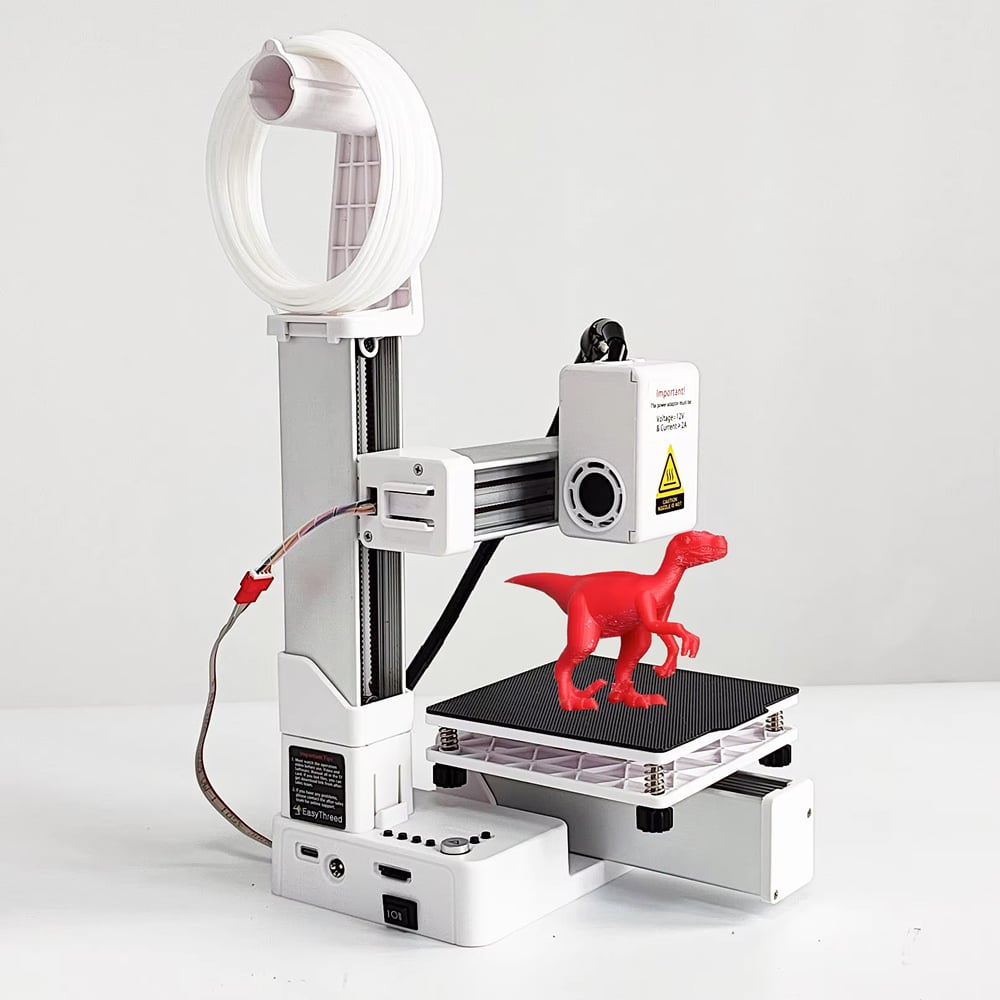
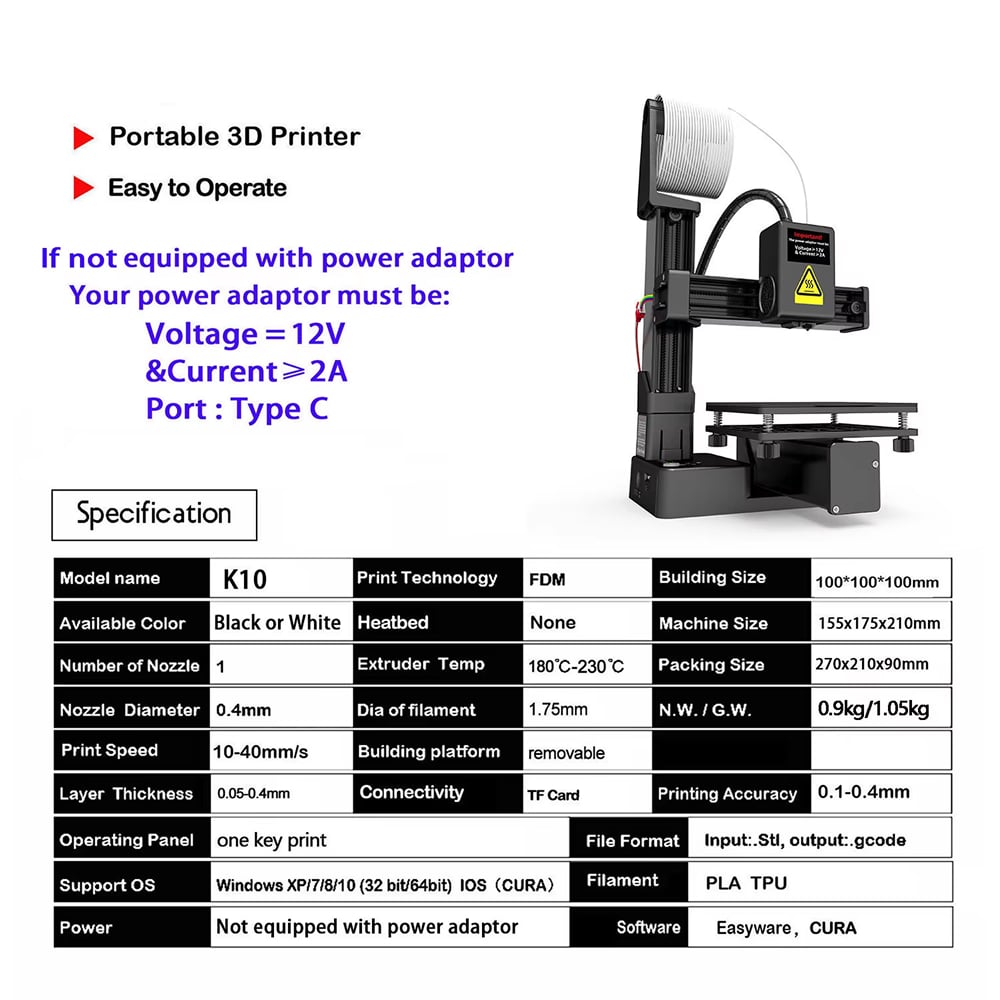
PrintiePal 3D Printer supports PLA and TPU filaments with 0.1mm precision printing. The removable build platform and integrated filament holder ensure smooth operation while the quiet motor keeps your workspace peaceful.
PrintiePal 3D Printer delivers exceptional value for beginners. Its compact design and user-friendly interface make quality 3D printing accessible without sacrificing precision or reliability.
Why Choose PrintiePal 3D Printer For Your Creative Projects
PrintiePal FEATURES ALL YOU EXPECT:
BEGINNER-FRIENDLY OPERATION
One-key printing eliminates complicated setup procedures. Simply load your design file and press start. The intuitive interface guides you through every step, making PrintiePal 3D Printer perfect for first-time users and educational environments.
ULTRA-PORTABLE DESIGN
Weighing less than 1kg with compact dimensions, PrintiePal 3D Printer fits anywhere. Transport it easily between locations, demonstrate at events, or tuck it away when not in use without sacrificing printing capability or quality.
PROFESSIONAL PRINT QUALITY
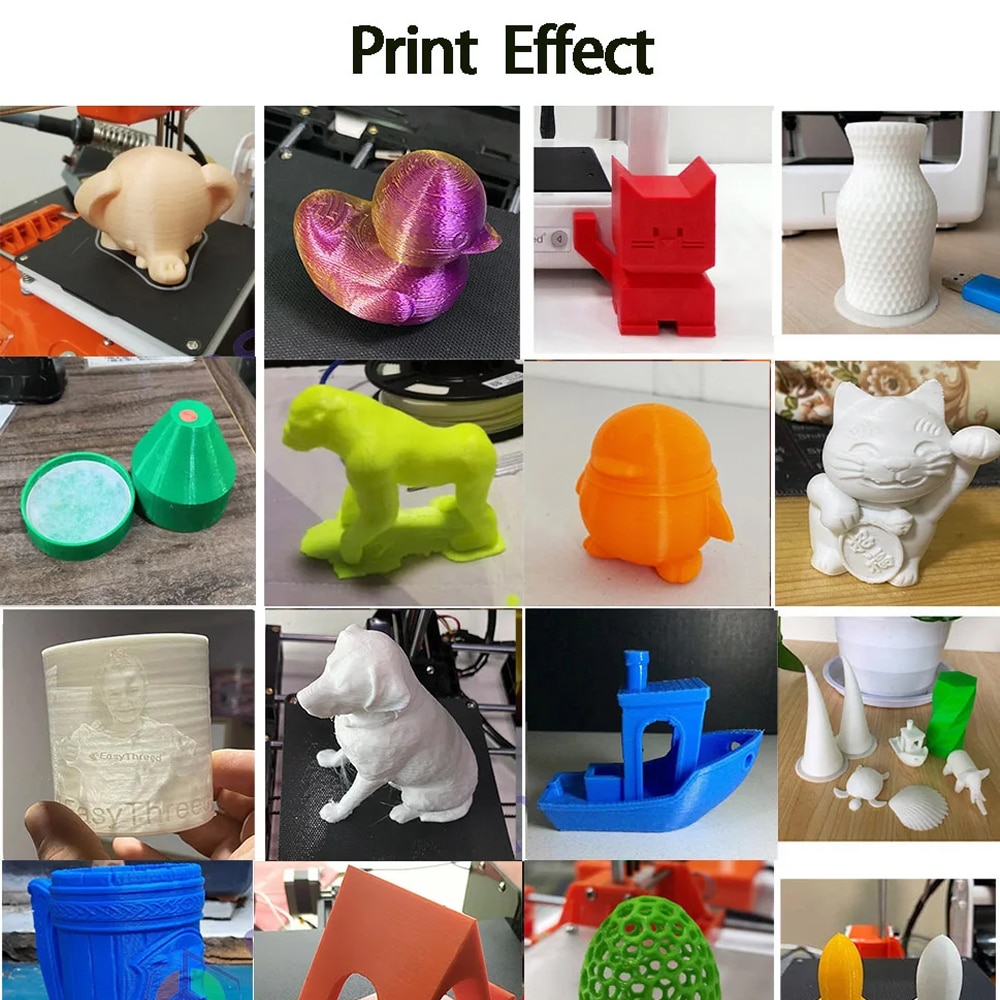
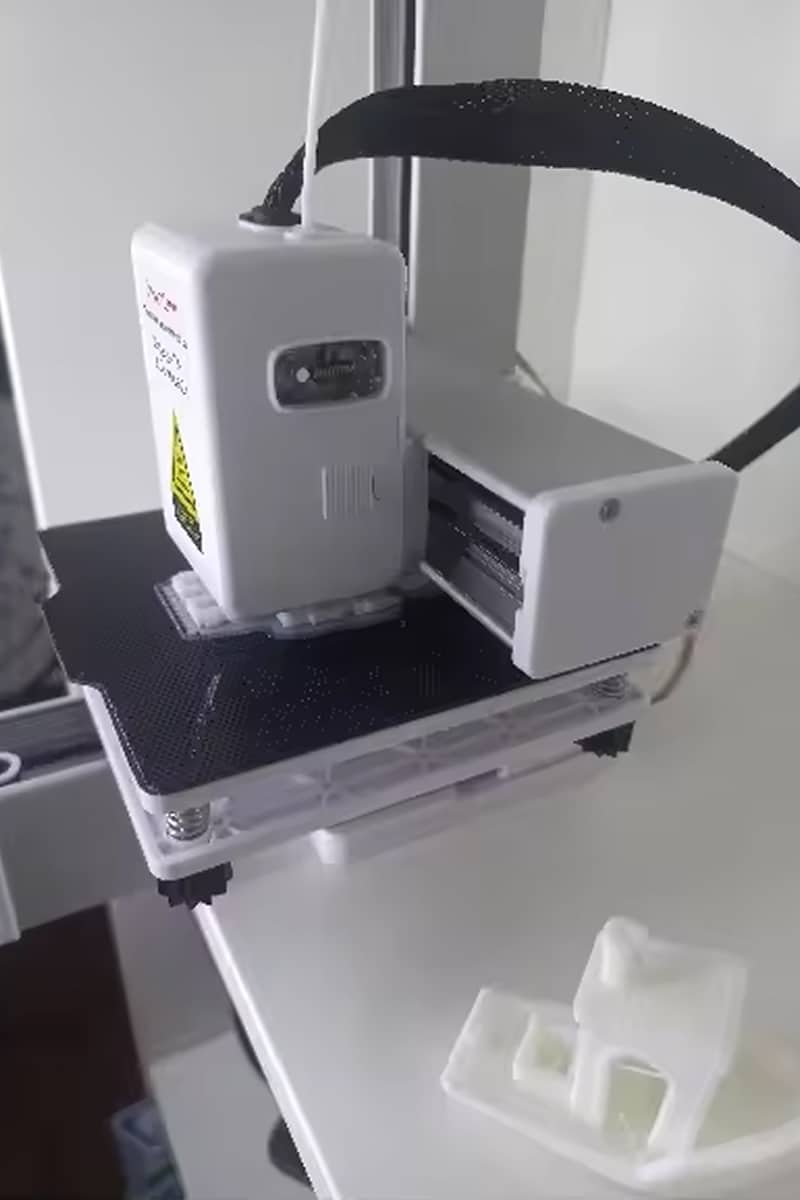
Achieve 0.1mm precision with FDM technology. PrintiePal 3D Printer produces detailed figurines, functional prototypes, and decorative items with smooth surfaces and accurate dimensions that rival larger, more expensive machines.
COMPLETE STARTER PACKAGE
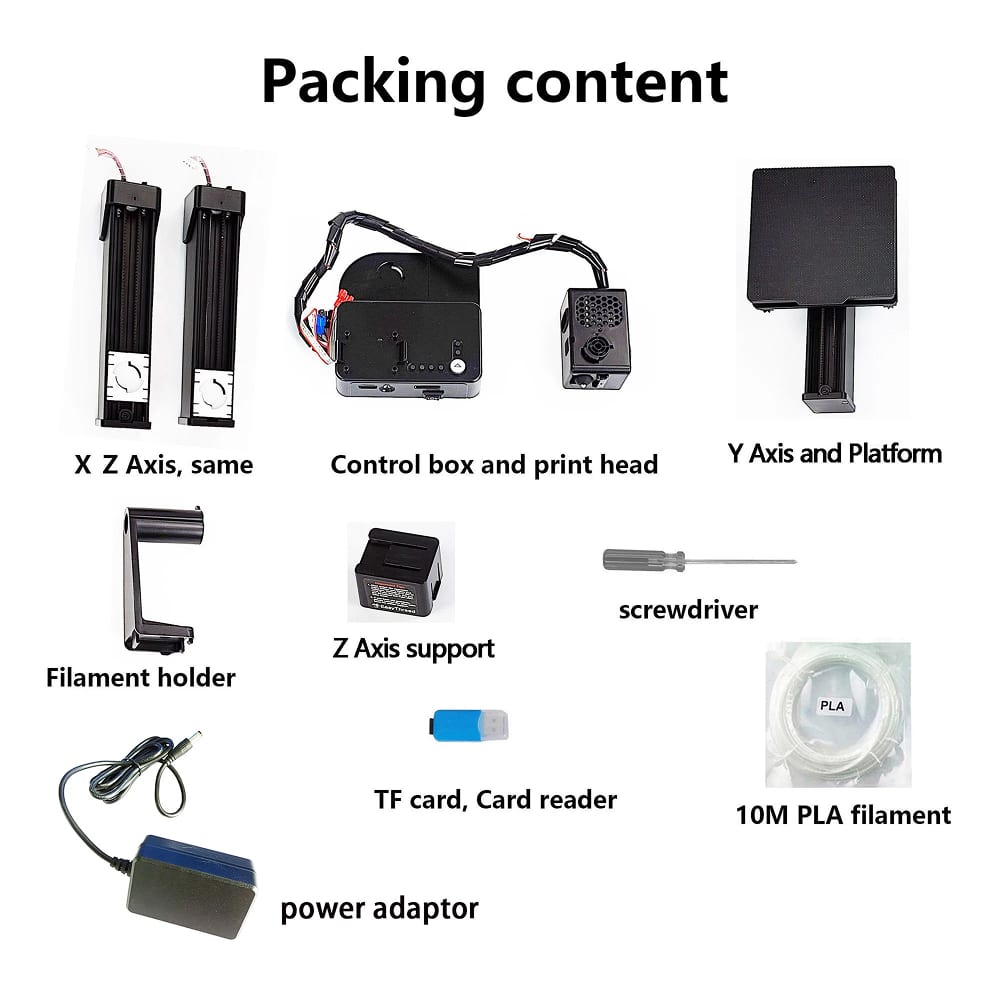
Everything you need arrives in one box: printer components, assembly tools, 10 meters of PLA filament, TF card with tutorials, and comprehensive documentation. Start creating immediately without purchasing additional accessories or materials.
VERSATILE MATERIAL COMPATIBILITY
Print with PLA for rigid items or TPU for flexible creations. PrintiePal 3D Printer handles both materials seamlessly, expanding your creative possibilities from toys and decorations to functional household items and mechanical parts.
QUIET OPERATION
The whisper-quiet motor operates without disturbing your environment. Use PrintiePal 3D Printer in bedrooms, offices, classrooms, or shared spaces without noise complaints, making it ideal for extended printing sessions.
Image Gallery
What's Included in Your Package
PrintiePal 3D Printer for Beginner
Axis
Control Box and Print Head
Y Axis and Platform
Filament Holder
Z Axis Support
Screwdriver
TF Card
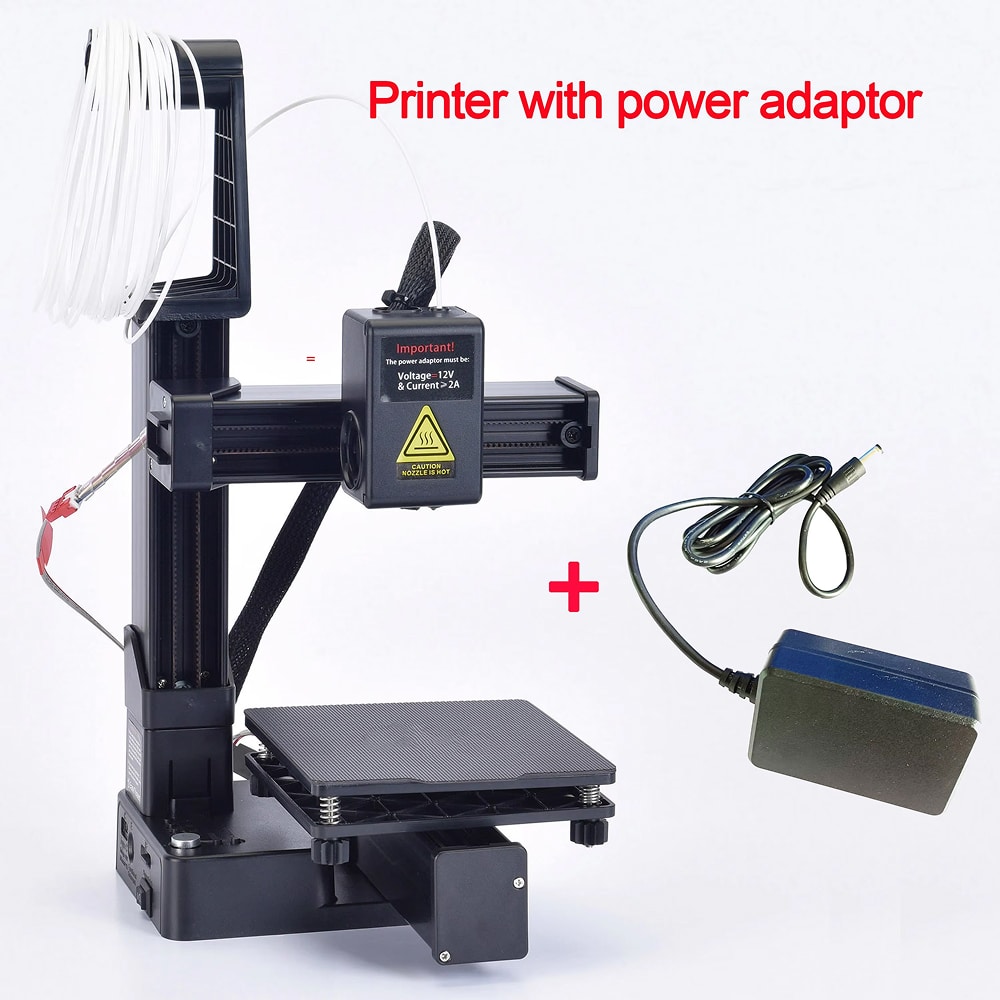
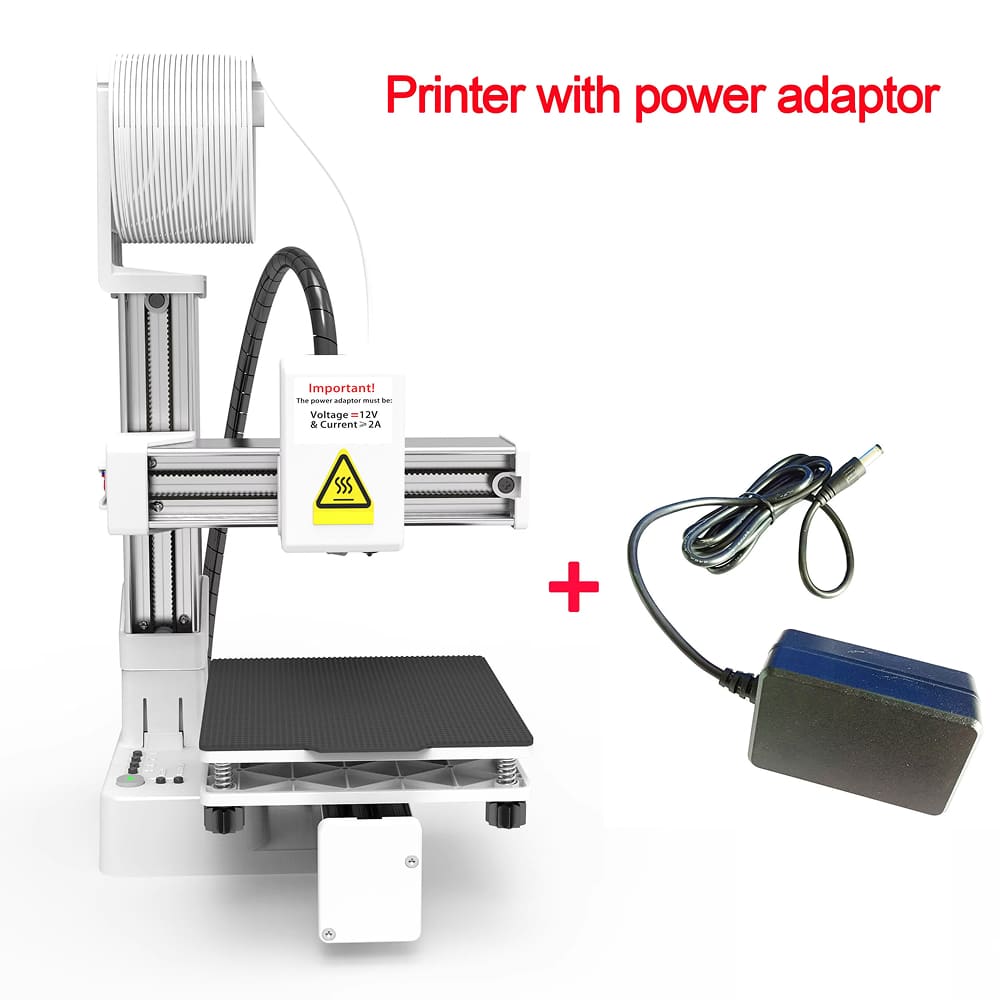
Power Adaptor
10M PLA Filament
24/7 Customer Support
We understand the value of your time. That’s why our team is trained to respond promptly and efficiently, ensuring your queries and issues are addressed without unnecessary delays.
Learn More About PrintiePal
Frequently Asked Questions
How difficult is it to assemble the PrintiePal 3D Printer?−
Assembly takes approximately 15-20 minutes with included tools and instructions. The TF card contains step-by-step video tutorials, and all components are clearly labeled for straightforward setup even for complete beginners.
What file formats does the PrintiePal 3D Printer accept?+
PrintiePal 3D Printer accepts STL files as input and converts them to Gcode format. The included Easyware software handles conversion automatically, and it's also compatible with popular CURA slicing software for advanced users.
Can I print flexible materials with this printer?+
Yes, PrintiePal 3D Printer supports both PLA and TPU filaments. TPU allows you to create flexible items like phone cases, toys, and functional parts that require bendability while maintaining excellent print quality.
How long does it take to print a typical object?+
Print times vary by size and complexity. A small figurine takes 1-2 hours, while larger items may require 4-6 hours. The adjustable 10-40mm/s speed lets you balance quality and time based on your needs.
Does the printer require a heated bed for printing?+
No heated bed is required. PrintiePal 3D Printer is optimized for PLA printing without bed heating. The removable build platform provides excellent adhesion and easy print removal, simplifying the printing process for beginners.
What is the maximum size object I can print?+
The maximum build volume is 100x100x100mm (approximately 4x4x4 inches). This size is perfect for figurines, household items, toys, prototypes, and decorative objects while maintaining the printer's compact, portable design.
Is the PrintiePal 3D Printer suitable for children?+
Yes, with adult supervision. The one-key operation and included educational materials make it excellent for teaching STEM concepts. However, adults should monitor the heating elements and assist younger children during operation.
How do I transfer print files to the printer?+
Use the included TF card and card reader. Save your Gcode files to the TF card, insert it into the printer, and select your file using the simple interface. No computer connection or WiFi required during printing.
TOP #1 FAVORITE 3D Printer for Beginner
Trusted by Thousands of Satisfied Customers
Sarah Mitchell, Seattle
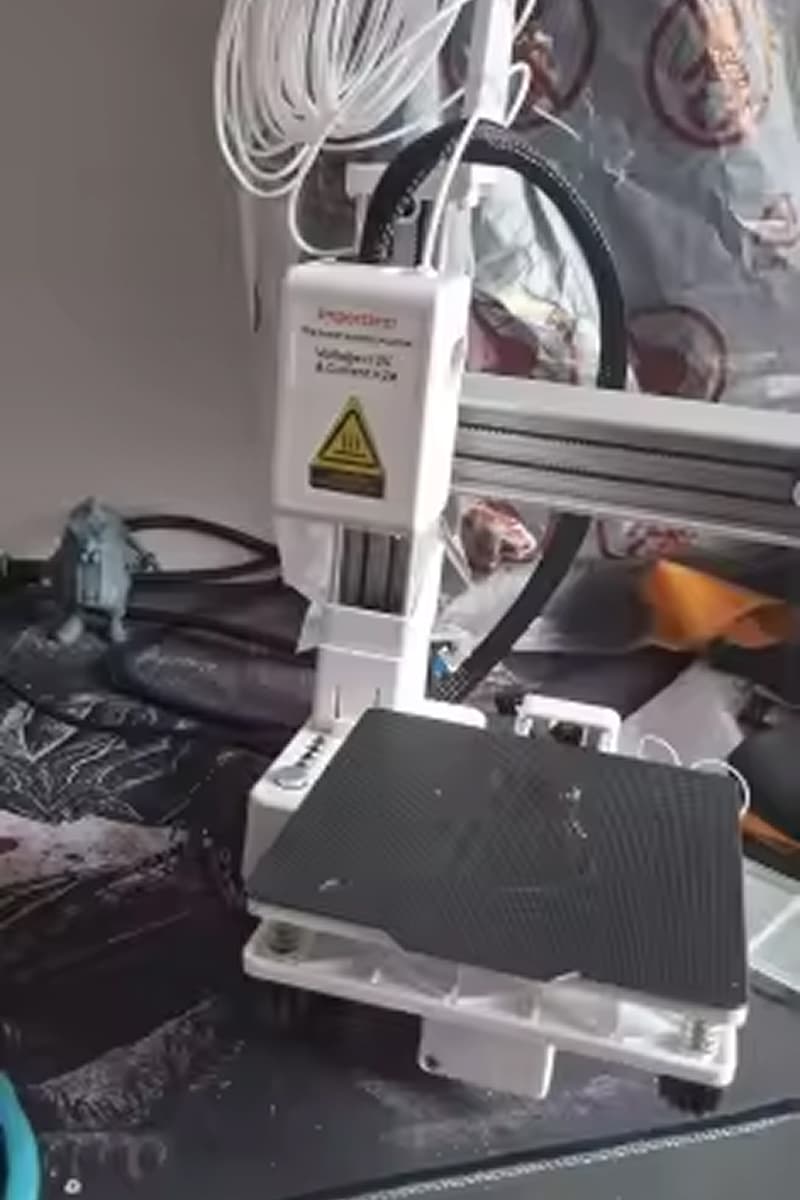
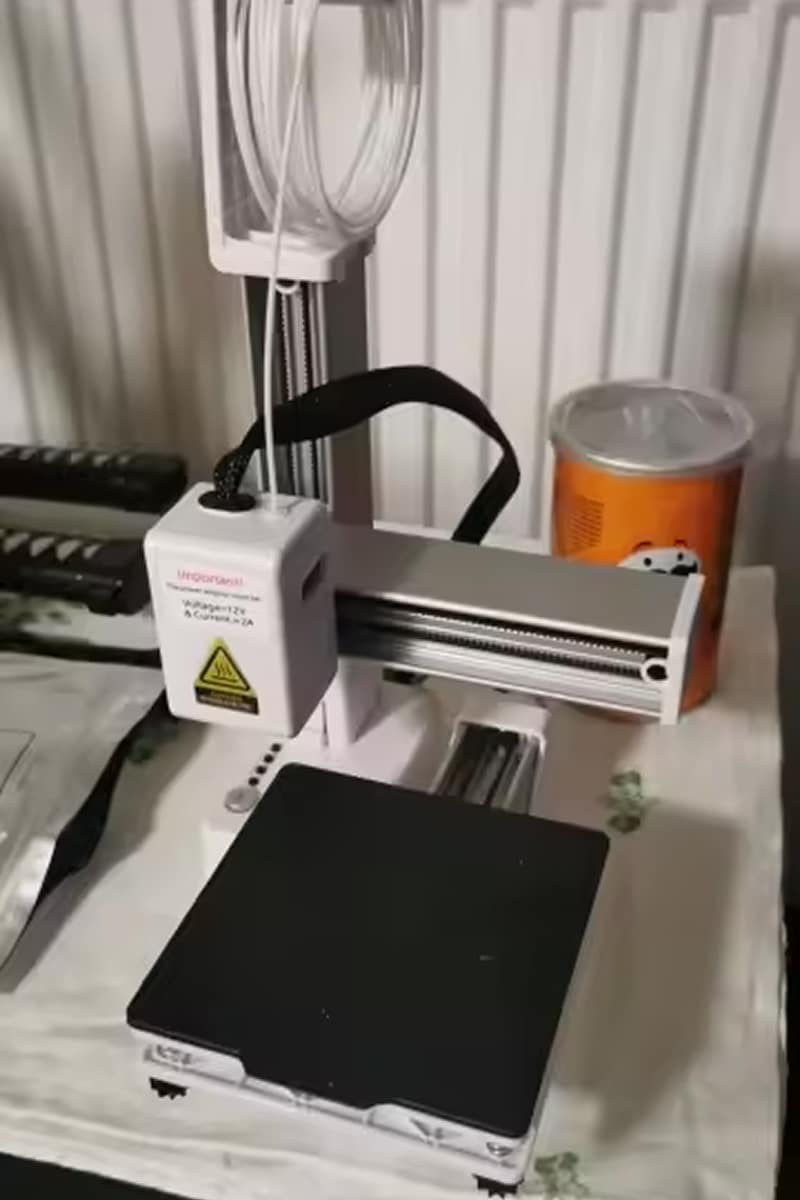
Perfect first 3D printer! PrintiePal 3D Printer was incredibly easy to set up and use. Within an hour, I printed my first successful model. The compact size fits perfectly on my desk without taking up too much space.
David Thompson, Austin
As a teacher, PrintiePal 3D Printer has been fantastic for my classroom. Students love the hands-on experience, and the quiet operation doesn’t disrupt lessons. The included tutorials make teaching 3D printing concepts simple and engaging.
Jennifer Rodriguez, Boston
I was skeptical about such a compact printer, but PrintiePal 3D Printer exceeded expectations. Print quality is impressive for the price, and the portability means I can take it to maker fairs and demonstrations easily.