Experience Effortless PC Monitoring With NanoVidex Mini Screen Monitor
Tired of Complicated Monitoring Software?
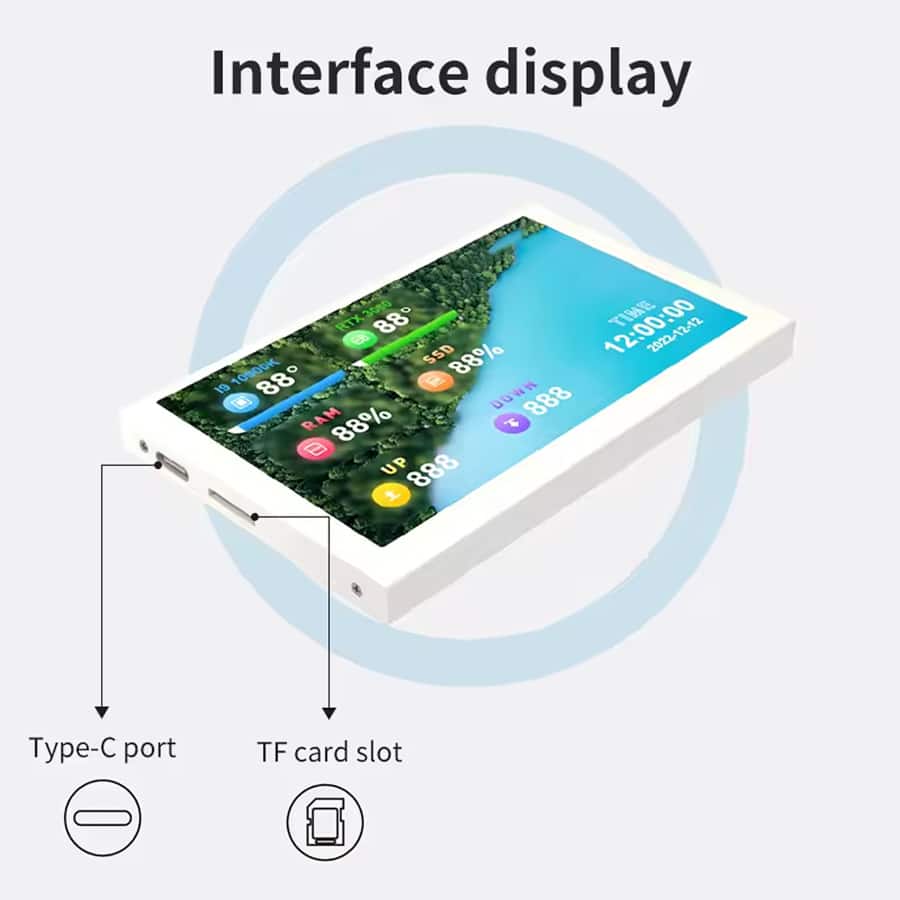
The NanoVidex Mini Screen Monitor eliminates setup headaches with true plug-and-play functionality. Simply connect the USB-C cable to any available port – no HDMI, no external power brick, and no AIDA64 installation required for instant monitoring.
Looking for Instant PC Visibility?
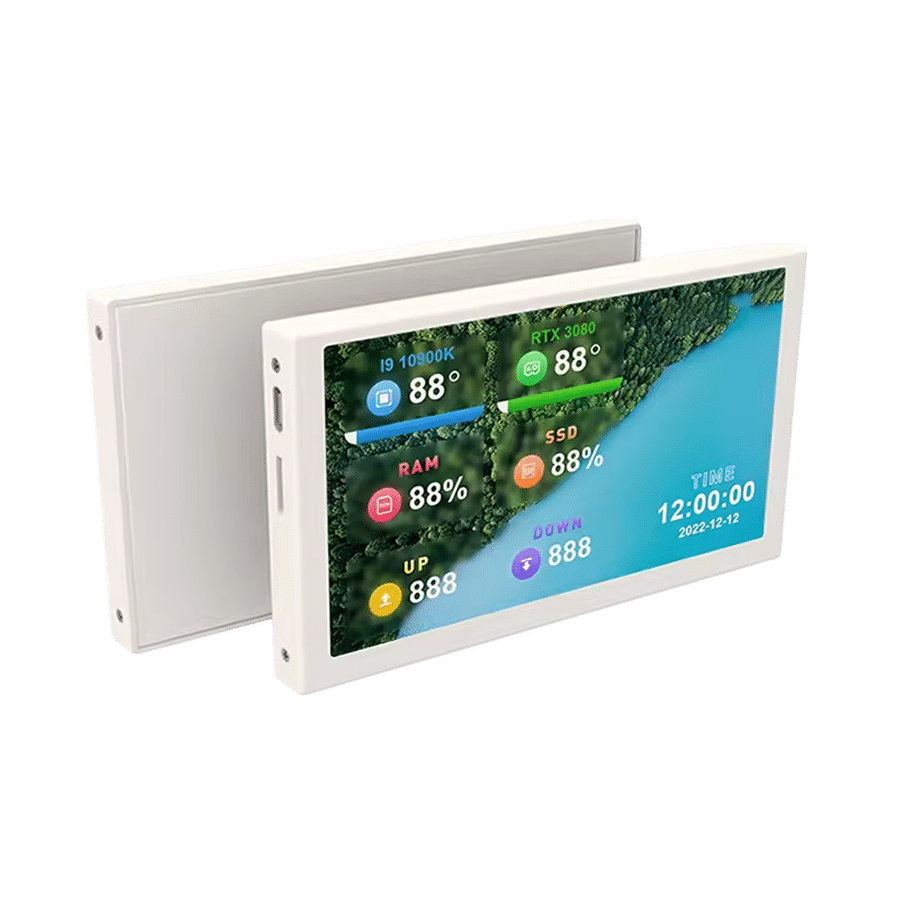
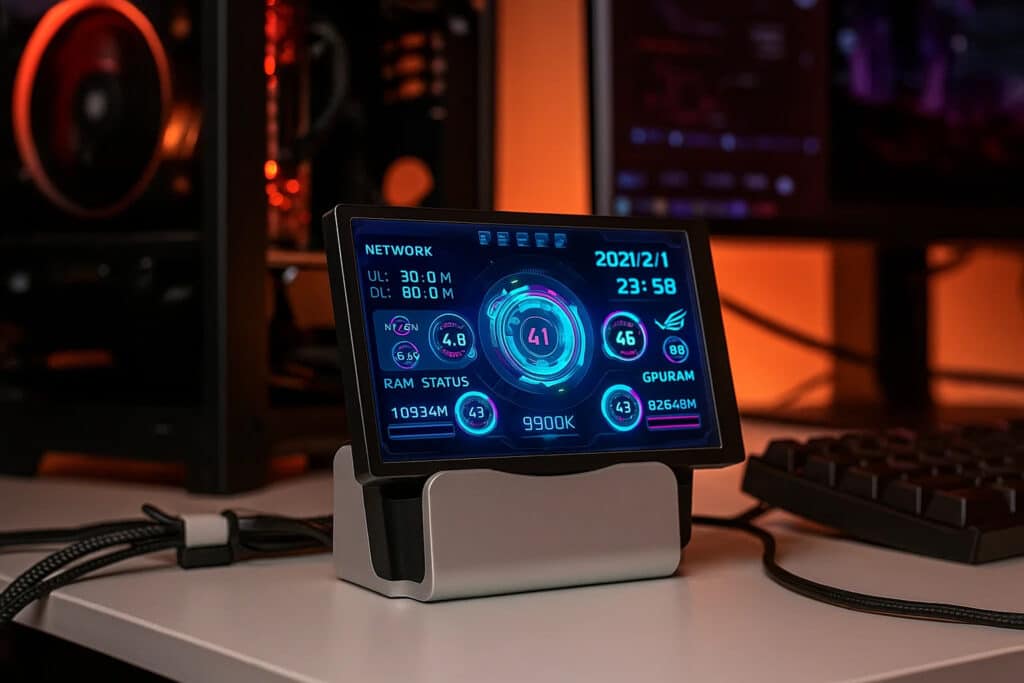
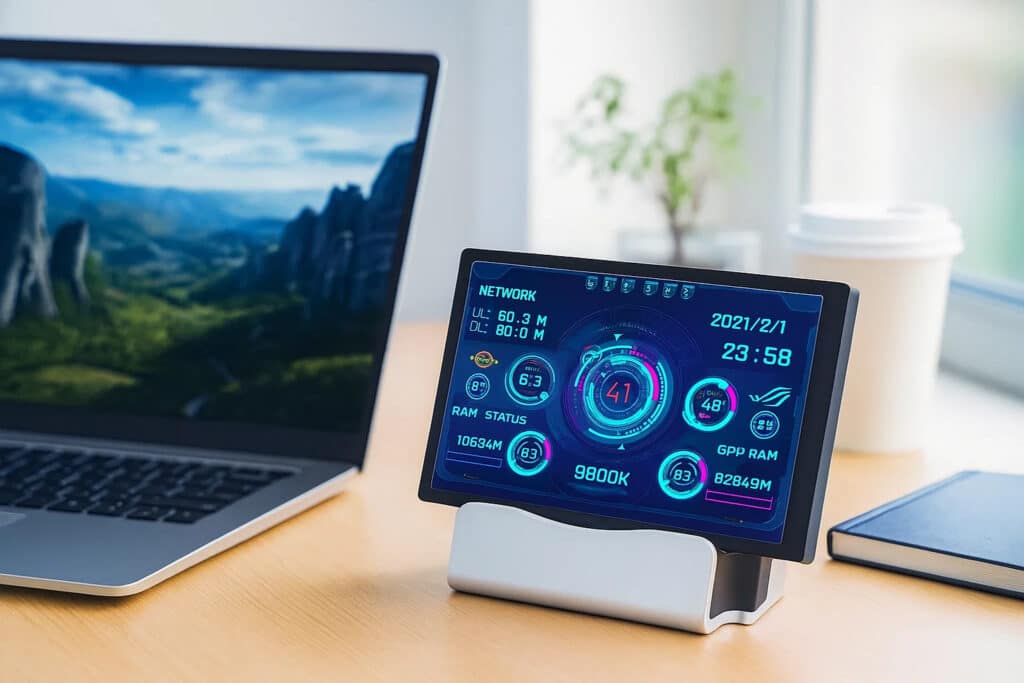
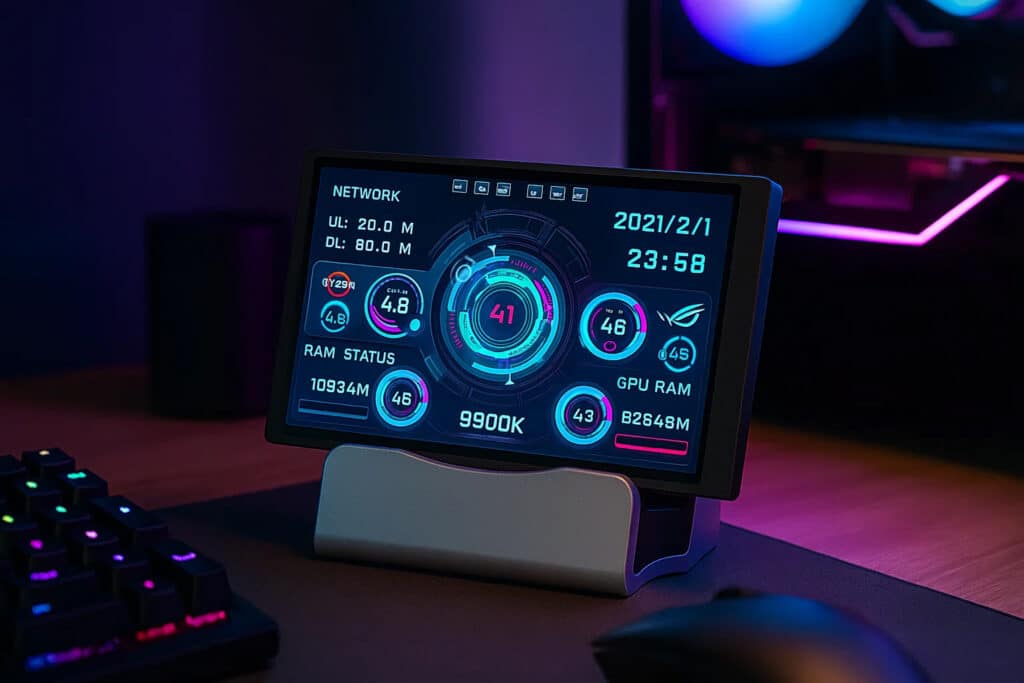
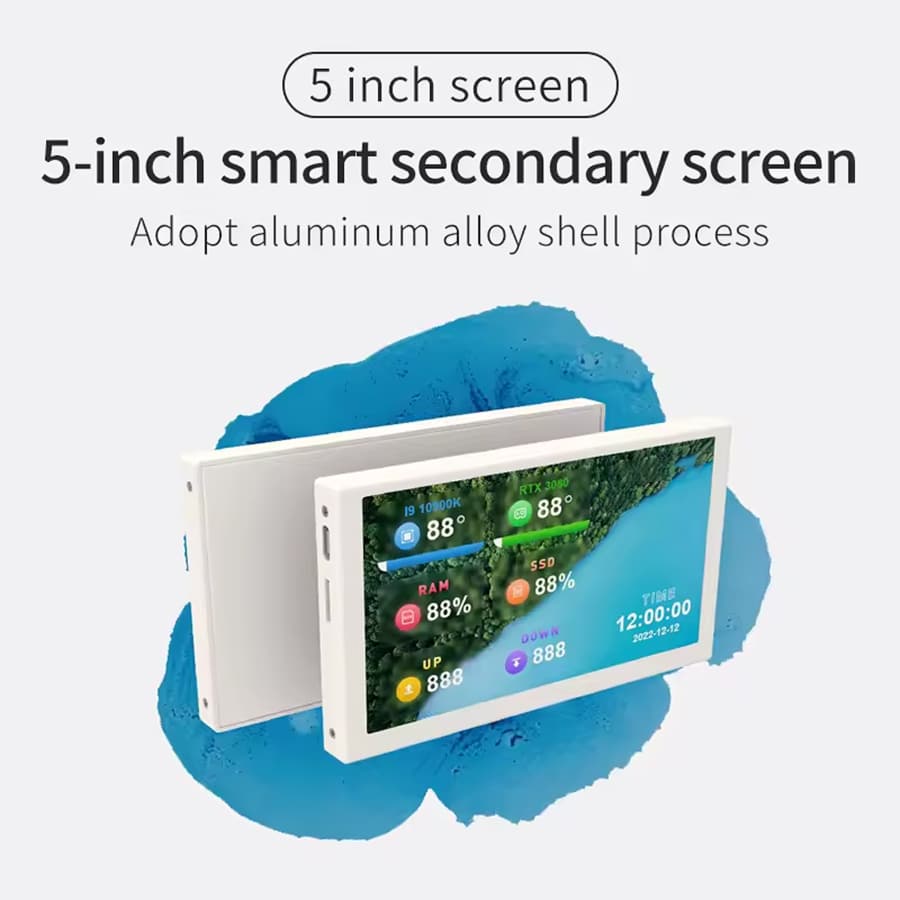
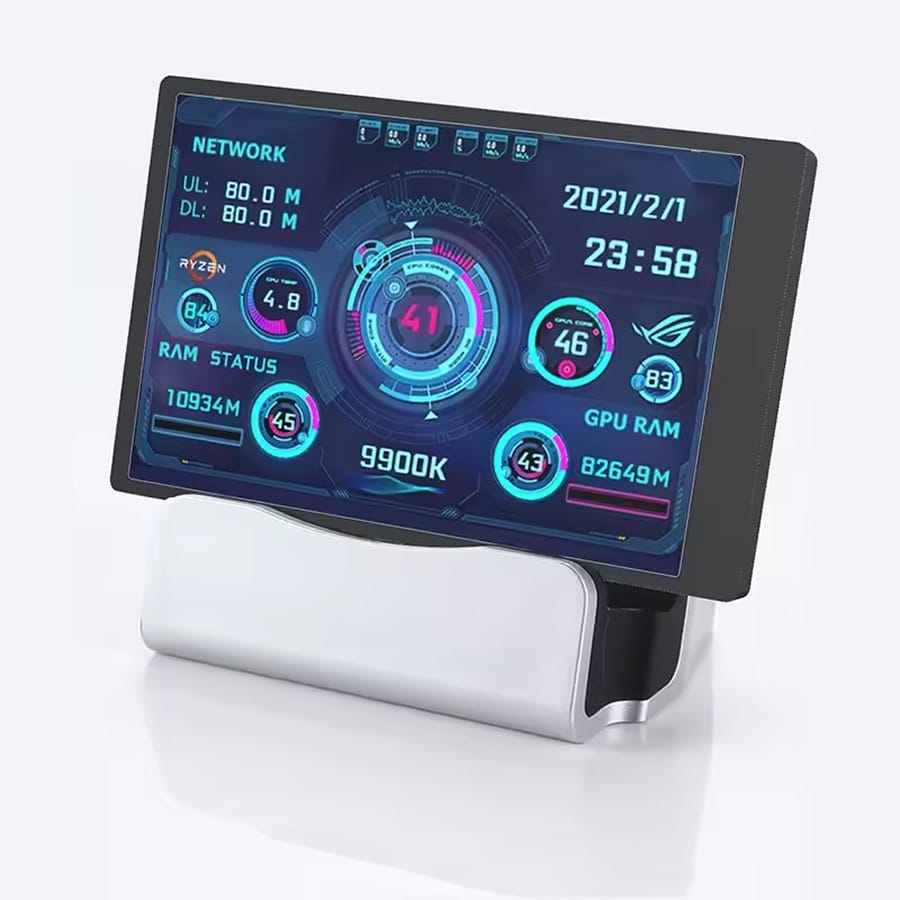
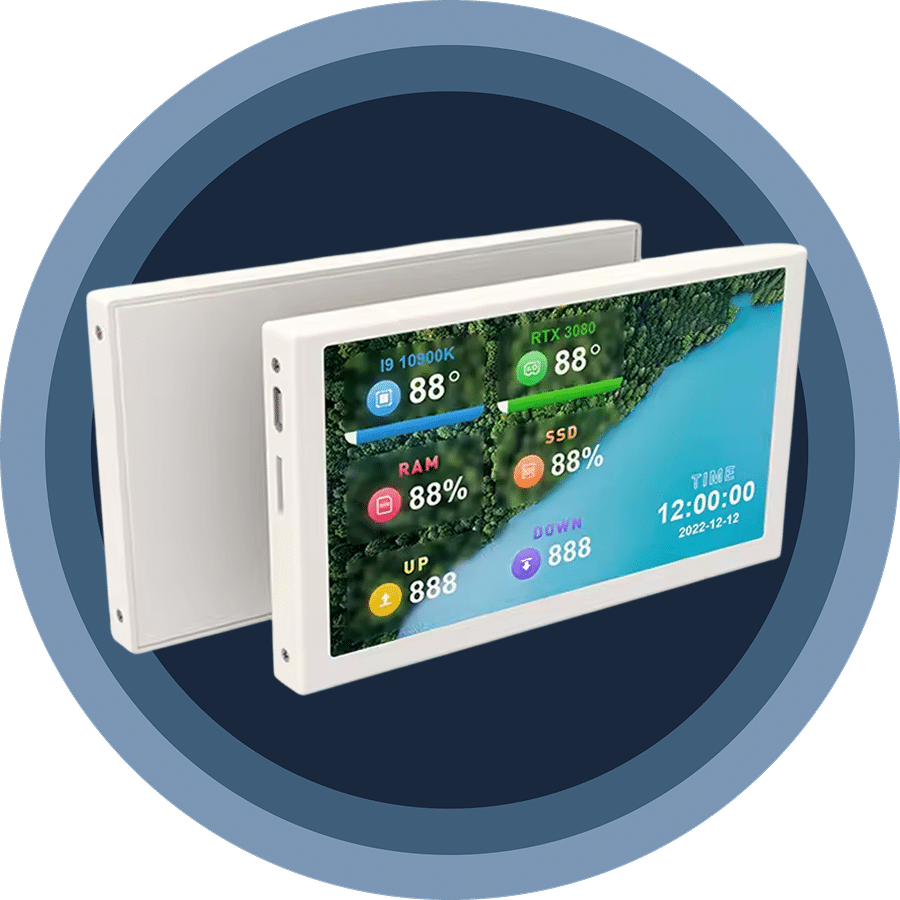
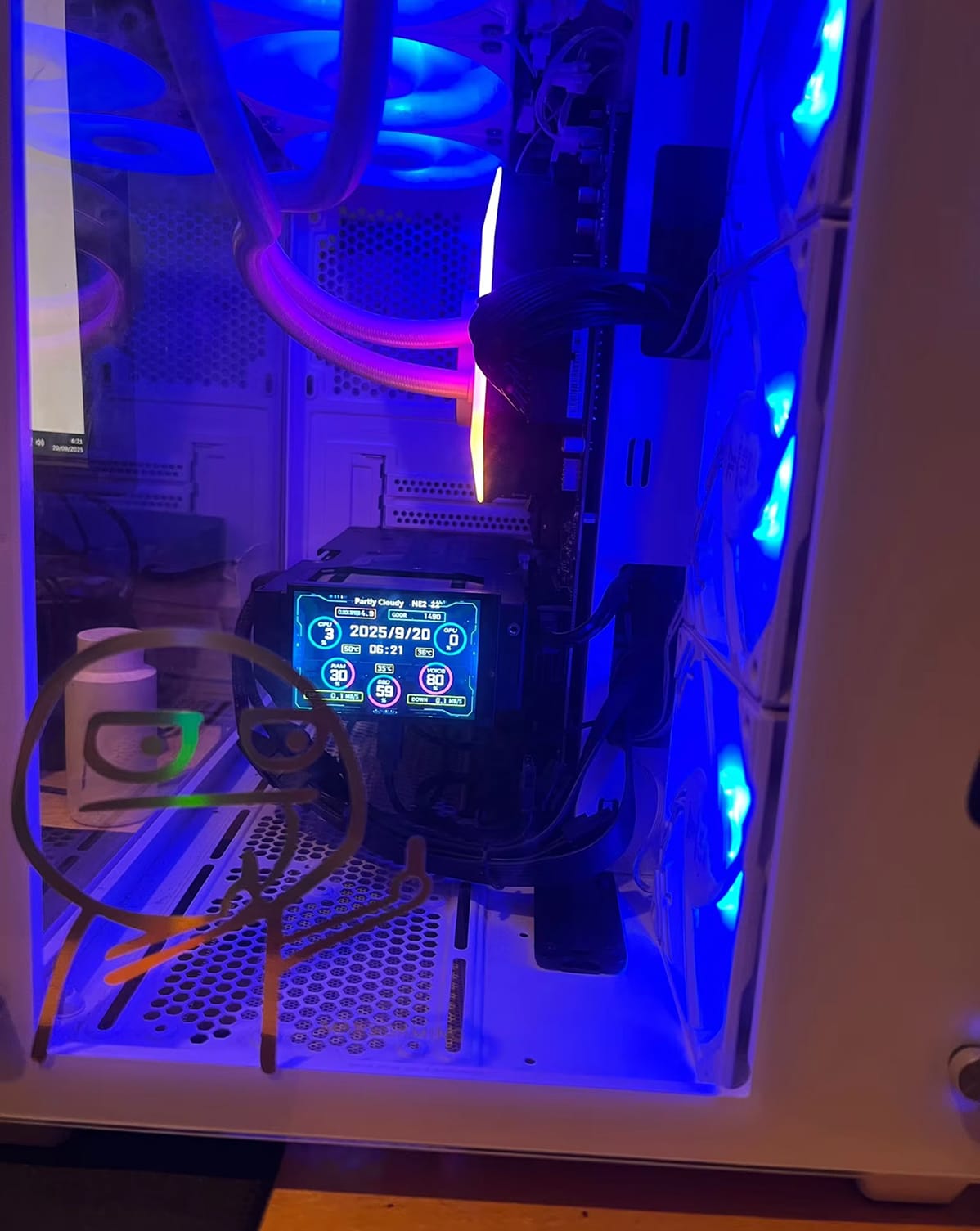
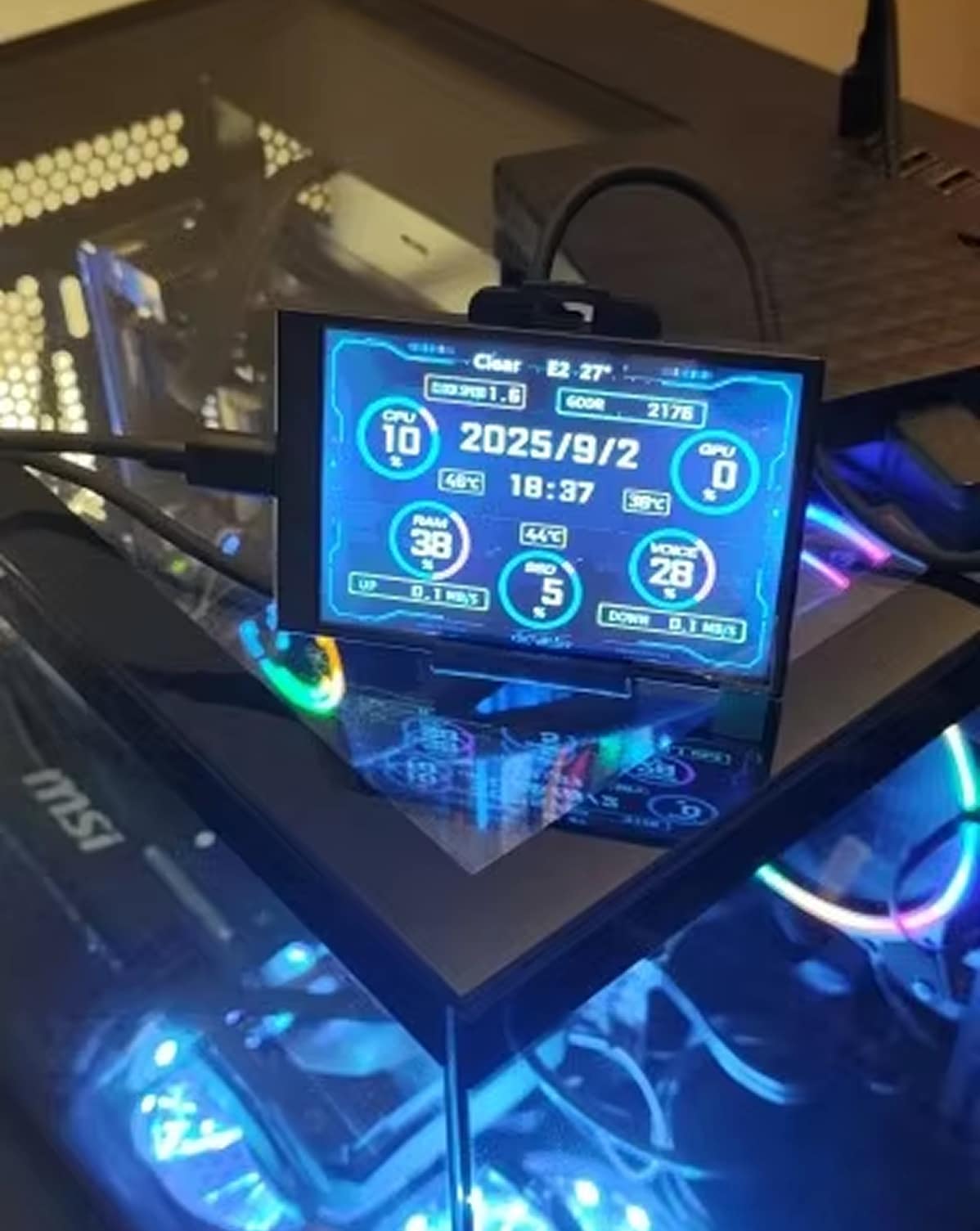
Get real-time visibility of CPU/GPU temperatures, RAM usage, disk activity, network speeds, and system time with the NanoVidex. The vibrant IPS display delivers crisp visuals from any angle, perfect for desk mounting or case installation.
Worried About Consuming Extra Resources?
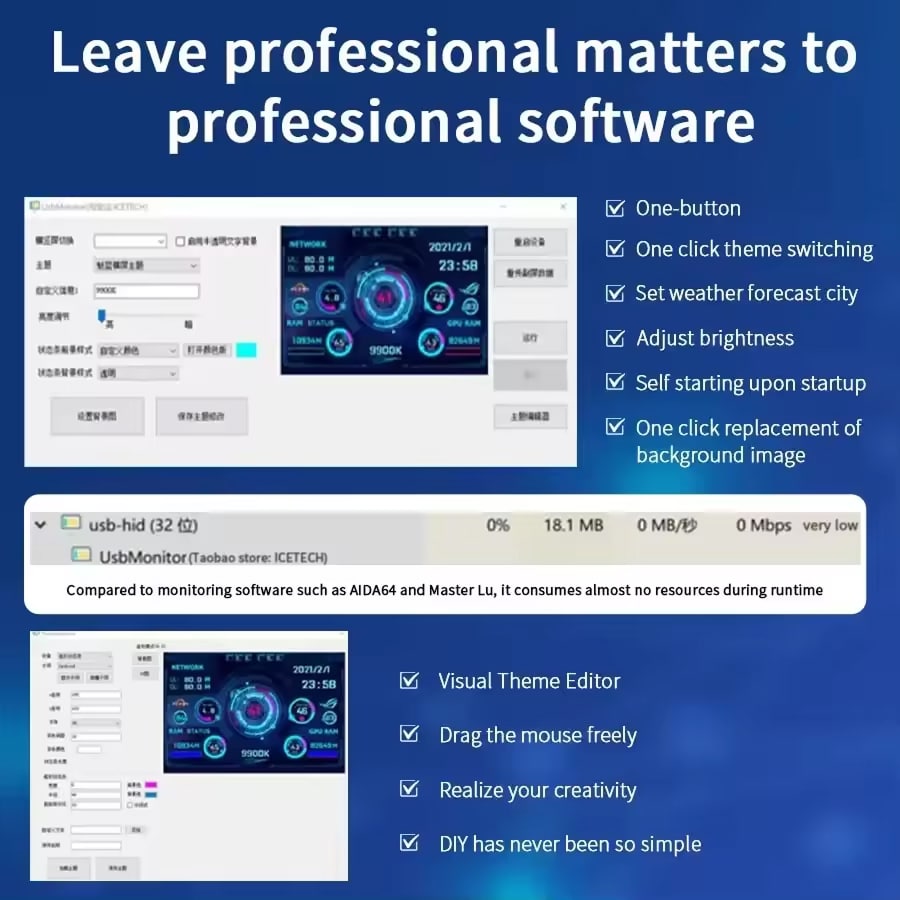
Unlike resource-heavy monitoring software, the NanoVidex Mini Screen Monitor uses ultra-low system resources while displaying comprehensive stats. Enjoy full PC performance monitoring without compromising gaming frame rates or workflow efficiency.
Join 50,000+ Users Loving NanoVidex Mini Screen Monitor
4.8 rating based on total orders
Customize Your Monitoring Experience With Powerful Yet Simple Features
NanoVidex offers unmatched flexibility with theme customization, brightness control, and orientation switching. Design your perfect dashboard or choose from pre-loaded themes for instant personalization.
“The NanoVidex delivers professional-grade monitoring in a compact, user-friendly package. Its plug-and-play design and minimal resource usage make it essential for enthusiasts and professionals alike.”
Why Choose the NanoVidex Mini Screen Monitor for Your PC Setup
NanoVidex FEATURES ALL YOU EXPECT:
ZERO HASSLE SETUP
Connect the NanoVidex via USB-C and start monitoring immediately – no drivers, no HDMI cables, no external power adapters needed. True plug-and-play convenience means you’re up and running in seconds.
COMPREHENSIVE MONITORING
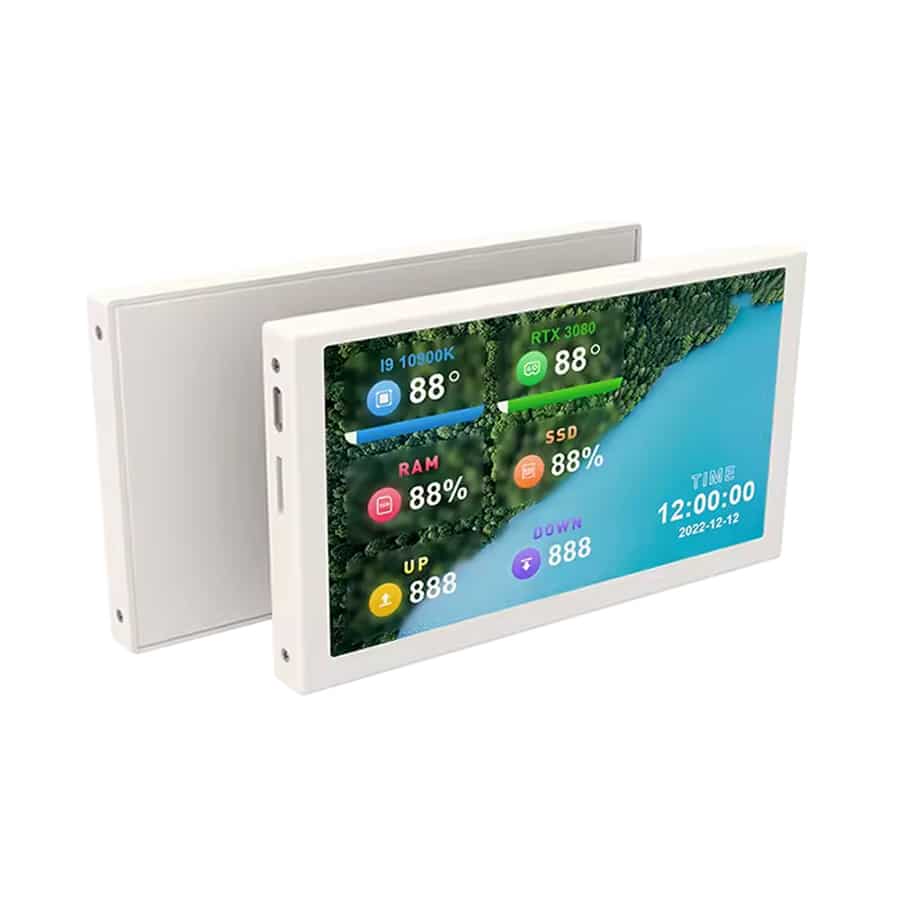
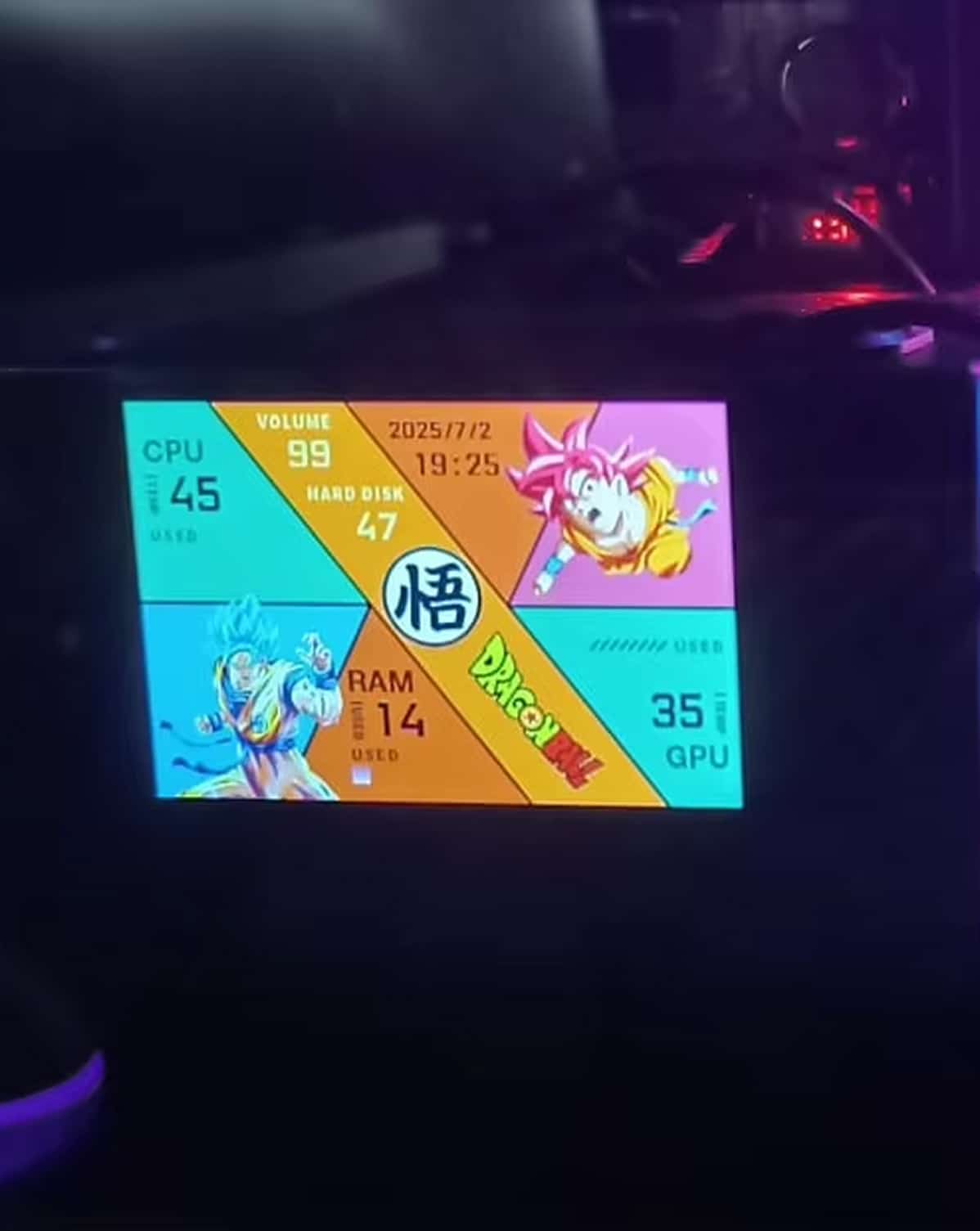
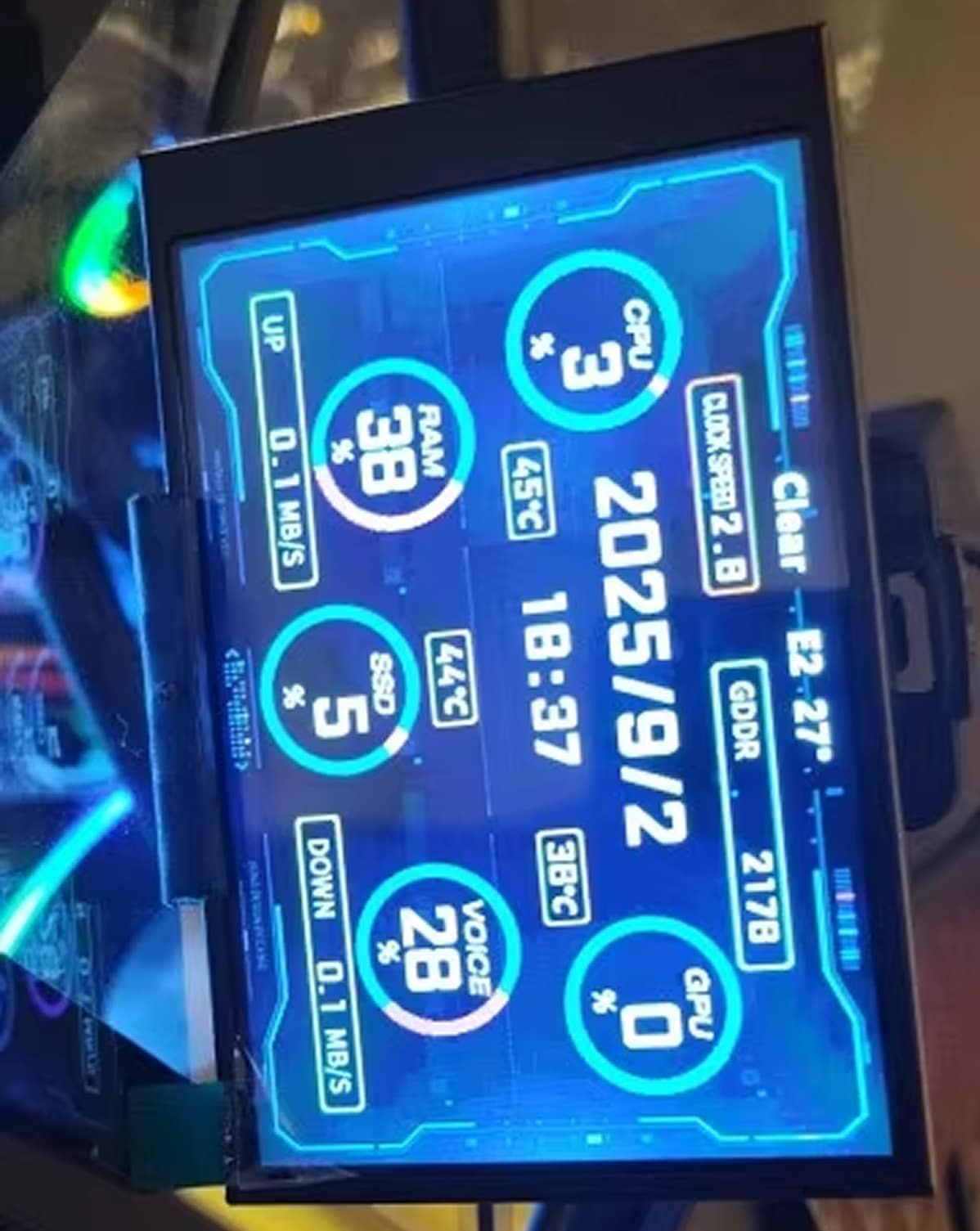
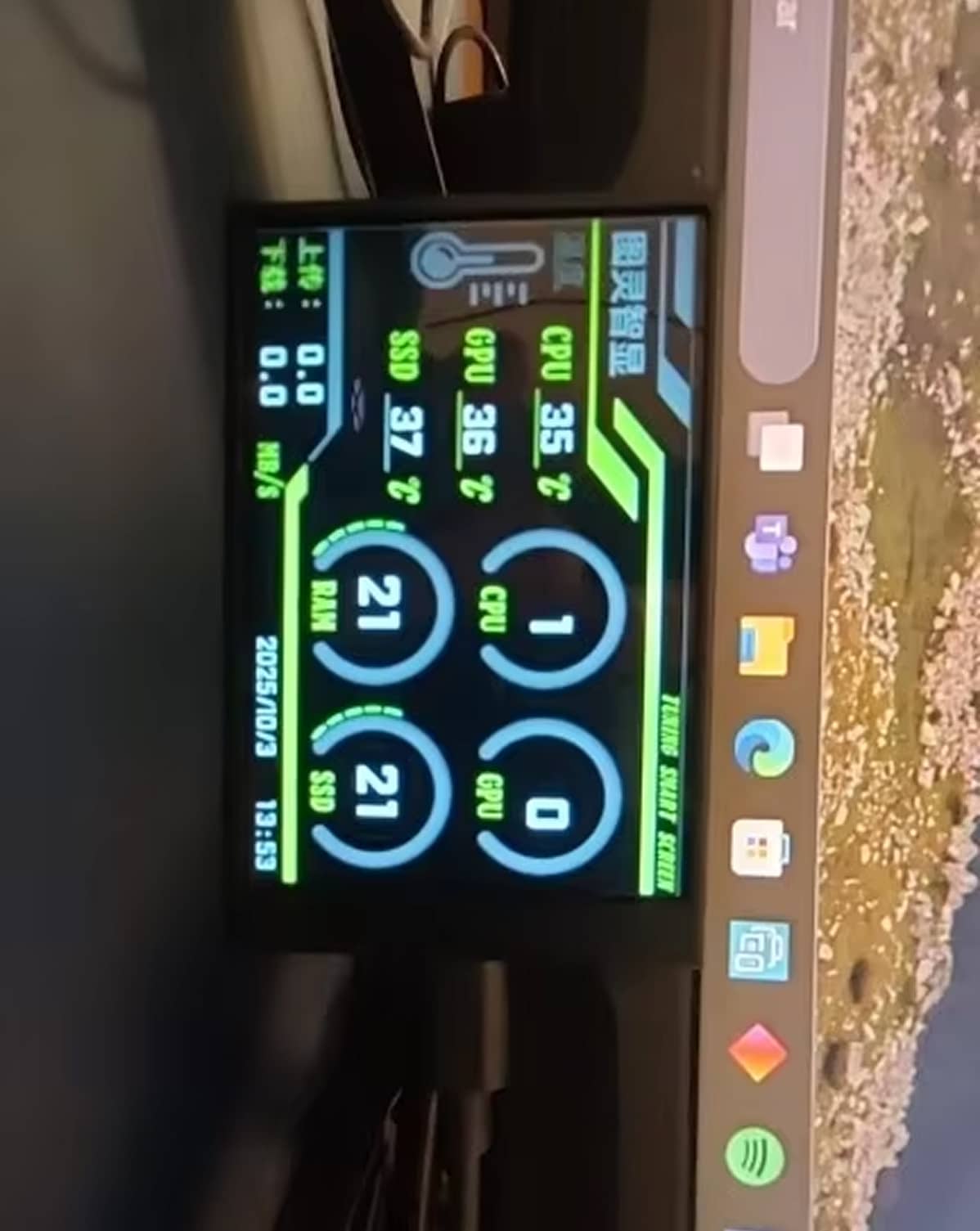
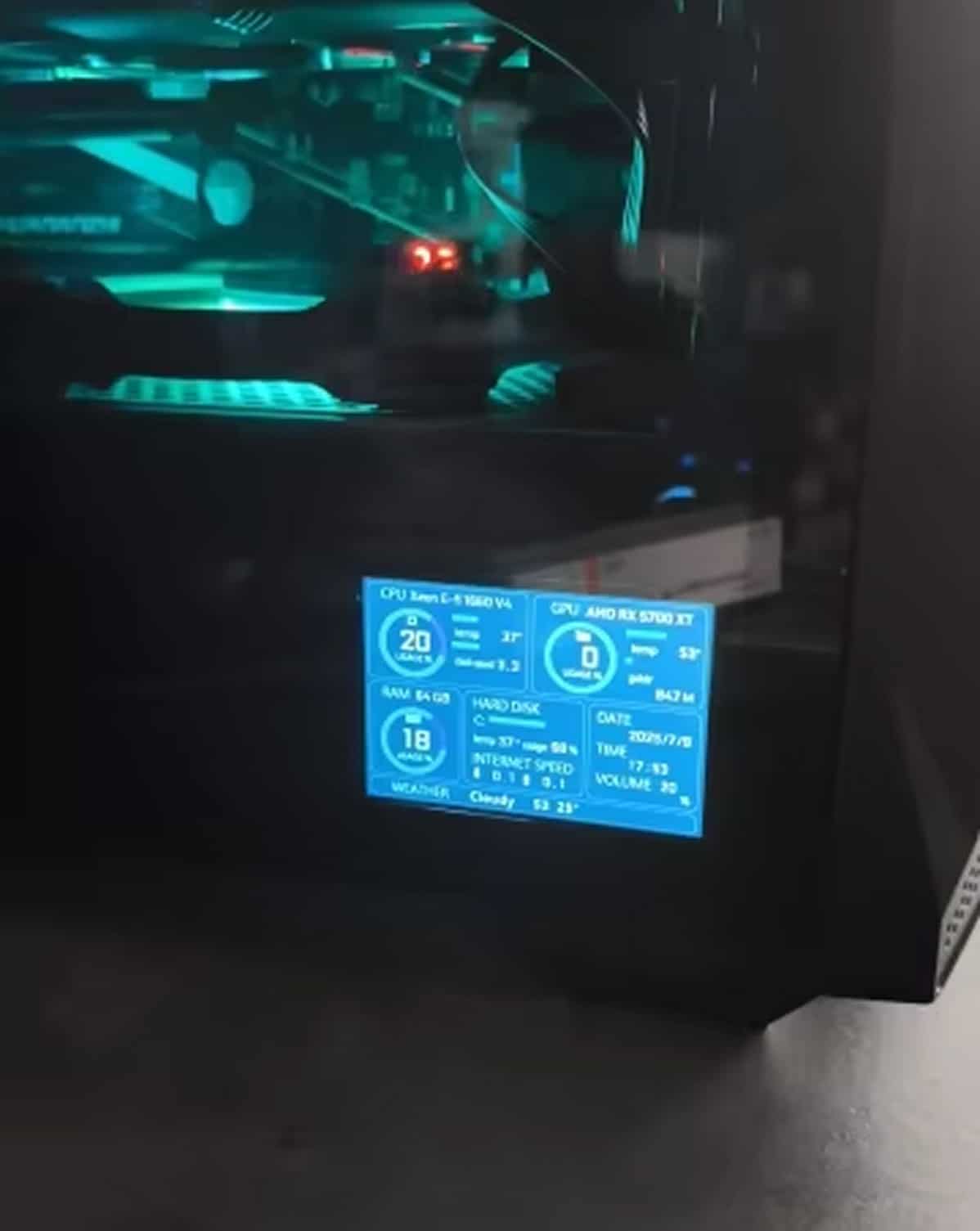
Track everything that matters: CPU and GPU temperatures, usage percentages, RAM and disk activity, network upload/download speeds, system time, volume levels, and local weather forecasts all on one screen.
STUNNING VISUAL CLARITY
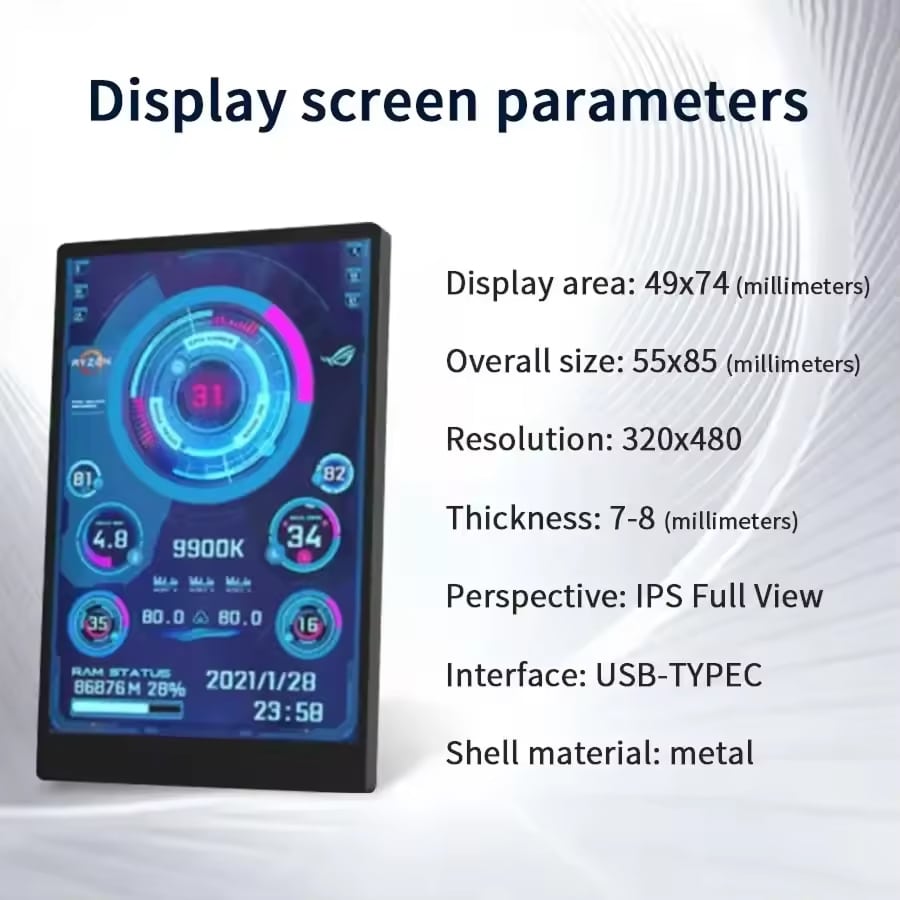
The 320×480 IPS panel delivers vibrant colors and full viewing angles, ensuring perfect readability whether mounted inside your tempered glass case or positioned on your desk for quick glances during work.
LIMITLESS CUSTOMIZATION
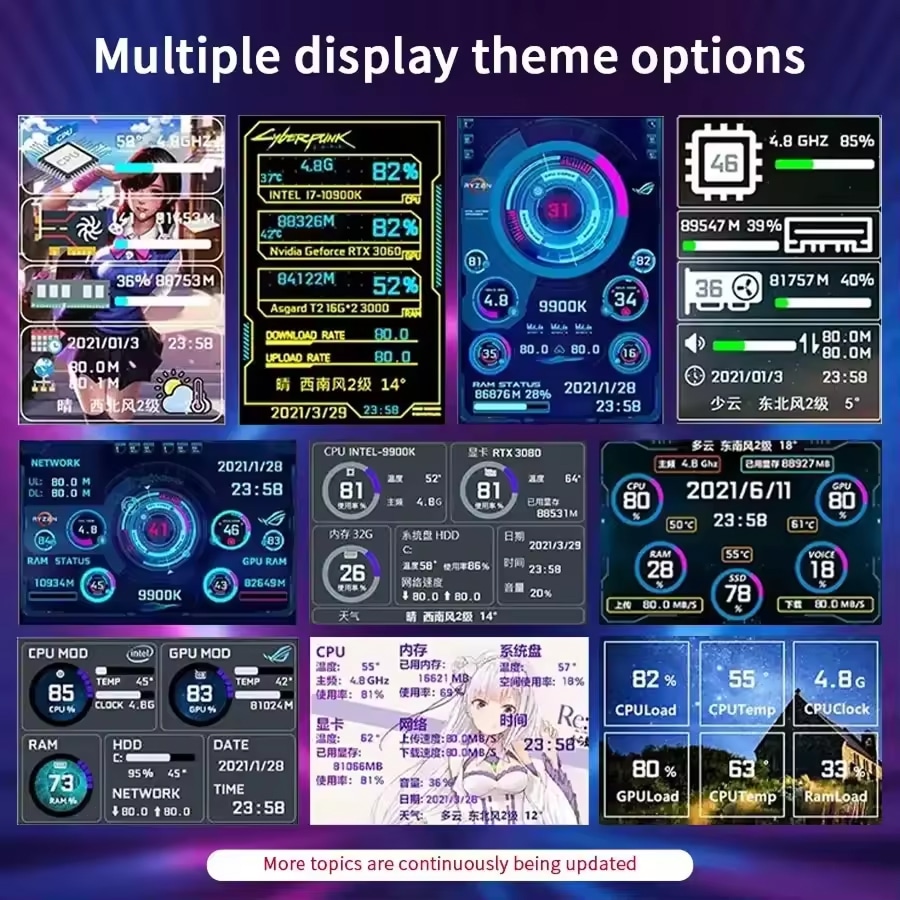
Choose from multiple pre-loaded themes or unleash your creativity with the visual theme editor. Drag-and-drop elements, upload custom backgrounds, and switch themes instantly to match your mood or setup aesthetic.
COMPACT METAL BUILD
The durable metal housing measures just 55×85mm and 7-8mm thin, fitting seamlessly into any build. Adjustable brightness protects your eyes during late-night sessions while maintaining excellent visibility.
UNIVERSAL COMPATIBILITY
Works flawlessly with Windows 7, 8, 10, and 11 systems. The NanoVidex reads standard hardware sensors, making it compatible with virtually any desktop PC configuration without special requirements or modifications.
Image Gallery
What's Included in Your Package
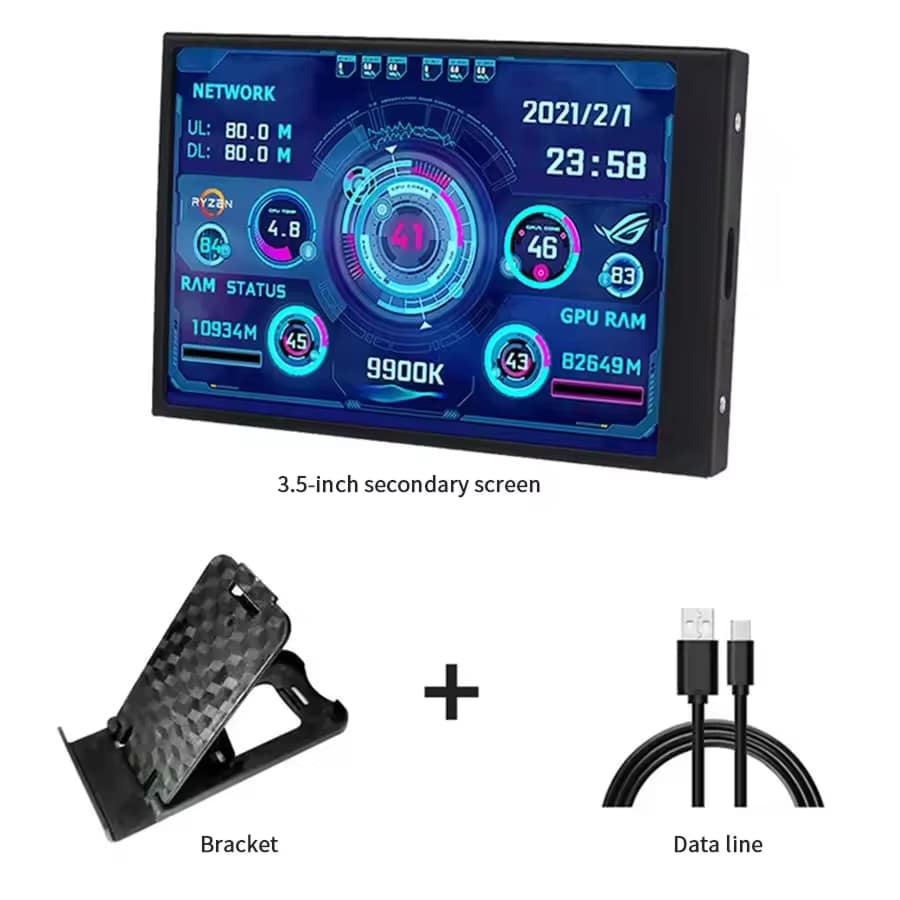
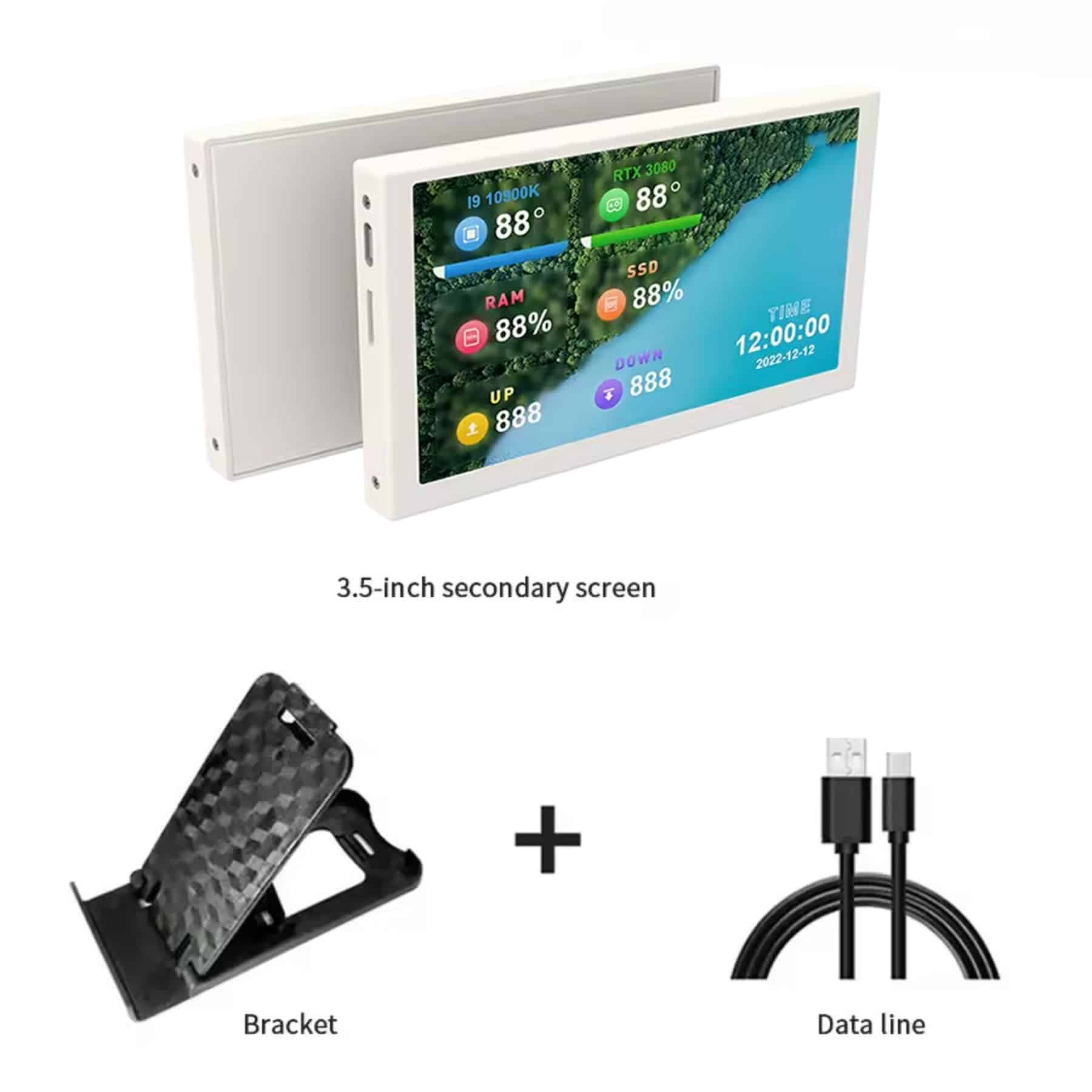
Mini Screen Monitor
Bracket
Data Cable
User Manual
24/7 Customer Support
We understand the value of your time. That’s why our team is trained to respond promptly and efficiently, ensuring your queries and issues are addressed without unnecessary delays.
Learn More About NanoVidex
Frequently Asked Questions
Does the NanoVidex Mini Screen Monitor require AIDA64 software to function?−
No, the NanoVidex comes with its own lightweight monitoring software that requires no AIDA64 installation. Simply plug in the USB-C cable, install the included app, and start monitoring your system immediately.
Can I mount the NanoVidex inside my PC case?+
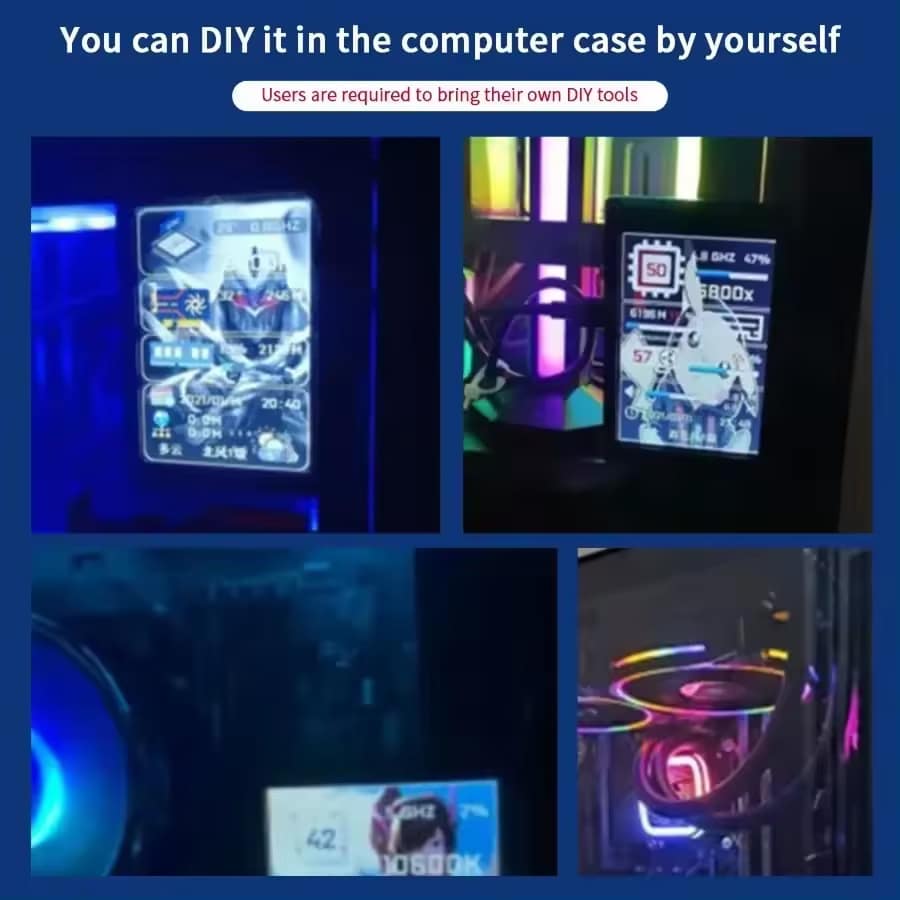
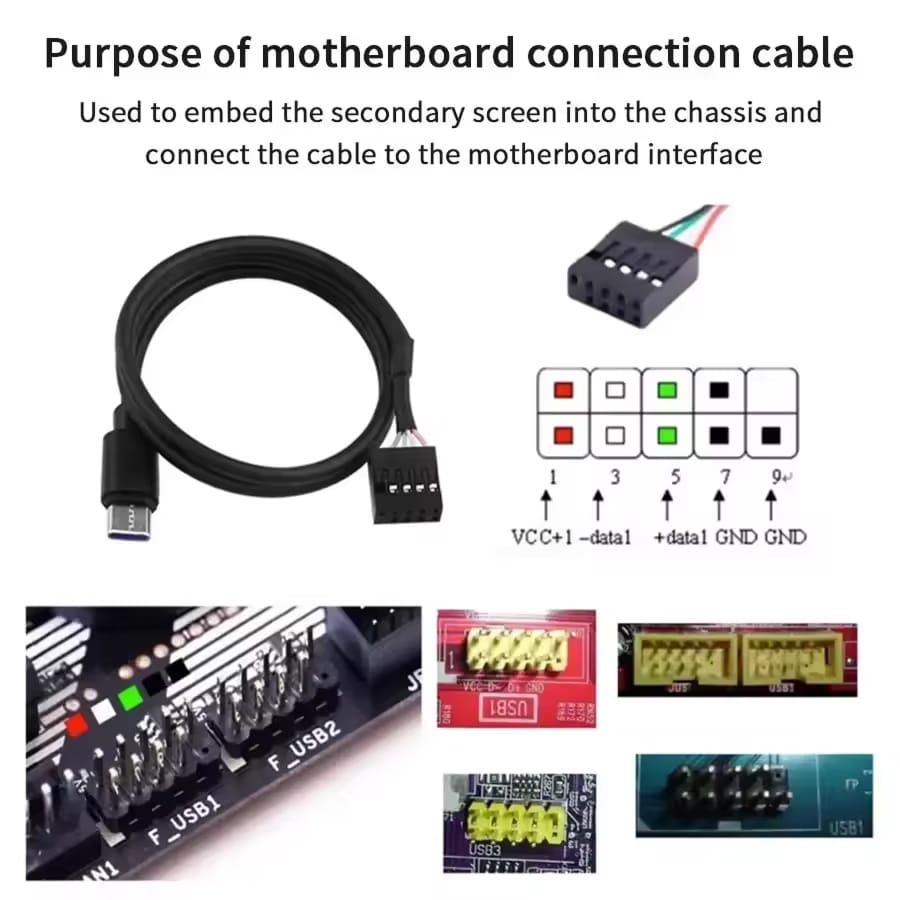
Yes, the compact 55×85mm metal housing fits perfectly inside most PC cases. You can use the included USB-C cable or connect to an internal USB header for clean cable management.
How much system resources does the monitoring software consume?+
The NanoVidex software uses ultra-low resources compared to traditional monitoring suites like AIDA64. It runs efficiently in the background without impacting gaming performance, rendering tasks, or system responsiveness.
Does the screen support custom themes and backgrounds?+
Absolutely. The NanoVidex includes a visual theme editor that lets you drag-and-drop elements, upload custom backgrounds, and switch between multiple pre-loaded themes with one click for complete personalization.
Can I adjust the screen brightness?+
Yes, the NanoVidex features stepless brightness adjustment. You can fine-tune the display intensity to reduce eye strain during extended use while maintaining excellent readability in any lighting condition.
Will the NanoVidex work with my laptop?+
While designed primarily for desktop PCs, the NanoVidex works with any Windows computer that has an available USB port. However, its compact size and monitoring features are optimized for desktop setups.
Does the screen automatically turn on when I boot my PC?+
Yes, you can enable auto-start functionality so the NanoVidex launches automatically with Windows. Your custom theme, brightness settings, and preferences are saved and restored every time you boot up.
What information can the NanoVidex display simultaneously?+
The NanoVidex can display CPU/GPU temperatures and usage, RAM and disk activity, network speeds, system time and date, volume levels, and weather forecasts—all customizable through the theme editor.
TOP #1 FAVORITE Mini Screen Monitor
Trusted by Thousands of Satisfied Customers
David R.
The NanoVidex transformed my setup. Installation took literally 30 seconds, and now I can monitor temps and performance without alt-tabbing. The IPS screen looks fantastic inside my tempered glass case.
Amanda T.
I was skeptical about needing another monitor, but the NanoVidex is incredibly useful. Real-time GPU temps during gaming, network speeds during downloads – all at a glance. The custom themes are a nice touch.
Kevin P.
Best PC accessory I’ve bought this year. Uses almost no resources, looks professional, and the metal build feels premium. The brightness control is perfect for late-night sessions without eye strain.