4.8 rating based on total orders
In stock and ready to ship
LIMITED SALE
MeloxDyne Outdoor Speaker For Projector
Charging Cable
User Manual
Frequently Asked Questions
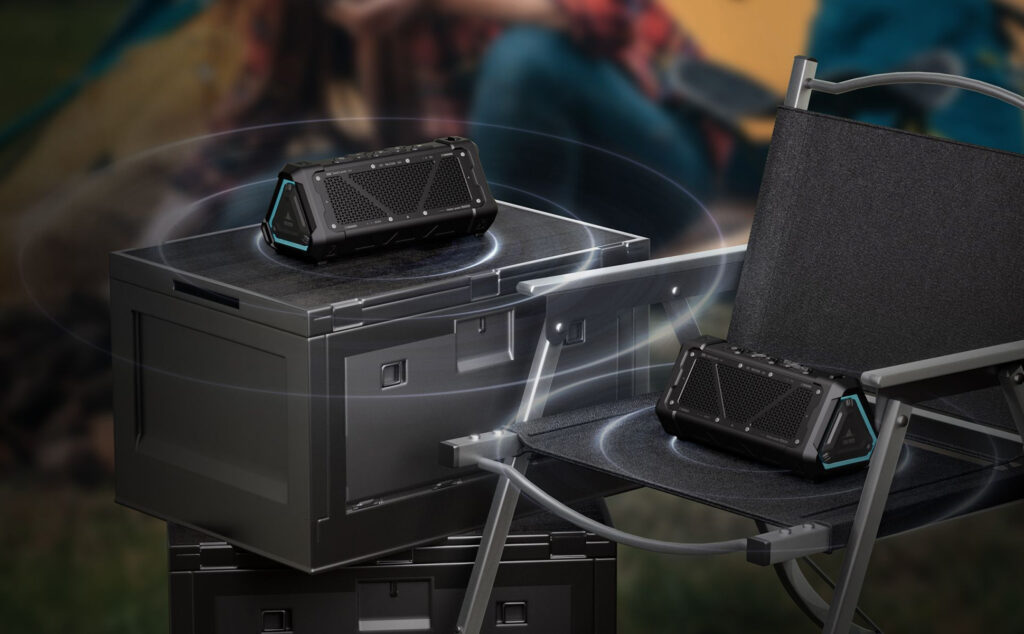
To connect two MeloxDyne speakers, turn on both units and enable TWS mode by pressing the pairing button. The speakers will automatically sync within seconds, creating a stereo sound system that doubles your audio power and coverage for an immersive listening experience.
The MeloxDyne speaker supports MP3, WMA, WAV, FLAC, and APE formats through Micro SD card playback. Ensure your memory card is formatted to FAT32 and your music files are in these compatible formats for seamless offline music enjoyment during outdoor adventures.

The MeloxDyne speaker requires approximately 6 hours for a full charge using the included USB-C cable and a 5V/1A charger. The LED indicators will show charging progress, and the speaker can be used while charging if needed for continuous playback.
Yes, the MeloxDyne speaker supports pass-through charging, allowing you to continue using it while connected to power. This feature ensures uninterrupted audio during extended parties or events where continuous playback is essential for maintaining the atmosphere.
The MeloxDyne speaker features Bluetooth 5.3 technology with a range of approximately 33 feet (10 meters) in open spaces. The advanced anti-interference technology maintains stable connections even in outdoor environments with multiple wireless signals present.
Ensure all port covers are securely closed before exposing the MeloxDyne speaker to water. The IP67 rating protects against immersion up to 1 meter for 30 minutes, but always dry the speaker thoroughly after water exposure for optimal longevity.
The MeloxDyne speaker does not support direct USB drive playback but accepts Micro SD cards for offline music. You can transfer your music files to a compatible Micro SD card formatted to FAT32 for convenient plug-and-play functionality without Bluetooth.
Reset your MeloxDyne speaker by locating the small reset button in the AUX-in jack and pressing it with a pin for 3 seconds. This will reboot the system and resolve most operational issues while preserving your paired devices and settings.